

"Distance between rails" in a server rack means two different things, and mixing them up is the fastest way to order the wrong rail kit. Side to side, the distance is fixed by the 19-inch standard and never changes. Front to rear, it is set by wherever the installer positioned the posts, and it is the number that decides whether a rail's bracket range will reach. This article covers both, how to measure each, and what to do when the front-to-rear figure is outside the range you need.
Two distances, one phrase
A 4-post rack has four vertical mounting rails, often called posts. That gives two distances between them.
- Side to side: 465.1 mm (18.312 in) between hole centers, left rail to right rail. EIA-310 fixes this for every 19-inch rack, open frame or enclosed, from any manufacturer. You do not choose it and you cannot adjust it.
- Front to rear: the distance between the front post and the rear post, measured between the mounting faces. This is adjustable on nearly every enclosed cabinet and on many open frames, and it is different from the cabinet's external depth. It is also called mounting depth or rail-to-rail depth.
When a rail datasheet says "fits rack depth 600 to 900 mm", it means the front-to-rear distance, not the cabinet depth. When a chassis datasheet says "19-inch rack mount", it means the side-to-side distance. Both are needed before a rail can be specified. For the surrounding dimensions, see server rack dimensions explained.
Side-to-side distance: fixed by EIA-310
Engineers sometimes measure the left-to-right dimension and wonder why their figure does not match 465.1 mm. It depends on where you measure.
- 465.1 mm is hole center to hole center. Measure from the center of a hole on the left rail to the center of the same hole on the right rail.
- The clear opening between the inside edges of the two rails is smaller, with a minimum of 450.85 mm (17.75 in). This is the space the chassis body passes through.
- The outside of the flanges, where the equipment's front ears land, is wider, up to the 482.6 mm (19 in) panel width.
For rails, the side-to-side distance matters only through the side clearance it leaves beside the chassis, which sets how thick a rail can be. That subject has its own article: server rack rail width and side clearance. If your measured hole spacing is not close to 465.1 mm, you have a 23-inch telecom rack, a 21-inch OCP rack or a non-standard cabinet, and the rail brackets will need to reflect that. See the 19-inch rack standard.
Front-to-rear distance: adjustable, and the number that matters
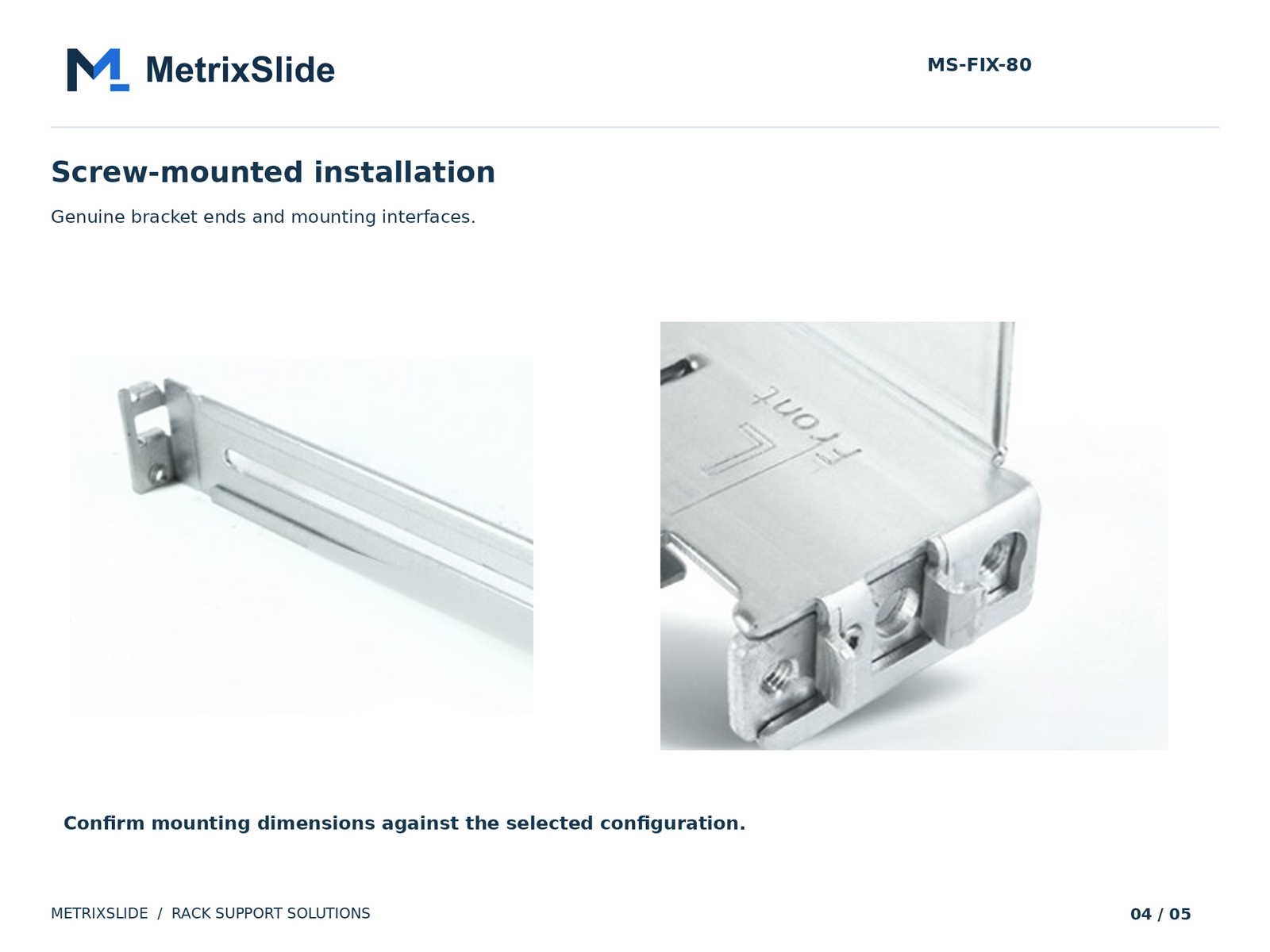
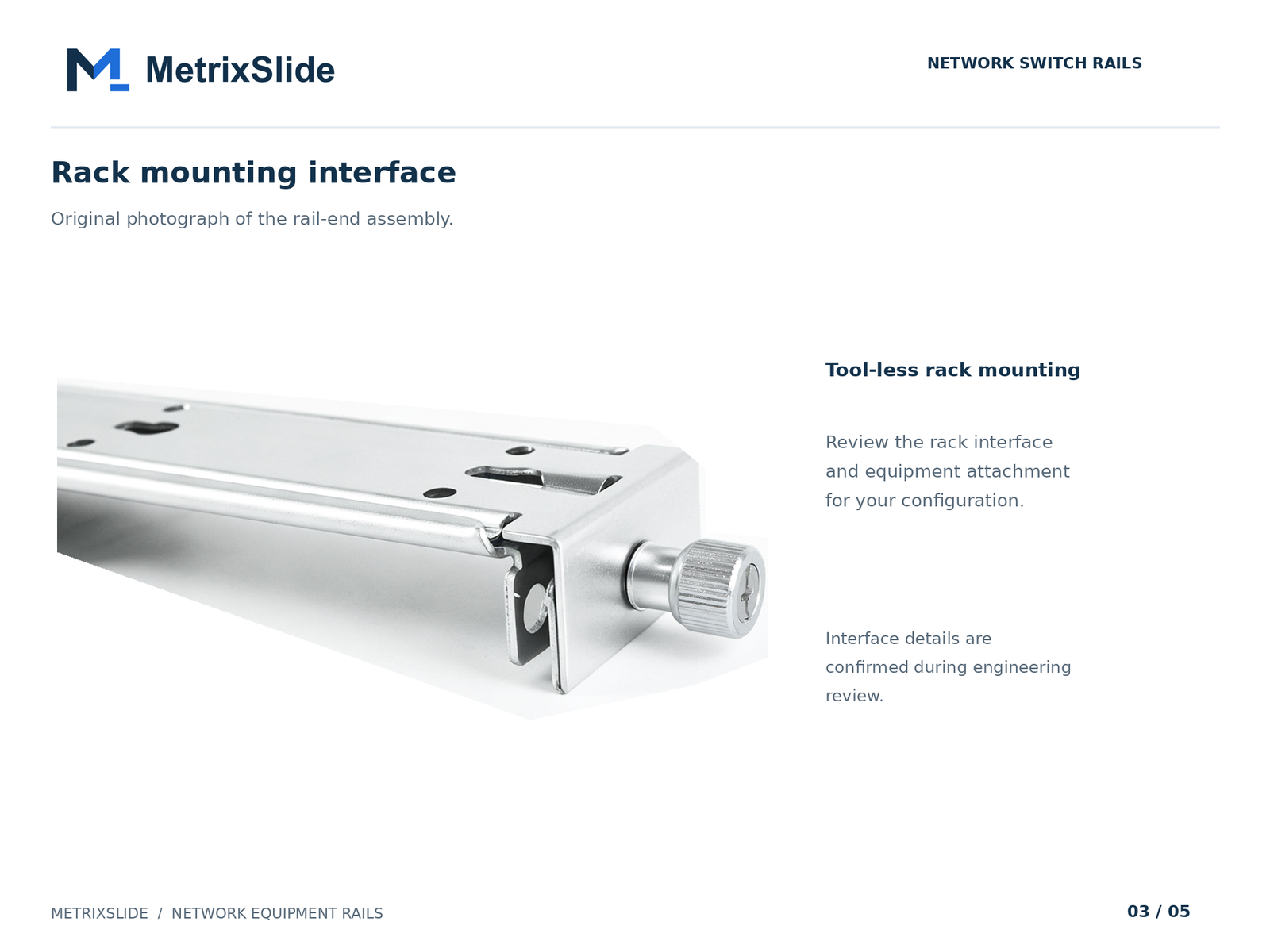
The front-to-rear post distance is the rail dimension. A sliding rail's outer member has a front bracket and a rear bracket; the rear bracket slides in a slot or telescopes on a sub-member, and the range over which it can move is the rail's bracket adjustment range. Your post distance must fall inside that range with margin at both ends.
Three points that are often missed:
- The post distance is not the cabinet depth. A 1,000 mm cabinet has perhaps 600 to 900 mm between its posts depending on where they were set. The definitions are in rack mounting depth vs rack depth vs chassis depth.
- It can differ from side to side and top to bottom. Adjustable posts drift, and racks are not always square. Measure at the U position you will use, on both sides.
- It decides the rear clearance. Whatever remains between the rear post and the rear door, PDU or cable tray is the space for power cords, a folded cable management arm and the rear of the rail.
How to measure both distances
For the side-to-side check:
- Pick one hole on the left front rail and the corresponding hole on the right front rail.
- Measure center to center with a steel rule. Expect 465.1 mm; a few tenths either way is normal.
- Note the hole type: square 9.5 mm, round unthreaded, or threaded (M5, M6, 10-32 or 12-24 style). See rack hole types.
For the front-to-rear distance:
- Measure from the front face of the front post to the front face of the rear post, or rear face to rear face, at the same hole row. Do not measure from the front door to the rear door.
- Repeat on the other side and at the top and bottom of the range of U positions you plan to use. Record the minimum and the maximum.
- Measure from the rear post to the nearest obstruction behind it (door, vertical PDU, cable tray). This is the rear clearance.
Write the results down as a range, not a single number, and include them in the RFQ; see what to send with a server rail RFQ.
Typical front-to-rear ranges
Enclosed server cabinets are sold by external depth, and the post distance that results depends on the frame design and where the posts are set. The bands below are generic and describe what is usually possible; the actual figure in any cabinet is whatever the installer chose.
| External cabinet depth | Typical front-to-rear post distance range | Usual equipment |
|---|---|---|
| 600 mm | about 400 to 500 mm | Switches, patch panels, shallow appliances |
| 800 mm | about 500 to 650 mm | Network gear, short-depth servers |
| 1,000 mm | about 600 to 800 mm | Standard 1U to 4U servers |
| 1,070 mm | about 650 to 900 mm | Servers with cable management arms |
| 1,200 mm | about 700 to 1,000 mm | Deep servers, storage, GPU chassis with rear clearance |
Most 4-post server rails cover a bracket range somewhere in the 600 to 900 mm band, which is why they fit most 1,000 mm and deeper cabinets. Racks at the shallow end of the table, and any cabinet whose posts have been pushed to an extreme, are where fit problems appear. The full sizing arithmetic, including closed length and travel, is in server rail length and travel.
Adjusting the rack posts
On most enclosed cabinets the front and rear vertical rails are bolted to horizontal members at top and bottom, and can be slid forward or back in slots. Before assuming you need a different rail, check whether the posts can be moved.
- Unload the rack first, or at least the section you are adjusting. Posts under load will not slide and may bend.
- Loosen the fixing bolts at top and bottom, move the post to the new position, check that both sides read the same on the frame scale, then torque the bolts back down.
- Move the rear posts rather than the front ones where possible. The front posts set the position of the front doors and bezels; the rear posts only affect rear clearance.
- Re-check rear clearance after the move. Pushing the rear posts back to suit a long rail can leave no room for power cords or a folded CMA against the door.
- Open-frame 4-post racks are often adjustable in steps rather than continuously; check the frame's hole pattern.
Some cabinets, particularly older or budget models, have fixed post positions. In that case the post distance is what it is, and the rail has to adapt.

When the posts are too close together
If the measured post distance is below the rail's minimum bracket setting, the rear bracket cannot reach far enough forward, and one of three things happens: the rail will not install, the bracket is forced at the very end of its slot with no margin, or the rear of the rail hits the door or PDU before the bracket engages.
Options, in order of cost:
- Move the rear posts back, if the cabinet allows it and rear clearance survives.
- Choose a rail with a shorter minimum bracket setting and, usually, a shorter closed length. A rail that is long enough for a 900 mm rack cannot be shortened in the field.
- Request an engineering review when the available rail does not fit. Length and bracket changes must be checked for the proposed configuration; the rack-depth compatibility guide explains the required inputs.
Do not cut a rail, and do not mount the rear bracket to the wrong hole row so it "reaches". Both remove the overlap and the anti-drop engagement the rating depends on.
When the posts are too far apart
If the post distance exceeds the rail's maximum bracket setting, the rear bracket cannot reach the rear post at all.
- Move the rear posts forward, keeping chassis depth plus rear protrusions inside the new distance.
- Choose a rail with a longer bracket range. Longer-range rails usually also have a longer closed length, so check that against the chassis.
- For fixed equipment, a longer support rail or a rear extension bracket can bridge the gap. Sliding rails should not be extended with improvised brackets.
FAQ
What is the distance between rails in a 19-inch server rack?
Side to side, 465.1 mm between hole centers, fixed by EIA-310 for every 19-inch rack. Front to rear, it is adjustable and depends on where the posts were set; in 1,000 mm and deeper server cabinets it is typically somewhere between 600 and 900 mm.
How do I measure rack rail spacing front to rear?
Measure from the front face of the front post to the front face of the rear post at the same hole row, on both sides and at the top and bottom of the U positions you will use. Record the minimum and maximum. Then measure from the rear post to the nearest obstruction behind it for rear clearance.
Is the rack depth the same as the distance between the rails?
No. Rack depth is the external dimension of the cabinet, including doors. The distance between the front and rear rails is always shorter, often by 100 to 300 mm, and it is the number a rail's bracket range must include.
Can I adjust the distance between the front and rear posts?
On most enclosed cabinets, yes. The posts bolt to horizontal frame members through slots and can be repositioned after unloading the rack. Some open frames adjust in fixed steps, and some budget cabinets have fixed posts. Check both sides read the same after moving.
What if my rack's post distance is outside the rail's adjustment range?
Move the posts if the cabinet allows it. If not, choose a rail whose bracket range includes your measurement, or have the rail's length and bracket range adjusted at the factory. Do not cut a rail or force the bracket past its slot; both remove the engagement the load rating depends on.
Next step
Measure the post distance on both sides, note the hole type and rear clearance, and send those with the chassis model or drawing through the quote page. MetrixSlide returns a fitment proposal reviewed by a mechanical engineer within 24 hours. If your post distance falls inside a standard range, the sliding rack rails range ships from one pair in 3 business days; if it does not, bracket range and length can be adjusted without a tooling fee.
King Slide is a trademark of King Slide Works Co., Ltd. Dell and PowerEdge are trademarks of Dell Inc. HPE and ProLiant are trademarks of Hewlett Packard Enterprise. Other brand names are the property of their respective owners and are used only to describe compatibility or comparison. MetrixSlide is not affiliated with, endorsed by, or sponsored by these companies.