Quick, practical guidance for identifying rack hole types (square, round, threaded), matching fasteners and cage nuts, and confirming rail fit before you buy rails or order samples.
How to Identify Rack Hole Types: Square, Round, and Threaded
Knowing the exact hole type on your rack posts is the first hard gate for rail compatibility. Use these fast, repeatable checks on-site so you can decide whether you need cage nuts, threaded rails, or an adapter.
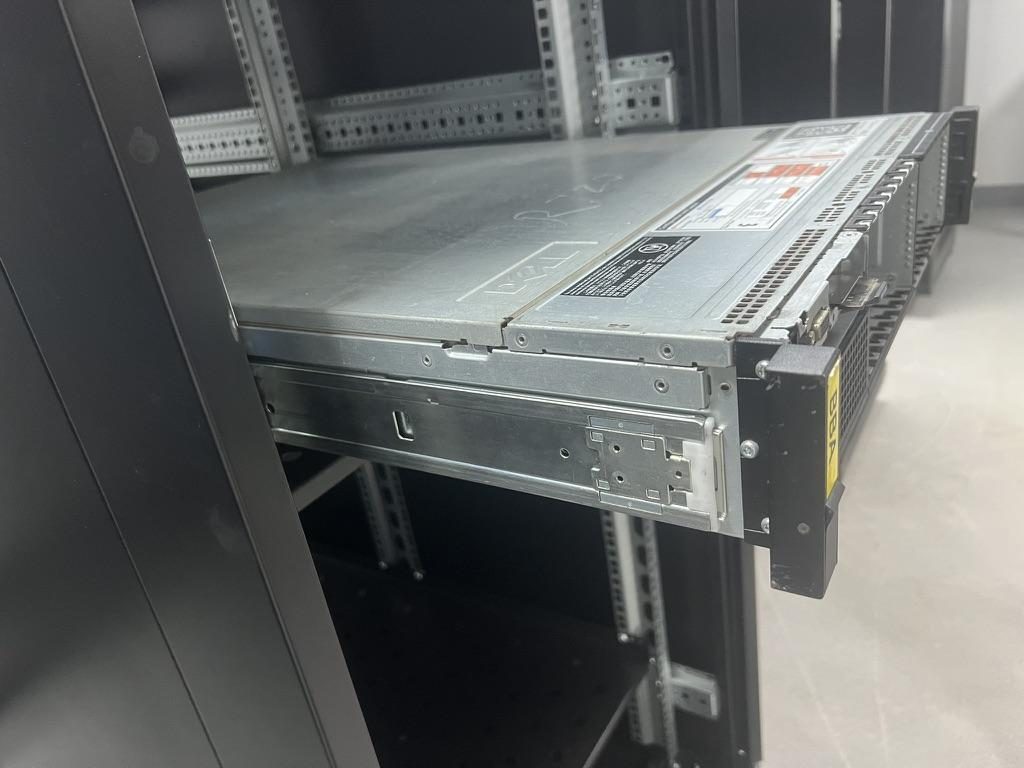
 Server rail sample display rack at the MetrixSlide factory showroom
Practical identification methods
- Visual inspection: photograph the post at 90° and 45° to capture hole shape and any stamping burrs, elongation or lip geometry. Note single-row vs repeating rows and whether rows are staggered or centered.
- Caliper or drill‑gauge: measure across the hole opening to determine whether it is square, circular, or a tapped bore. If you only have a handheld gauge, capture the measurement and a photo; bench verification later is good practice.
- Trial-fit parts: a known captive nut or a machine screw will quickly tell you whether the hole accepts a cage nut or is pre‑tapped. Carry one example screw of the series you expect (for example a 10‑32 or an M6) and a representative square cage nut to test fit where practical.
Common hole types you will see (examples, not universal)
- Square‑punched recess (for captive/cage nuts): many 19‑inch front posts are punched to form a square recess sized to accept a captive (“cage”) nut. Customer drawings we use as engineering inputs commonly show a 9.5 × 9.5 mm recess as the working example for square punched holes. Treat the 9.5 × 9.5 mm figure as a product‑specific datum, not a universal rule.
- Round hole: some rack posts are simple round holes. In a number of customer interface drawings the round-hole example is Ø7.1 mm; again, this is an example found in project inputs rather than a universal standard.
- Pre‑threaded / tapped hole: some posts are factory‑tapped to accept a machine screw directly. Thread families encountered in our project evidence include UNC 10‑32, #12‑24 and metric M6 — but “threaded” by itself is insufficient information: identify the actual thread specification before ordering hardware.
How to spot wear, deformation or non‑standard holes
- Elongated holes or burrs indicate prior cage‑nut use or misalignment; do not force new hardware. Photograph and measure.
- Flaking or corrosion on plated posts can reduce thread engagement—always trial‑fit and hand‑run screws first.
- Non‑standard punch shapes (oval, oversized) require vendor confirmation — some rails use retainers or alternative captive nut designs to work with these shapes.
On‑site decision tree (quick)
- Square recess → use the cage nut size that matches the recess and the screw series you intend to use.
- Round hole that clears a screw shank → consider a clinch/rivet nut or plain shank screw with mating nut/washer if the system was designed that way.
- Visible threads → verify the thread series (10‑32, #12‑24, M6, or other) with a known screw or thread gauge before ordering rails.
MetrixSlide engineering practice: always save a hole‑type photo plus a short measurement note with your RFQ. That removes the most common ambiguity when engineers quote rail brackets.
Thread Standards and Matching Fasteners: 10‑32, #12‑24, M6 and Cage Nuts
Match the rack hole type to the screw and cage‑nut choices precisely—mixing UNC and metric hardware is a common source of stripped posts and misfits. Use these practical rules and the substitution caveats below.
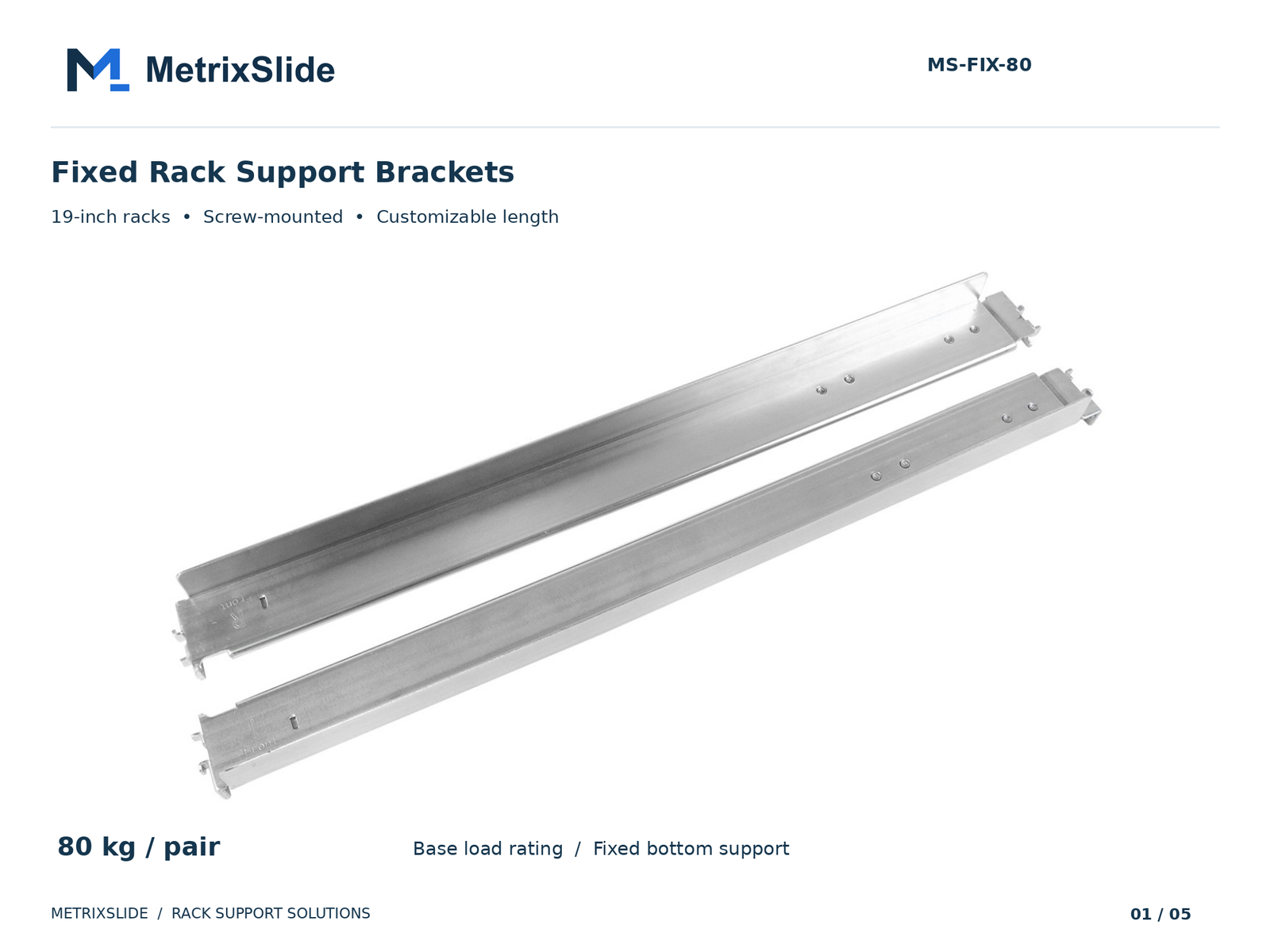 MS-FIX-80 Fixed Rack Support Brackets — view product
Quick mapping (examples from practice)
- Square punched recess (≈9.5 × 9.5 mm in many project drawings) → use the corresponding square captive (cage) nut plus a matching machine screw. Select a screw series that matches your rack or your chosen captive nut.
- Round plain hole (project examples near Ø7.1 mm) → may be used with rivet/clinching nuts, spring pins, or plain‑shank fasteners depending on intended assembly.
- Factory‑threaded hole → use the screw matching the thread series; common series seen in project evidence are 10‑32, #12‑24 (UNC) and M6 (metric), but always confirm the actual thread on the rack post.
Which screw families mean what (practical note)
- 10‑32 and #12‑24 are UNC thread families commonly encountered in North American equipment; M6 is the common metric alternative in international racks. Because thread form and pitch differ, do not mix UNC and metric without explicit compatibility verification.
Cage nuts and tool‑less brackets
- Tool‑less brackets and spring‑pin mechanisms can save installation time, but they only work when the rail’s mounting ear or pins are explicitly designed for the rack‑side profile. Product examples exist of rails engineered to adapt across hole types, but this is an engineered property — do not assume it.
- When the rack uses square punched holes, the canonical solution is a captive/square cage nut sized to the recess; tool‑less clips are convenient but not universally compatible.
Substitution rules (what not to do)
- Do not substitute a metric screw for an UNC thread (or vice versa) — cross‑threading and stripped posts are likely.
- Do not use a longer screw without checking rear clearance — busbars, trays and adjacent equipment can be damaged.
- Where posts are damaged or non‑standard, prefer a retainer/captive nut or a rivet nut rather than forcing the original method.
If you include hole photos and thread‑check notes with your RFQ, your supplier can recommend the correct captive nut kit and screw pack for your racks.
Rail-to-Post Compatibility, EIA‑310 U‑Spacing, and Measuring Mount Depth
Compatibility isn’t only hole type—rail geometry must match the rack family and the usable mounting depth. “19‑inch” (482.6 mm) is a dimensional family, not a guarantee of a drop‑in fit. IEC/EIA documents define the 19‑inch family; the pitch commonly used for RU measurement is 44.45 mm.
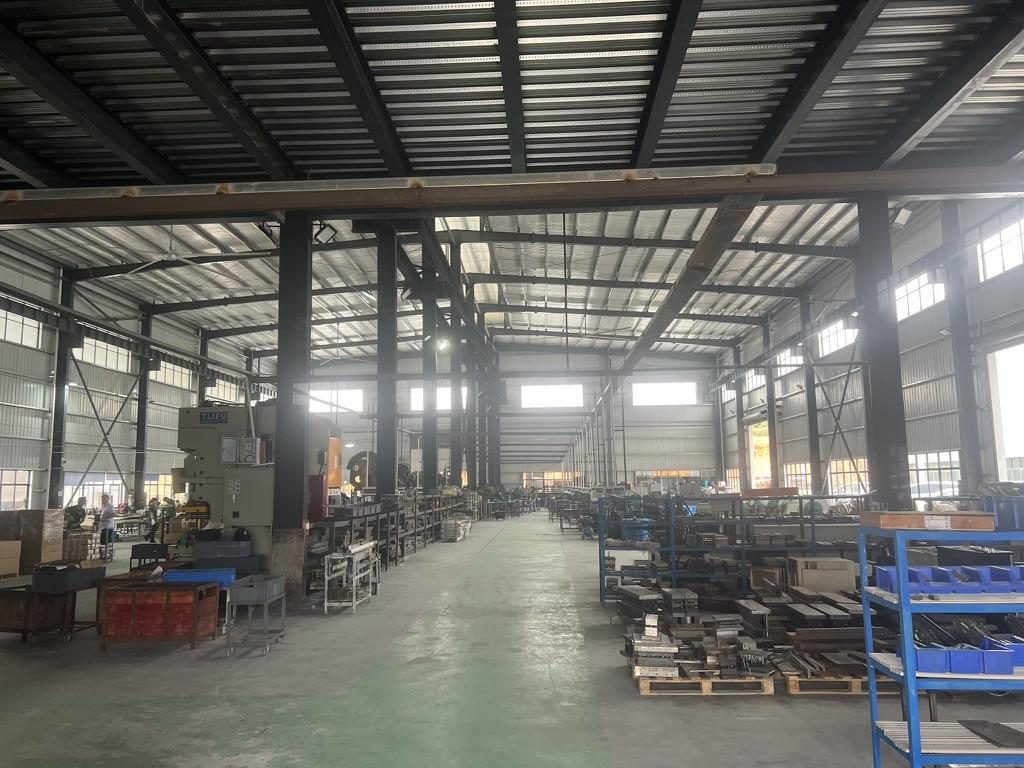
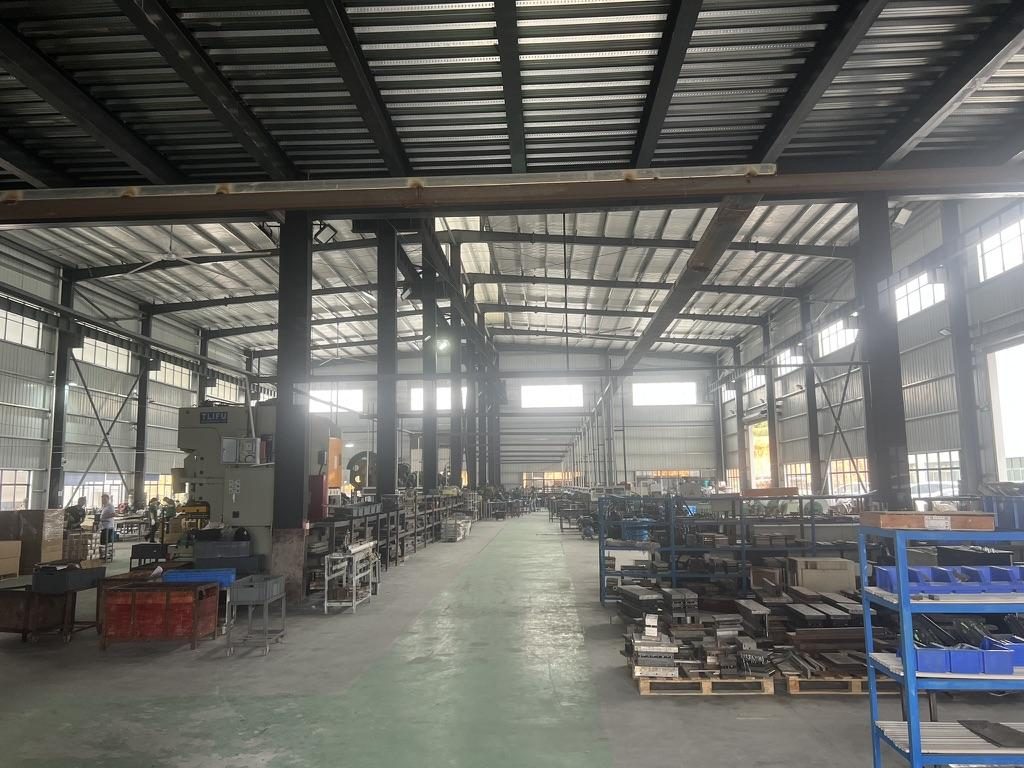 Overview of the server rail production workshop
Step‑by‑step measurement workflow (MetrixSlide practice)
- Confirm rack family (19‑inch / 482.6 mm) as a starting point, but treat it as only one input.
- Measure U‑pitch where the rail will mount: mark centrelines — 1 RU = 44.45 mm. Count usable U‑lines and identify how many hole positions per U are present.
- Measure post‑to‑post inside distance (usable width) and front‑to‑rear post spacing (mounting depth) — this is the distance the rail’s brackets must span. Note post profile (L‑section, box, lip) that can reduce usable depth.
- Record hole‑row pattern (single row, dual staggered row, continuous holes) and vertical centre‑to‑centre distances where the rail brackets will attach.
- Compare the measured mounting depth against the rail kit’s stated bracket range (often specified as a closed length and an extension/fit range). Do not infer fit from closed length alone.
Common cross‑vendor traps
- Small front‑interface offsets (for example a 2 mm difference in screw centre position) can shift a chassis out of its intended U‑space and cause interference with adjacent equipment. Front‑interface geometry must be checked against the rail front datum.
- Some rails are designed for single‑row cage nuts; they won’t sit properly on alternate hole patterns without adapters.
- OCP/ORv3 and 19‑inch differ in bay width and RU/OU definitions — confirm whether you need a 19‑inch EIA rail or an ORv3/OCP adapter before ordering rails.
Practical alignment check
- Make a simple paper or card gauge: mark U‑lines at 44.45 mm and the post centreline(s); hold it against the post and mark hole centres. Photograph the result with a ruler in the frame and send it with your RFQ. That small step prevents most compatibility surprises.
Installing Rails, Repairing Stripped Threads, and Safe Torque/Load Guidance
Installation procedures depend on hole type and on how the rail is designed to interface with the chassis. Use a test‑driven, conservative approach and inspect every mounting point on first installation.
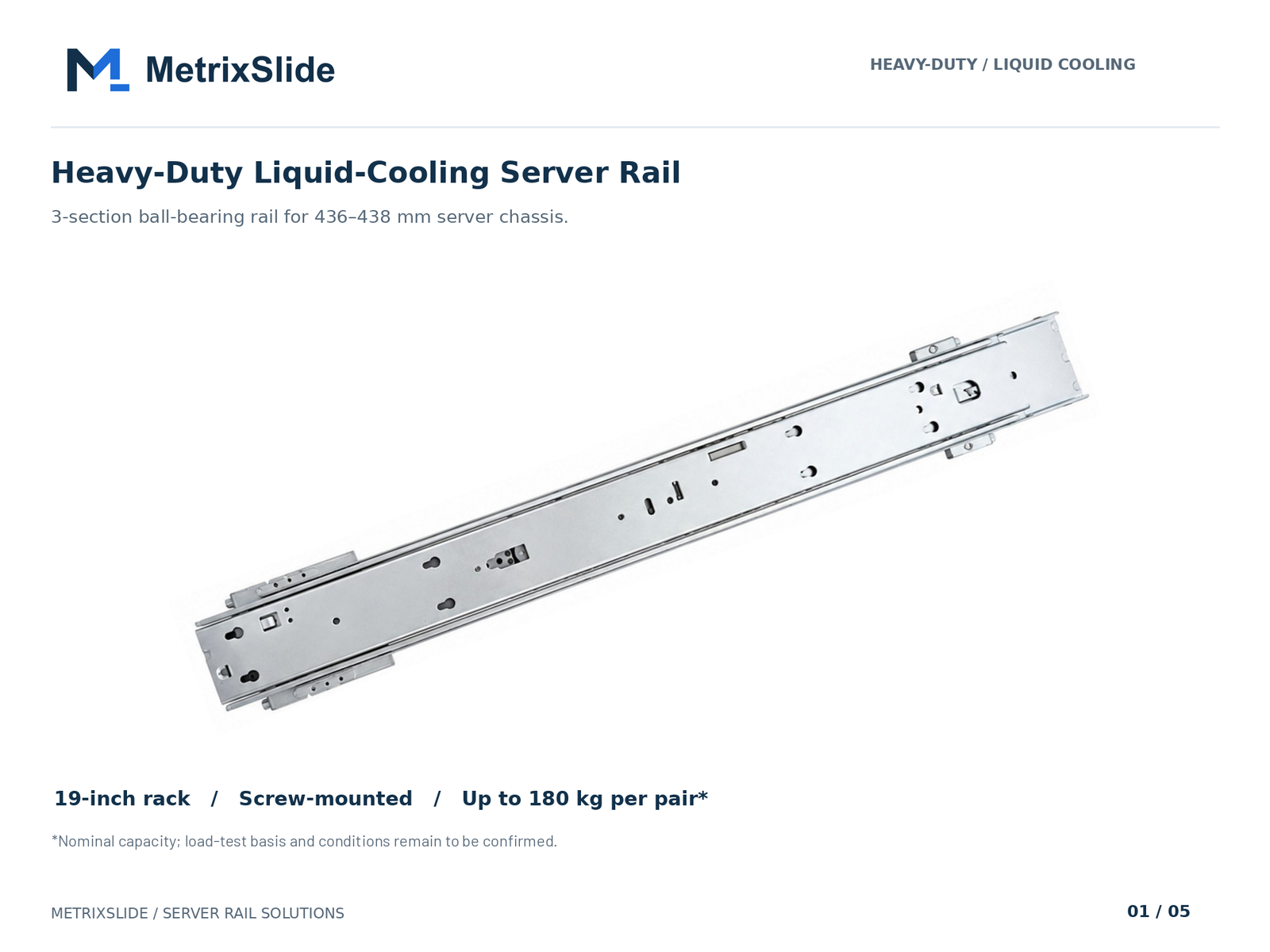 MS-BBR-180 Heavy-Duty Liquid-Cooling Server Rail — view product
Install steps by hole type (practice guidance)
- Square (cage nut): seat the captive nut in the square recess so its wings engage the post. Align rail bracket holes and insert the matching machine screw through the rail into the captive nut. Hand‑start and then torque with a calibrated driver; avoid deforming the captive nut wings.
- Round hole: where a rivet or clinch nut is specified, install it with the recommended tool before fastening. For plain‑shank designs, provide a rear nut or washer where practical.
- Threaded hole: verify thread series and hand‑run the screw to confirm engagement before using power tools.
Repairing stripped threads
- Do not simply drive a larger screw into a stripped post. Preferred fixes include installing a thread insert, fitting a captive/cage nut, or replacing the post if structural damage exists.
- For recurring failures, a rivet‑nut or a welded boss on the post flange is often the most durable repair. Document repairs and re‑test under representative load.
Safe torque and load guidance (conservative, test‑driven)
- Torque depends on screw size, thread family, and whether the screw engages a captive nut or a tapped post. Use the fastener manufacturer’s torque spec where available. If not, begin with a conservative torque on a calibrated driver and validate on a representative sample assembly.
- Rail load ratings must be read carefully: they should state per‑pair vs per‑rail, whether rating is static or dynamic, and the extension state at which the rating applies. For example, our heavy‑duty three‑section rail family includes a model with a nominal capacity of up to 180 kg per pair, for which a formal test report at that load is not yet available, so always check the specific datasheet for the model you plan to use and validate in your fixture.
Inspection checklist after a first install
- All screws hand‑checked and fully engaged; no cross‑threads.
- Cage nuts fully seated and wings not deformed.
- Rail travel smooth with no binding; locks operate and release as intended.
- Re‑check torque after the initial hours of use and after a full‑load test.
MetrixSlide engineering practice: request a small number of sample pairs and perform CAD fit checks and physical validation (fit and load) before committing to volume production. Follow the verification path: requirement → CAD → physical fit → performance.
Sourcing and Compatibility Notes
What to include when requesting quotes or ordering hardware
- Minimum rack data to supply: rack family, hole type and thread series (if threaded), U‑pitch, post‑to‑post mounting depth or range, hole‑row pattern, and a photo of the post with a scale/ruler.
- MetrixSlide and leading distributors commonly stock captive nut assortments and mixed screw packs, but confirm fit against your actual photos and measurements before purchase.
- For project RFQs, include chassis drawings or STEP files where possible; the usual engineering flow is: requirement → CAD review → sample pairs → physical validation → production.
Taxonomy — how MetrixSlide engineers classify choices (quick)
- Motion architecture: fixed vs sliding (two‑section, three‑section).
- Sliding mechanism: ball‑bearing vs friction.
- Mounting attribute: tool‑less / captive / screw, and installation style: stab‑in vs drop‑in.
- Parameters: section count, closed/extended/bracket range, per‑pair static rating, and lock‑out features.
Practical selection order (hard gates first)
- Chassis interface and features (T‑pins, J‑slots, screw centres).
- Rack interface (hole type, thread spec, mounting depth).
- Load hard gate (per‑pair rating for the intended extension and duration).
- Then choose preferences: ball‑bearing vs friction, tool‑less vs screw, thin vs heavy‑gauge rails.
Engineering examples (anonymised, real project figures)
We include these anonymised examples to show how hole type and depth drive rail choices. These are real project inputs we’ve used in engineering reviews.
- North American telecom OEM (1U friction rail): required tool‑less mounting for square 9.5 × 9.5 mm or round Ø7.1 mm EIA‑310 posts, post spacing range 674 ±3 mm to 919 ±3 mm, removable inner rail, and lock‑out at extended position. The design review reduced pull‑out to a practical lock‑out around 150 ±3 mm for load testing while retaining the tool‑less front‑interface and T‑pin keyhole retention. This input was a draft interface used to drive CAD and sample work.
- Indian HPC ODM (2U ball‑bearing family): bracket range specified 650–965 mm; representative installed post distance in their lab measured ≈812 mm. A small front screw centre issue (23 mm vs 21 mm datum) required a minor bracket datum adjustment to maintain U‑alignment. Samples and CAD were exchanged prior to sample manufacture.
- A SaaS company building its own servers (drop‑in / stab‑in conversion): their PEM T‑pin specification used as a datum in our J‑slot designs: head Ø ≈6.502 mm, shaft ≈4 mm, under‑head clearance ≈1.585 mm. Converting a family from stab‑in to drop‑in required only inner‑rail J‑slot redesign and a small CAD cycle; front‑to‑rear bracket ranges were retained from the original family.
These examples show common engineering practice: capture the hole and depth data, run CAD comparisons against the rail’s bracket range and front datum, then build a small sample set for physical verification.
FAQ
Q: How can I tell if a rack hole is threaded or requires a cage nut? A: Inspect the hole closely—visible spiral threads indicate a tapped hole. If the opening is a square recess, it is designed for a captive (cage) nut. When unsure, a trial‑fit with a known screw or a cage nut will confirm fit.
Q: What screw size should I use for a 19‑inch server rack: 10‑32, #12‑24, or M6? A: Use the screw series that matches the rack post: 10‑32 and #12‑24 are UNC (English) threads encountered in many North American installations, whereas M6 is the typical metric option for international racks. Verify the thread by test‑fitting or a thread gauge before ordering fasteners. Do not assume a thread family from the word "threaded" alone.
Q: Which cage nut size fits square holes in standard U‑spacing racks, and what part numbers are recommended? A: Many 19‑inch square recess examples in customer inputs use a 9.5 × 9.5 mm recess. Choose a captive nut compatible with the measured recess and the screw series you plan to use. Ask your supplier for a mixed kit that matches your measured recess rather than ordering by an assumed part number.
Q: How do I measure U‑spacing and mount depth to confirm rail compatibility with EIA‑310? A: Count U‑lines using the EIA pitch where 1 RU = 44.45 mm between panel centrelines, and measure the usable front‑to‑rear post distance between the post faces. Record the hole row pattern and the front datum to compare against the rail bracket adjustment range.
Q: What are safe torque settings and load limits for rack screws and rails to avoid stripped threads or failure? A: Torque depends on screw size, thread type and whether you are engaging a cage nut or a tapped post. Use the fastener manufacturer’s torque spec when available; otherwise use a calibrated torque driver at a conservative setting, validate on representative samples, and re‑check after initial loading. For rails, verify the per‑pair rating, the extension state for that rating, and test in the intended configuration.
Talk to a MetrixSlide engineer
Not sure how this applies to your servers? Send us a chassis drawing or model (STEP or DWG), the rack post-to-post distance and hole type, the expected load and your planned quantities. Within 24 hours you get a rail matching proposal from an engineer, followed by 2D/3D drawings for review and sample pairs (typically 15–20 days after drawing approval) for physical validation before the full order.
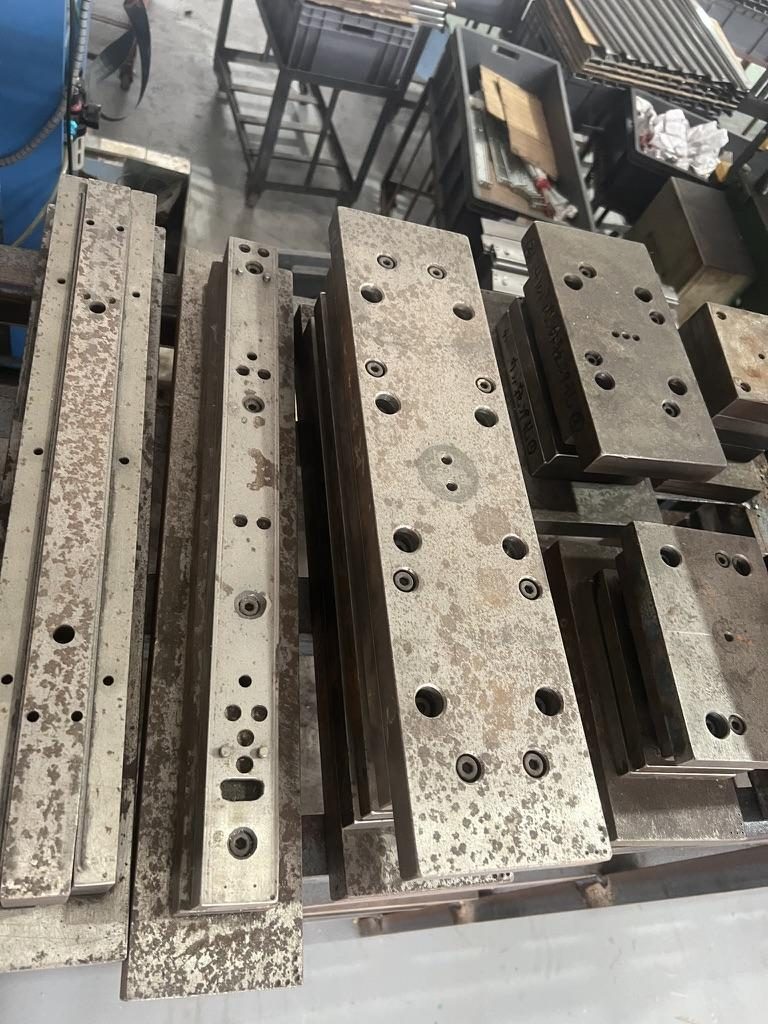
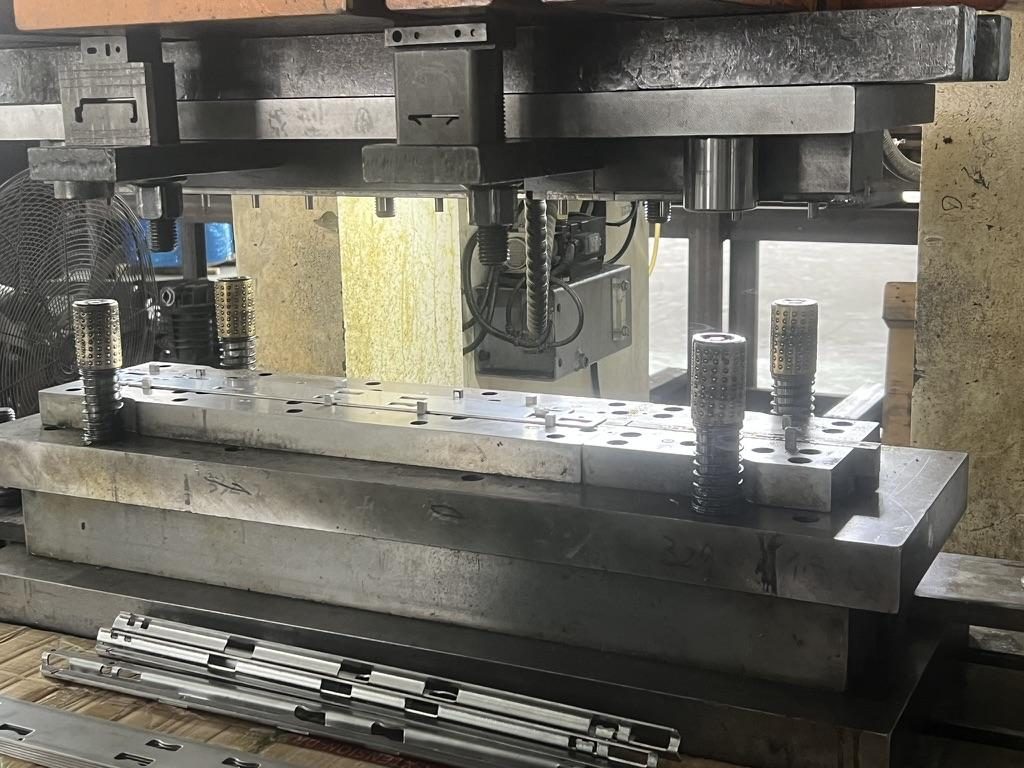
Bracket position, hole pattern, rail length and thickness adjustments on our existing platforms usually carry no tooling fee; structural redesigns are quoted separately with dies made in-house.
ISO 9001:2015 certified. MetrixSlide engineering practice: treat hole type as a separate compatibility variable, validate requirement → CAD → physical fit → performance, and keep hard gates (interface, depth, load) ahead of preferences (ball vs friction, tool‑less vs screw).