A practical guide to the exact chassis and rack measurements you must collect before specifying rails — so “2U” doesn’t become a costly assumption.
Understanding rack unit height (U), EIA-310 mounting, and chassis width
A chassis labelled “2U” only tells you vertical height (2 × 1.75 in = 3.5 in / 88.9 mm). It does not guarantee a rail will fit the chassis width, ear geometry, mounting method or hole pattern. The 19‑inch family (IEC 60297 / EIA-310) gives a nominal 482.6 mm payload width for the equipment bay, but ears, ear‑thickness and front‑panel treatments change how rails and brackets engage — so always measure the actual chassis and the intended mounting datum.
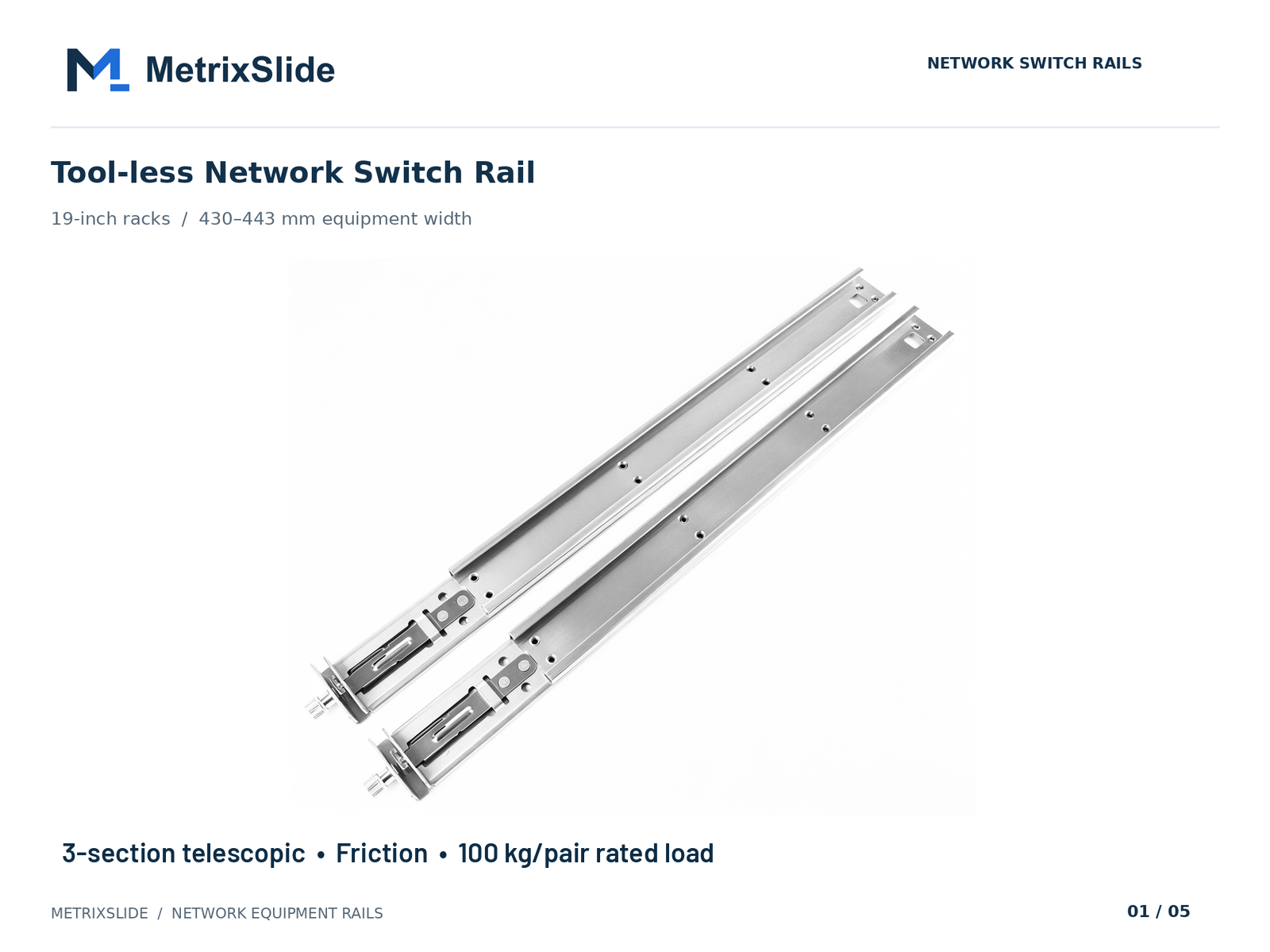 MS-FMR-SW-100 Tool-less Network Switch Rail — view product
What to record, not assume
- U height: 1 RU = 1.75 in = 44.45 mm. Note chassis face‑plate height, bezels or filler panels that change visible RU.
- Ear‑to‑ear external width vs chassis body (net) width: ears can be folded, removable or integral — measure outer dimension and note removability.
- Ear thickness and usable flange depth: thin stamped ears and reinforced flanges behave differently under load and when brackets engage.
- Front‑panel features: captive screws, thumbscrews, positive‑lock latches or T‑pins (PEM) change the rail interface requirement — capture head Ø, shaft Ø and under‑head clearance when PEMs are used.
- Datum points: capture the front mounting surface the rail bracket must reference (face of ear vs front face of chassis) and record any vertical reference from chassis bottom.
Practical tolerances and units
- Provide both imperial and metric values if your procurement or installers prefer one system; in North America many rack plans are still written in inches.
- Recommended positional tolerance for bracket hole centres for standard brackets: about ±1.5 mm (≈±1/16 in). If the measured values fall outside this, expect an adapter or custom bracket.
Why the RU label is necessary but insufficient
- U height is one input. MetrixSlide engineering practice treats compatibility as a small set of hard gates (interface fit, dimensional fit, load) that must be confirmed before preferences like ball‑bearing vs friction are considered.
MetrixSlide quality signals (engineering practice)
- MetrixSlide’s factory is ISO 9001:2015 certified; in the factory static‑load test a rail pair is held under load at full extension for 24 hours (the MS‑FMR‑2U‑100 held 100 kg in that test), and some designs use a patented anti‑sag slide structure to control deflection at full extension.
Depth compatibility: measuring chassis, cabinet interior, and cable/airflow clearances
Depth is where most fit problems originate. Capture these separate depths and don’t conflate them: chassis engagement depth, chassis external depth, rail closed/extended lengths (and bracket fit range), and cabinet usable depth (post‑to‑door or post‑to‑rear‑panel). Measure with a tape and confirm critical flange/hole positions with calipers or a laser.
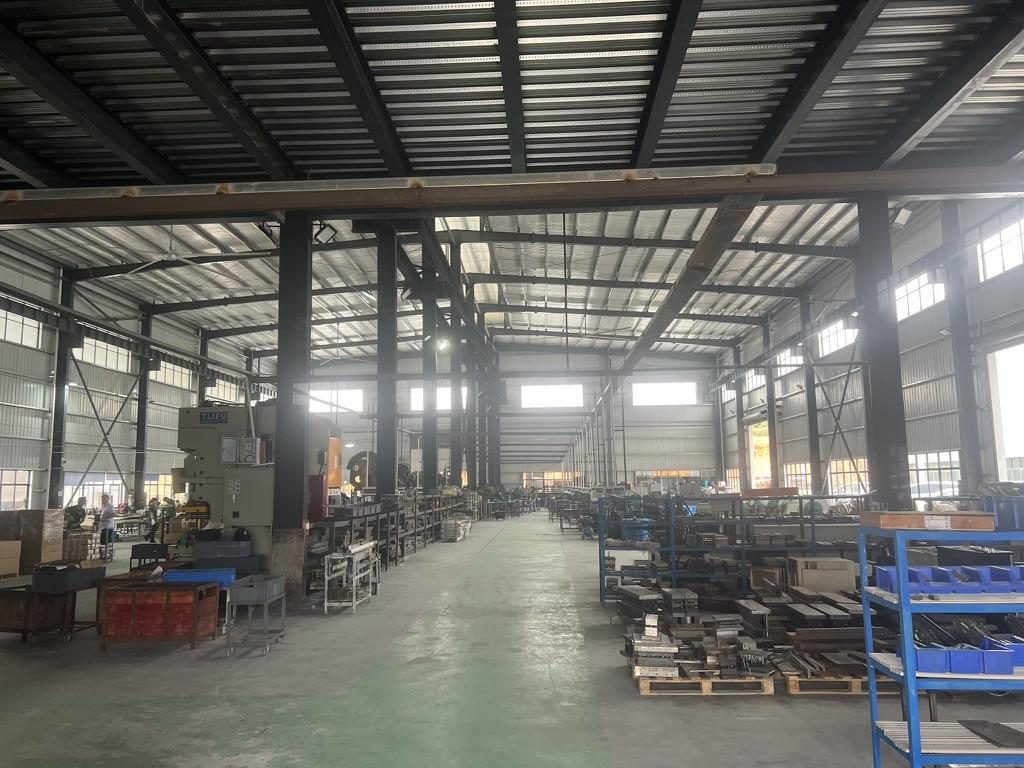
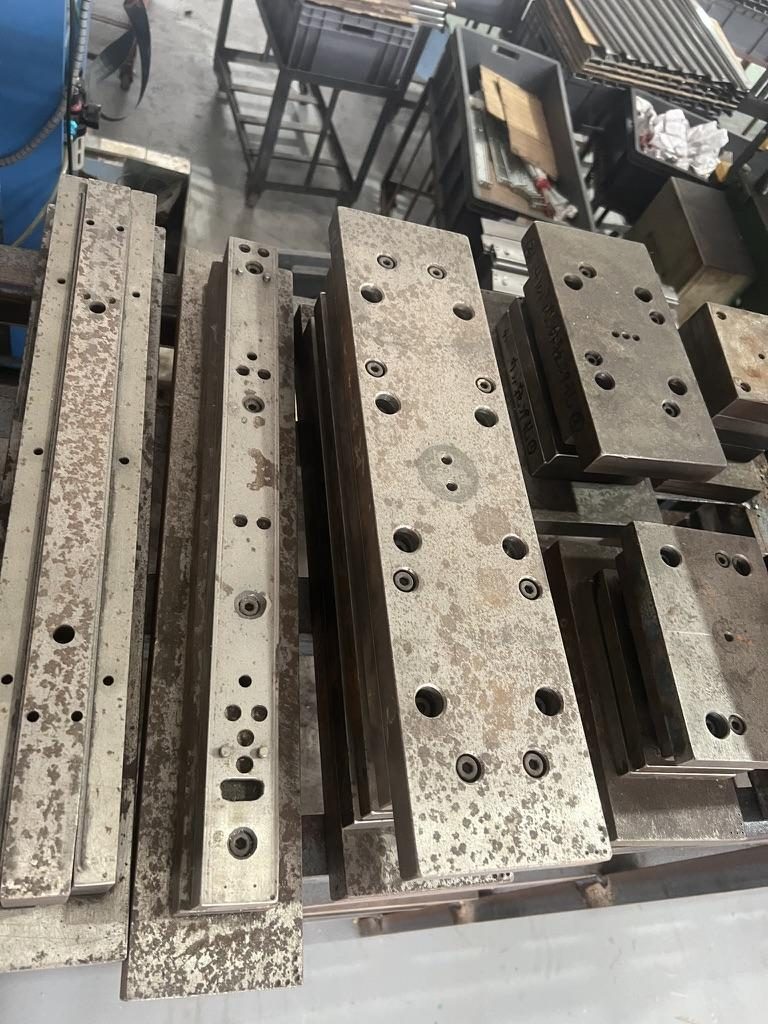
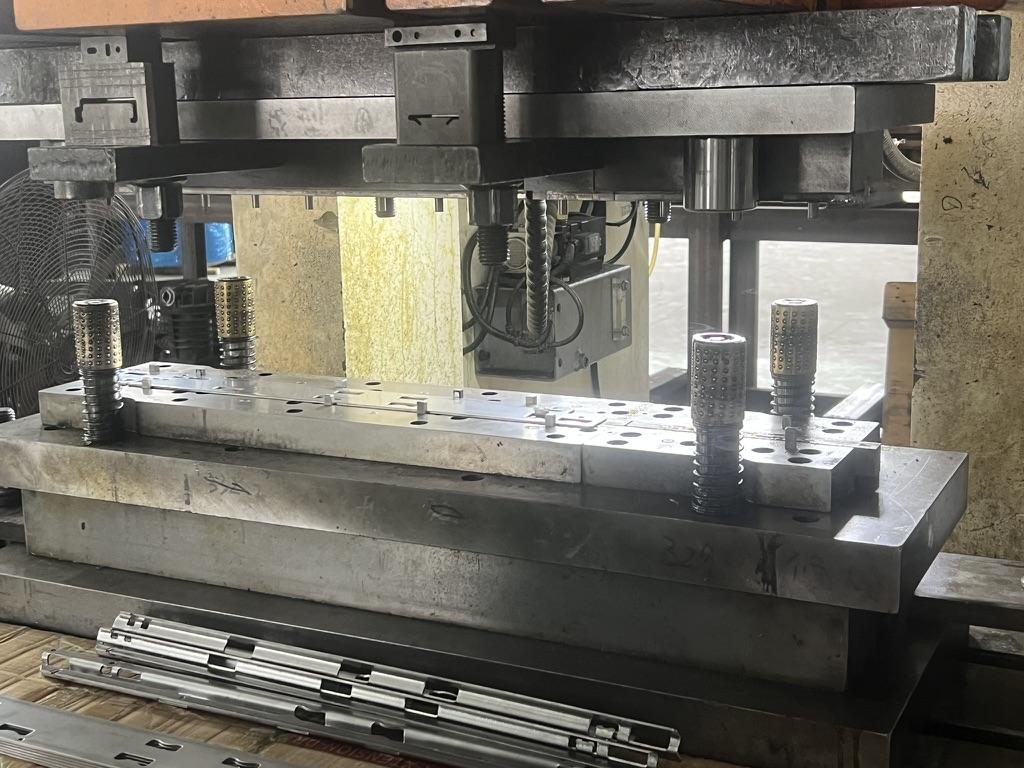
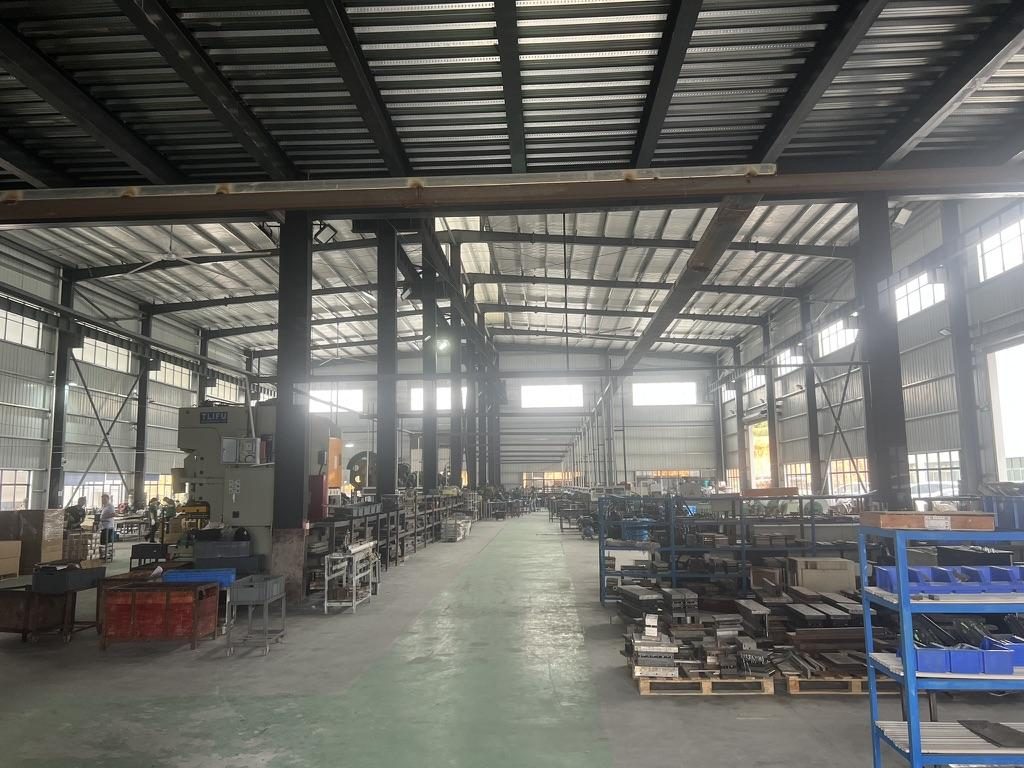 Overview of the server rail production workshop
Closed length, extended length and bracket fit range (definitions you must use)
- Closed length: the rail assembly length measured when the inner/middle members are fully retracted.
- Extended length: the maximum length when the rail is fully extended.
- Bracket fit range (mounting range): the adjustable front‑to‑rear post distance the rail brackets can span when installed in the rack. Closed/extended are slide travel metrics; bracket fit range is the rack‑mounting span and is independent.
Step‑by‑step depth measurement (MetrixSlide practice)
- Chassis depth (mounting‑datum method): measure from the chosen front datum (face of ear or rail mounting face) to the rearmost chassis protrusion (including PSUs, I/O handles).
- Cabinet interior usable depth: measure from the front mounting surface (where rails will anchor) to the inside of the rear door or obstruction; include any rail‑thickness allowance.
- Rail travel and bracket range: always request closed length, extended length and bracket fit range as three distinct numbers on the rail drawing.
- Add cable and airflow clearances: reserve space behind the chassis for power plug bend radius, fiber terminations and airflow paths.
Practical clearances to budget (experience‑based)
- Rear cable/terminations and airflow: plan for at least 2–4 in (50–100 mm) rear clearance as a rule of thumb. For dense fiber panels or busbars increase and validate bend radii.
Example minimum cabinet depth calculation (method)
- Minimum cabinet depth = chassis mount datum to rear + rear cable/airflow allowance + rail bracket allowance.
Tools
- Steel tape, digital calipers for flange / ear thickness, camera, laser measure for cabinet interiors. Record photos of front ears and rear PSU area.
2‑post vs 4‑post
- 2‑post racks change the mounting datum and often need adapters or shelves. 4‑post racks generally provide adjustable front‑to‑rear post spacing — measure the actual post‑to‑post distance or the rail bracket fit range.
Rail types, mounting styles, front vs rear mounting points, and load ratings
Rail architecture choices affect serviceability, load capacity and installation method. Use this taxonomy to match mechanical needs to rail architecture.
Taxonomy (how MetrixSlide engineers think about rails)
- Motion: sliding vs fixed/support.
- Mechanism: ball‑bearing vs friction.
- Sections: two‑section vs three‑section (member count affects extension and support).
- Mounting attributes: tool‑less vs screw; stab‑in vs drop‑in (installation style).
- Parameters: closed/extended length, bracket fit range, per‑pair load rating at a specified extension, allowable deflection.
Common rail tradeoffs
- Fixed supports: simplest, lowest cost, adequate when chassis is removed to service.
- Telescopic sliding rails: two‑ or three‑section for partial/full service access; three‑section often enables full extension with better support at mid‑travel.
- Ball‑bearing rails: smoother travel and preferred for heavier loads or frequent service.
- Friction / ultra‑slim rails: compact and lower cost; suited to lighter loads or constrained spaces.
- Tool‑less vs screw: tool‑less is faster but must match pin/hole geometry precisely.
Mounting styles and front vs rear interface
- Front‑only mounting vs front‑and‑rear mounting. Rear mounting reduces sag and is common for heavier loads.
- Stab‑in: pins engage J‑slots during horizontal insertion.
- Drop‑in: rails pre‑installed and chassis lowered vertically so pins seat in slots; saves a step for heavy servers. Converting a family between stab‑in and drop‑in is typically a bounded inner‑rail J‑slot change, not a full redesign.
Load rating and dynamic considerations
- Always read load ratings as: per pair vs per rail, static vs dynamic, and at which extension (closed vs full extension).
- Example reference: MS-BBR-180 has a nominal capacity of up to 180 kg per pair; a formal test report at that load is not yet available. Ask whether a published rating is static or dynamic and at what extension and fixture it was measured.
- In MetrixSlide’s factory static‑load test a rail pair is held under load at full extension for 24 hours, and the MS‑FMR‑2U‑100 held 100 kg in that test; request dynamic ratings and allowable deflection if your application is sensitive to service‑position deflection.
Quick model/feature comparison (selection aid)
- Ball‑bearing telescopic families: smoother travel, suitable for mid/heavy loads.
- Ultra‑slim friction families: compact, space-saving for light loads.
- Heavy‑duty GPU families: engineered for high per‑pair static loads at full extension.
Selection flow — hard gates first (MetrixSlide practice)
- Capture chassis interface inputs and rack posts (hard gate: interface geometry).
- Verify front mounting feature alignment against a common datum (hard gate).
- Check per‑pair load rating at the required extension and test evidence (hard gate).
- If hard gates pass, decide architecture: ball‑bearing vs friction, two‑ vs three‑section, tool‑less features (preferences).
- Confirm lock/release modes and travel (partial/full).
- For heavy or unusual, request sample and run physical fit + static load test.
OEM-specific chassis-to-rail dimensions, compatibility matrix, and legacy rack coverage
Different OEMs use different front hole pitches, ear offsets and mounting conventions. A universal rail can cover many hole types but a compatibility table reduces risk.
What to capture from OEM specs or parts
- Front (primary) hole spacing and hole type (square/cage nut, round, threaded).
- Rear support hole spacing or post‑to‑rear panel distance.
- Ear geometry: distance from ear edge to mounting hole centre, ear thickness, and whether the ear is removable.
- Stamped features such as PEM/T‑pins: head diameter, shaft diameter and under‑head clearance (these determine keyhole/J‑slot geometry).
Front‑mounting interface alignment — a reusable decision rule
- Layer 1 — Local interface fit: Do chassis‑side mounting features align with the rail front mounting structure and can they engage without interference?
- Layer 2 — Resulting rack position: After engagement, does the chassis sit at the intended vertical/longitudinal position in the rack (no adjacent‑U interference)?
- Validation path: requirement / datum capture → 2D/3D CAD alignment review → customer CAD confirmation → sample production → physical fit / installation test → revision closure / design freeze.
Example anonymised cases with real project figures (how these inputs change decisions)
- A North American telecom OEM requested a reduced pull‑out and positive lock. During negotiation the pull‑out requirement was reduced from an initial 300 mm to a target of 150 ±3 mm to control sag and lock‑out behavior; this required CAD iteration and sample tests before production.
- An Indian electronics design house / HPC ODM supplied a compatibility case where MetrixSlide’s bracket fit range of 650–965 mm covered the customer’s actual post distance of about 812 mm; the project progressed through 3D CAD integration and CAD‑level alignment acceptance before sample validation.
- A SaaS company building its own servers provided PEM T‑pin data for stab‑in/drop‑in design: head Ø 6.502 mm / shaft Ø 4 mm / panel‑to‑underside‑of‑head 1.585 mm; inner‑rail J‑slot geometry must be derived from these pin dimensions.
Common compatibility pitfalls and fixes
- Non‑aligned ear positions: use adapter brackets or custom brackets that relocate mounting points without changing the rail structure.
- Stab‑in vs drop‑in mismatch: some rail families are convertible by altering inner‑rail J‑slot geometry — this is a bounded change.
- Legacy or non‑EIA racks (2‑post, older proprietary frames): use shelf adapters or universal bracket kits; measure post spacing and hole type.
Recommended RFQ deliverables
- Chassis drawing (front, side, top) or model number (STEP/DWG if possible).
- Clear photos of front ear and rear area showing PSUs/connectors.
- Post‑to‑post measurement and indication of cage nuts, threaded holes or round holes.
- Pin/keyhole dimensions if stab‑in/drop‑in is required.
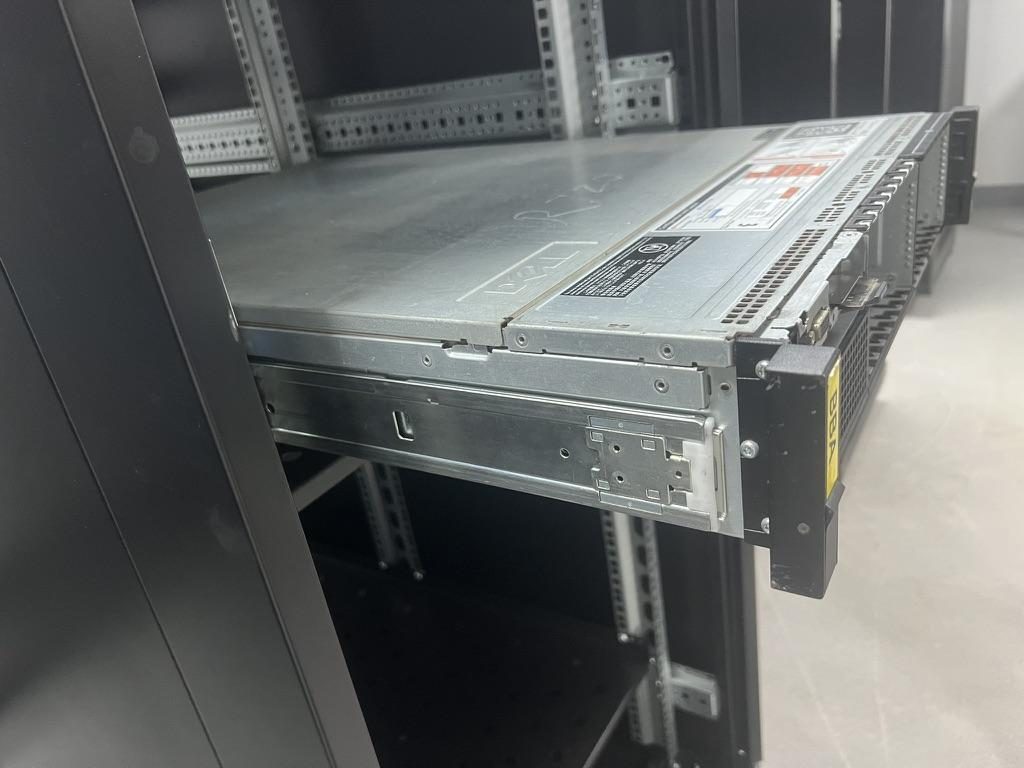
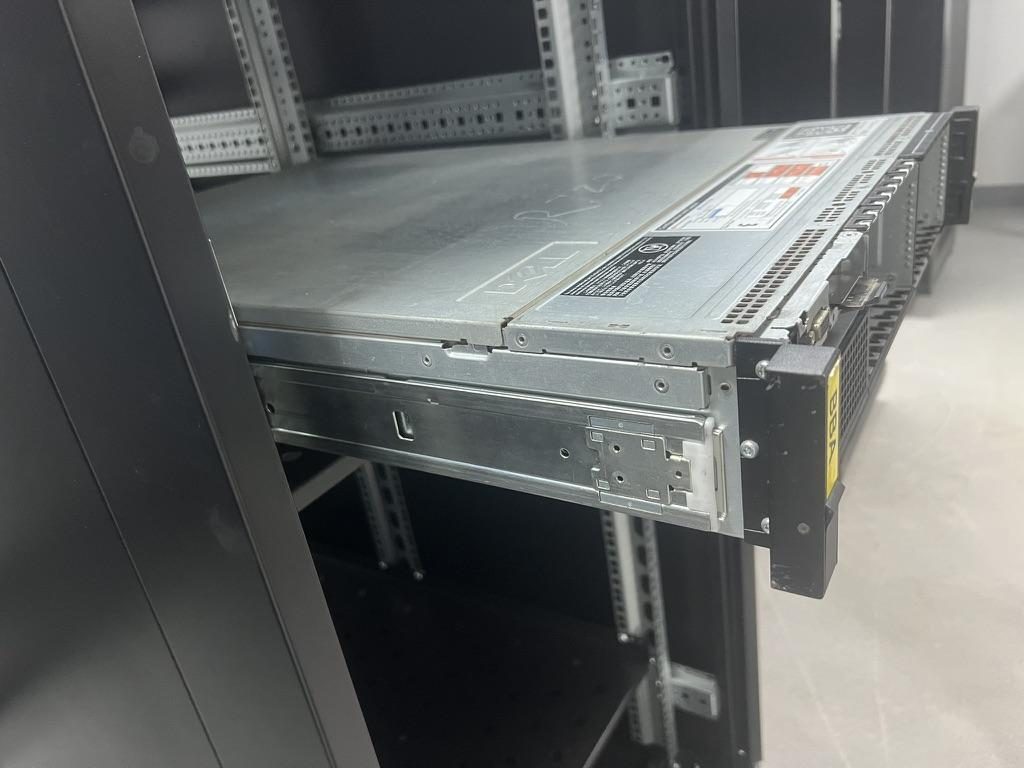 Compatible sliding rail kit for a Dell PowerEdge R720 chassis
Field measurement checklist, templates, tolerance tables, and clearance calculations
Use this condensed on‑site intake form — capture values once and attach photos; they stay with the project.
Essential on‑site measurement checklist (MetrixSlide intake)
- Chassis: nominal RU, front face‑to‑rear external depth, ear outer width, ear thickness, hole pattern type and measured hole centre positions (±1.5 mm).
- Rail mounting features: T‑pin dimensions (head Ø, shaft Ø, under‑head clearance), keyhole length/width if present.
- Rack: front‑to‑rear post distance (actual), hole type/spacing, door/gasket intrusion, internal cable trays or PDUs.
- Service/clearance: expected insertion/removal frequency, required pull‑out extension, cable/bundle diameters, rear clearances for airflow and terminations.
- Photos: front ear, front‑corner detail, rear PSU area, inside rack posts.
Tolerance and acceptance guidance
- Positional tolerance for bracket hole centres: ±1.5 mm (≈±1/16 in) is a practical acceptance for standard brackets.
- If on‑site values fall outside the rail’s bracket range, plan one of: adapter plate, custom hole‑pattern bracket, or a custom rail length/bracket. Many bracket/hole/length/thickness adjustments are handled as bounded customizations without full tooling changes; structural redesigns will carry tooling/NRE.
Cable bundle & airflow quick formulas
- Cable bundle radial allowance = measured bundle diameter + 20% slack factor.
- Rear minimum clearance = max(2 in, cable bundle radius + connector clearance); increase for dense fiber or busbars.
On‑site tools and acceptance form
- Tools: steel tape, digital calipers, camera, laser measure, marker.
- Acceptance form fields: measured values, photos of front ear and rear, identified hole types, signed verification by field engineer.
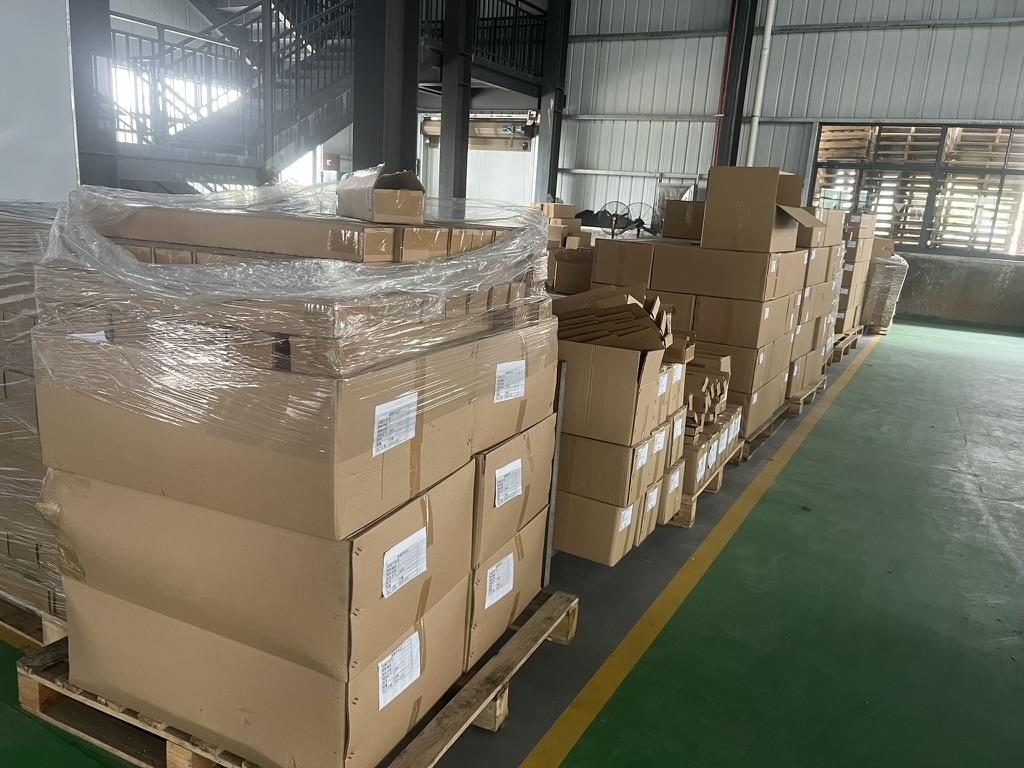 Export cartons of server rail kits ready to ship
Conversion checklist (if measurements are non‑standard)
- Confirm if a standard bracket can be repositioned within the rail’s bracket range.
- If not, request a custom bracket drawing; provide CAD and photos — simple bracket/hole pattern/length/thickness tweaks frequently avoid full NRE.
Conversion / CTA
For compatibility, build a comparison table with these columns: chassis model, front hole pitch, rear hole pitch, recommended rail family or adapter, required adapters, minimum cabinet depth, notes. List candidate rails, required adapters and recommended minimum cabinet depth.
Sample and lead time notes
- Where applicable, request 2D/3D drawings for CAD review and ask for a physical sample. Typical sample lead time referenced in MetrixSlide projects is about 15–20 days after drawing approval/order confirmation; confirm exact timing with your sales engineer.
To request a quote, use these links:
- https://www.metrixslide.com/page/create-a-quote/
- https://www.metrixslide.com/contact-us/
FAQ
Q: How do I accurately measure chassis depth and cabinet interior depth to verify rail compatibility? A: Measure chassis depth from the front rail mounting reference (face of ear or mounting surface) to the rearmost protrusion, and measure cabinet interior depth from the front mounting surface to the inside of the rear obstruction. Add a rear cable/airflow allowance (industry practice is at least 2–4 in) and the rail bracket depth to compute minimum cabinet depth.
Q: What chassis widths and ear configurations should I expect, and how do ears affect rail selection? A: Expect ear types that are folded, removable or integral; the ear outer‑to‑outer dimension, ear thickness and whether the ear can be removed directly affect whether standard brackets will seat. Always record ear removability, hole centres relative to a front datum, and ear thickness to select the correct bracket style.
Q: How do telescopic sliding rails differ from fixed rails, and when should I choose one over the other? A: Fixed rails (or supports) are stationary and low cost, used when you remove the chassis for service. Telescopic (two‑ or three‑section) rails provide service access by extending the chassis out of the rack; choose ball‑bearing telescopic slides for heavier or frequently serviced systems and friction/slim rails for lighter, space‑constrained units.
Q: What mounting hole patterns and front vs rear mounting points must I check before buying rails? A: Check the front hole type (square/cage nut, round, threaded) and measured hole centres, rear support hole centres or post‑to‑rear distance, and whether the chassis uses T‑pins or keyhole/J‑slots. Verify front datum and any captive hardware that will interfere with bracket seating.
Q: How do I match rail load and weight ratings to a specific server chassis, including dynamic loads when the server is extended? A: Read ratings as specified: confirm whether the rating is per pair or per rail, whether it’s static or dynamic, and at which extension. For heavy systems request the rail’s per‑pair static rating at full extension (for example, MS-BBR-180 has a nominal capacity of up to 180 kg per pair, and a formal test report at that load is not yet available) and arrange a 24‑hour static test or OEM‑specified validation if required.
Talk to a MetrixSlide engineer
Not sure how this applies to your servers? Send us a chassis drawing or model (STEP or DWG), the rack post-to-post distance and hole type, the expected load and your planned quantities. Within 24 hours you get a rail matching proposal from an engineer, followed by 2D/3D drawings for review and sample pairs (typically 15–20 days after drawing approval) for physical validation before the full order.
Bracket position, hole pattern, rail length and thickness adjustments on our existing platforms usually carry no tooling fee; structural redesigns are quoted separately with dies made in-house.