
Server rack dimensions are not one number. For a 19-inch rack, start with three separate measurements: the nominal 482.6 mm (19 in) equipment panel width, 44.45 mm (1.75 in) per rack unit, and the front-to-rear mounting span you measure on the actual rack. Cabinet external width and depth describe the enclosure. They do not by themselves prove that a particular server rail will fit.
The practical approach is to record each dimension with its source. A catalog width, a chassis drawing and a measured post span answer different questions. Mixing them can send a rail discussion toward the wrong fit check.
Server Rack Width: Panels, Mounting Holes, and Cabinet Width
What 19 Inches Refers To
The 19-inch figure is a nominal equipment panel width: 482.6 mm. It describes the front panel or mounting-ear width of rack equipment, not the full cabinet and not the clear space between rails. For the standard and hole-pattern background, see the 19-inch rack standard explained.
Hole-Center Spacing Is a Separate Measurement
A published equipment drawing often labels more than one width. A Yokogawa 19-inch equipment drawing, for example, separately shows a 482.6 mm panel, 465.1 mm mounting-hole centers and a 440 mm body. That is useful as a labeled measurement example, not as a universal chassis size. The 465.1 mm figure is commonly quoted as the left-to-right hole-center distance, but verify it against the rack drawing or a physical measurement.
This distinction matters because a rail bracket, cage nut or mounting ear references the hole line, while the chassis body must pass through the opening between the vertical posts. Do not calculate rail thickness by subtracting the chassis width from the hole-center spacing and treating the result as a compatibility rule. Use the rail manufacturer’s specified mounting datum and the rack drawing.
External Width and Chassis-Side Clearance
Cabinet external width is a third measurement. The RackSolutions cabinet catalog lists 600 mm and 800 mm external widths for named cabinet variants. Those are enclosure dimensions, not server chassis widths and not the 19-inch mounting interface. The extra width in a wider cabinet is generally outside the mounting rails, where it can affect room for PDUs, cable bundles and rear hardware. It does not by itself determine whether a rail kit fits. For side-clearance planning, see server rack rail width and side clearance.
| Measurement | Published example | What it helps you check |
|---|---|---|
| Nominal equipment panel width | 482.6 mm (19 in) | Front panel or ear width; not a rail-fit guarantee |
| Mounting-hole center spacing | 465.1 mm in the Yokogawa example | Left-to-right interface dimension; verify your drawing |
| Equipment body width | 440 mm in the same example | Chassis body clearance; varies by device |
| Rack unit | 44.45 mm (1.75 in) | Allocated vertical mounting height |
| Cabinet external width | 600 or 800 mm in cited catalog variants | Enclosure envelope and side space |
| Cabinet external depth | 1070 or 1200 mm in cited catalog variants | Enclosure envelope; compare with mounting depth |
| Adjustable mounting depth | up to 890 or 1020 mm in those variants | Front-to-rear bracket span example, not a fixed conversion |
The values are examples from the cited sources. Measure your own rack and confirm the rail drawing.
Server Rack Height: U Sizes and Overall Cabinet Height
Convert Rack Units into Mounting Height
One rack unit is 44.45 mm (1.75 in). Multiply the U count to get allocated mounting height. The arithmetic is simple, but the result is not the cabinet’s external height. Hammond’s rack-size guide distinguishes U capacity from external dimensions because bases, casters, roofs and frame parts add height outside the usable mounting space.
| U capacity | Allocated mounting height |
|---|---|
| 12U | 533.4 mm / 21 in |
| 24U | 1066.8 mm / 42 in |
| 42U | 1866.9 mm / 73.5 in |
| 48U | 2133.6 mm / 84 in |
The table is a vertical allocation, not a guarantee of usable clearance at every position. A rail profile, mounting hardware, blanking panel, cable arm or power strip can change what is practical in a given U.
Compare Common U Capacities
12U and 24U racks suit smaller installations or network equipment. 42U and 48U cabinets are common in server rooms where vertical density matters. The right comparison is not just the U number but the usable mounting height, the external envelope and the space needed for service. A 48U cabinet may be taller than a doorway or ceiling path allows, so check the route before treating the U count as the only decision.
Plan Equipment Space Without Assuming Server Count
A 42U rack does not automatically hold 42 1U servers. Each installed device may need cable management, airflow clearance, power distribution, mounting hardware and access for service. Some positions may be blocked by vertical PDUs or rear hardware. U height also does not determine rail load capacity; load and structural suitability need separate documented evidence from the rack and rail suppliers. Plan a usable layout, then confirm the rail and chassis interface against drawings.
Rack Depth: Cabinet Envelope, Post Spacing, and Rail Fit
Record the Manufacturer’s Mounting Datum
Depth is the measurement most often collapsed into a single number. Keep at least these separate: cabinet external depth, internal usable depth, front-to-rear mounting span, chassis depth, rail closed length and rail adjustment range. The mounting span is the front-to-rear distance between the datum surfaces the rail manufacturer specifies. It is not automatically the cabinet’s external depth minus a fixed allowance. Use the rail manufacturer’s specified datum and the rack drawing.
Keep Rail Adjustment and Chassis Depth Separate
A rail kit has a minimum and maximum bracket setting. Your measured post span must fall within that range with enough room for the mounting hardware and any required adjustment. Separately, the chassis must fit the rail’s supported chassis interface, and the rail must have room to close and extend. A rail that reaches the posts but leaves no rear clearance for connectors, a PDU, cable bend or a cable management arm is still a poor fit. Check the door, rear hardware and actual service movement without double-counting overlapping spaces. See rack mounting depth versus rack depth versus chassis depth and server rack distance between rails for the measurement methods.
Use a Documented Cabinet Example
The RackSolutions catalog provides a useful contrast. It lists a 1070 mm-deep cabinet variant with up to 890 mm adjustable mounting depth, and a 1200 mm-deep variant with up to 1020 mm adjustable mounting depth. Those figures show that external depth and mounting depth are different measurements. They are product-specific examples, not a conversion formula or a recommendation for every rack.
A 1U or 2U label does not tell you which cabinet depth to use. A shallow chassis may still need rear clearance for power cords and a service loop; a deep chassis may need a rail with a longer closed length. Start with measured chassis depth, rail drawings and the actual post span, then compare the complete envelope. For rail length arithmetic, see server rail length and travel.
Enclosed, Open-Frame, and Wall-Mount Racks: Format and Footprint
Separate Post Configuration from Cabinet Style
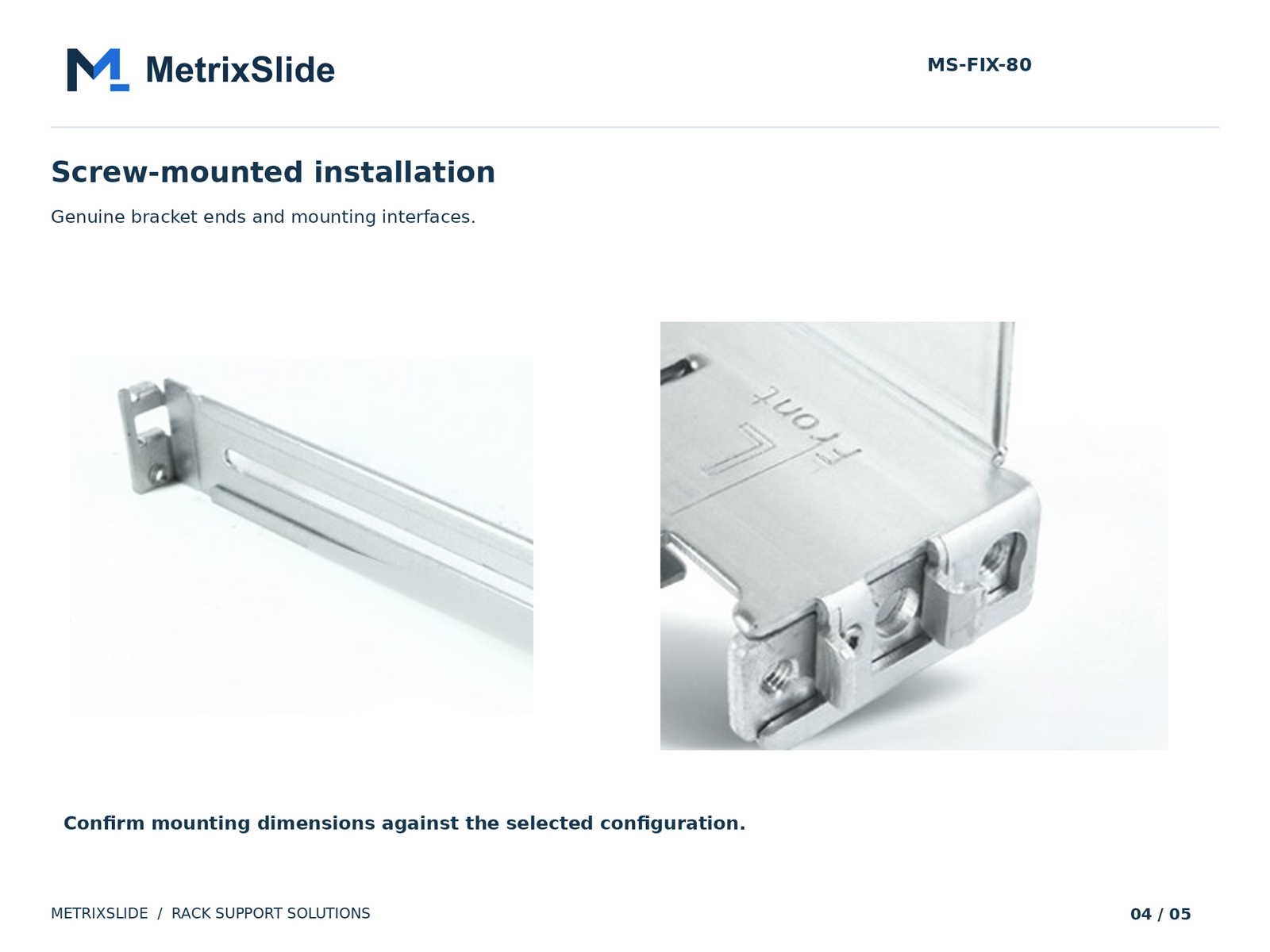
Enclosed cabinet, open frame and wall-mount describe the enclosure style. Two-post and four-post describe the mounting structure. They are not interchangeable labels. A two-post rack supports equipment from a single pair of posts, often with fixed brackets or center mounting. A four-post rack or cabinet provides front and rear support, which is the usual configuration for sliding rails. Do not assume that every four-post sliding rail can be used in a two-post rack. Check the rail instructions and the post configuration before comparing lengths. For fixed options, see fixed rack rails.
Read External Dimensions and Accessory Envelopes
External width and depth give the static footprint, but doors, side panels, rear brackets and accessory envelopes can reduce the usable space. Hole type is another independent check. A square hole does not automatically mean a tool-less bracket, and rack-side tool-less mounting does not mean the chassis side is also tool-less. See rack hole types for square, round and threaded holes.
Wall-mount racks deserve their own measurement pass because the mounting span may be short and the rear clearance limited. Non-19-inch formats also require their own interface drawings; do not force a 19-inch assumption onto a different rack format.
Check the Delivery Route and Service Space
Before choosing a cabinet size, check the route into the room: doorway width, turns, elevator dimensions and any base or floor penetration. Then check the service space: door swing, rail extension, cable movement and access for installation. This is a dimensional check, not a floor-engineering or logistics study. Use actual site measurements and the cabinet drawing; avoid generic aisle or floor-load numbers.
A Measurement Checklist for Equipment, Clearances, and Server Rails
Build a Dimension Record with Sources
For each item, record the value, the source document and the date checked. Use a rack drawing or physical measurement for the rack, and a chassis drawing for the server. Do not fill a missing value with an assumption.
- Rack make and model; external width, height and depth.
- Rack U capacity and usable vertical mounting height.
- Hole type and hole pattern, confirmed from a close-up photo or drawing.
- Front-to-rear mounting span and the datum used to measure it.
- Chassis body width, height and depth, measured without the bezel where the rail interface requires it.
- Rail adjustment range, closed length, mounting direction and required hardware.
- Rear clearance for PDU, cords, connectors, cable bend and any cable management arm.
- Required service travel and access for installation.
- Expected load and the structural review required by the rack and rail suppliers.
Check Rack and Chassis Interfaces Independently
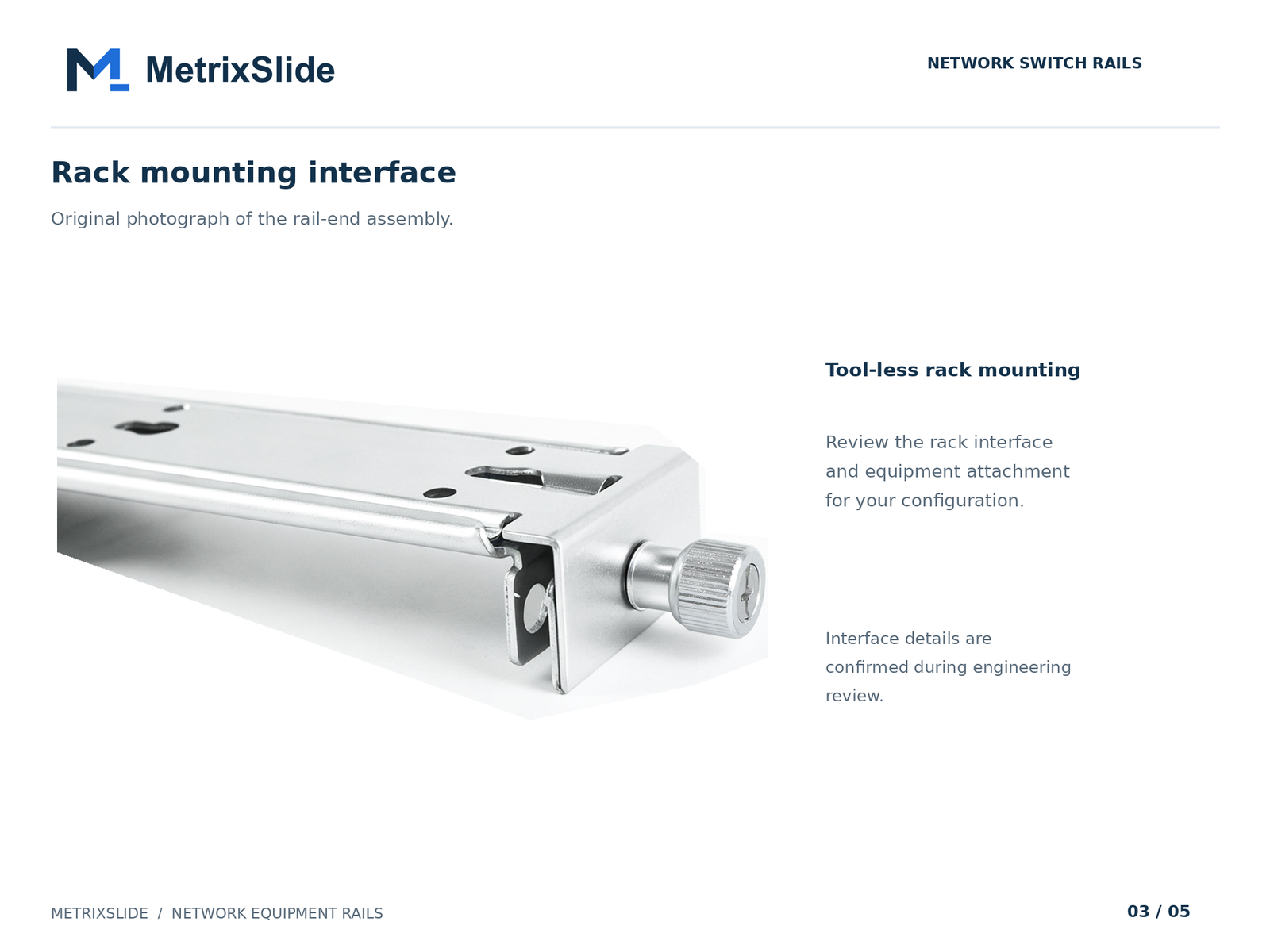
The rack-side connection and the chassis-side connection are two separate checks. A bracket that engages the rack holes may still not engage the chassis mounting points. A rail that is tool-less on the rack side may need screws or pins on the chassis side. Confirm both sides from drawings, and ask the equipment manufacturer when the documentation does not state the interface. See server chassis dimensions for rail compatibility.
Separate Geometric Fit from Load and Service Validation
Geometric fit asks whether the rail length, bracket, hole pattern, chassis width and rear clearance work together. Load validation asks whether the rack and rail system can support the equipment under the expected conditions. Service validation asks whether the installed equipment can be reached, extended and maintained. Passing one check does not prove the other two. Keep the evidence separate, and use qualified structural review where load or building attachment is involved. For the RFQ inputs that support a rail review, see what to send with a server rail RFQ.
Request a Rail Interface Review for Your Measured Rack
Send the non-confidential basics first: rack make and model, hole type, measured front-to-rear post span, chassis width, depth and height, estimated load and required service travel. Use the quote page to request a rail interface review; if authorized proprietary drawings are needed, review our engineering confidentiality process and arrange the appropriate terms before sharing them.
FAQ
Why are server racks called 19-inch racks?
The name comes from the nominal 482.6 mm (19 in) equipment panel width used by the 19-inch mounting format. The mounting-hole spacing, chassis body width and cabinet external width are separate measurements. A 19-inch label alone does not prove that a rail kit fits.
What do 1U, 2U, 3U, and 4U mean in server rack sizing?
A rack unit is 44.45 mm (1.75 in) of allocated vertical mounting height. A 1U device uses one unit, 2U uses two units or 88.9 mm, 3U uses 133.35 mm and 4U uses 177.8 mm. Actual chassis dimensions can differ slightly, so confirm the equipment drawing.
How many 1U servers can fit in a 42U rack?
The arithmetic maximum is 42 1U positions, totaling 1866.9 mm (73.5 in) of allocated mounting height. You cannot assume 42 servers will fit in practice because cable management, PDUs, airflow, service access and load limits can consume or block positions. Plan the usable layout instead of dividing the U count alone.
Are all server racks 19 inches wide?
No. The 19-inch format is common, but cabinets vary in external width and some equipment uses other mounting formats. Check the actual panel width, hole pattern, post spacing and chassis interface. The phrase 19-inch rack is not a complete dimensional description.
What is the difference between internal and external server rack dimensions?
External dimensions describe the cabinet envelope. Internal dimensions include usable depth, front-to-rear mounting span and clearance for doors, PDUs and cables. In one catalog example, a 1070 mm-deep cabinet lists up to 890 mm adjustable mounting depth, which shows why the two numbers should not be interchanged.
What rack depth do I need for a 1U or 2U server?
There is no single depth from the U size. Measure the chassis depth, rail closed and extended length, post span, rear connector and PDU clearance, cable bend and service movement. Then compare those values with the rack and rail drawings; a 1U or 2U label alone does not select a cabinet depth.
Does a 600 mm or 800 mm cabinet width determine which server rails fit?
No. Those are external cabinet widths in the cited catalog examples, not the mounting interface. Rail fit depends on the hole pattern, post span, rail bracket adjustment, chassis interface and rear clearance. A wider cabinet may provide more side space, but that alone does not establish compatibility.