A practical, step-by-step guide that shows what engineering deliverables accelerate quoting, sampling and first-pass validation for 1U telecom and 2U HPC projects.
Manufacturing-ready CAD and sample drawings
A fast, low-risk custom server rail project starts with engineering drawings a factory can consume without back-and-forth. Deliverables we routinely accept for direct quoting and rapid sampling are: fully-dimensioned 2D DWG/PDF and a 3D STEP (or a bounded mounting-area STEP) that contains the critical interface geometry — not just concept art.
What to include on every file
- Title block and revision history: part number, revision, author, date, material callout, surface finish, and reference assembly.
- Views: front, side, top, section(s) through mounting features and any J‑slot/keyhole detail. Include a removable-inner-rail exploded view if the rail is multi-section.
- Dimensions and units: indicate units (mm or inch). Use 19" rack references (482.6 mm) and call out RU spacing (1.75" / 44.45 mm) where relevant.
- Dimensioning essentials: closed length, extended length (full extension), travel, and bracket fit range (min/max post-to-post). Separately show the chassis engagement envelope, hole centerlines and material datum(s).
- Tolerances block: general tolerances and critical-dimension tolerances called out at the feature level (for holes, slots, bend datums).
- Notes: material, nominal thickness, heat‑treatment or tempering if required, surface finish, thread specs, and assembly instructions (e.g., captive nut type).
- Layer and export setup: separate geometry, annotations, holes, manufacturing features and centerlines on named layers; export STEP with bodies named and DWG with modelspace/plots correctly scaled.
Why these files shorten quote + sample cycles
- A modelled J‑slot, PEM pin pocket and thumb‑screw clearance lets tool designers quote and size dies without repeated clarifications.
- A DWG/PDF that includes a 1:1 drill layout means the factory can pre-program punches and checks immediately.
- When customers supply both metric and inch dimensions we avoid conversion errors for hole patterns and post spacing.
- If you cannot share full chassis IP, a bounded “mounting-area STEP” with datum faces and the hole pattern is usually sufficient for fit checks.
Definitions engineers find useful (include on drawings or in a datasheet)
- Closed length: the rail outer-to-outer dimension when collapsed (rail assembly stowed).
- Fully extended overall dimension: the outer-to-outer rail dimension at full extension.
- Bracket fit range (post-to-post range): the adjustable front-post / rear-post distance the brackets will span (separately called out from closed/extended lengths).
- Pull-out (usable extension) vs travel: the designer’s selectable usable service extension can be less than the mechanical travel; call out whether the rail locks out at that position.
Quick examples we use for client reviews
- Rack hole references: square 9.5 × 9.5 mm and round Ø7.1 mm are common field hole forms; indicate whether cage nuts or threaded posts are intended and the thread spec (#10‑32, 12‑24, M6).
- Bracket fit range: present closed/extended and bracket range as separate drawing values — do not infer fit range from closed length.
Our factory is ISO 9001:2015 certified, and some MetrixSlide designs incorporate a patented anti-sag slide structure to reduce deflection at full extension.
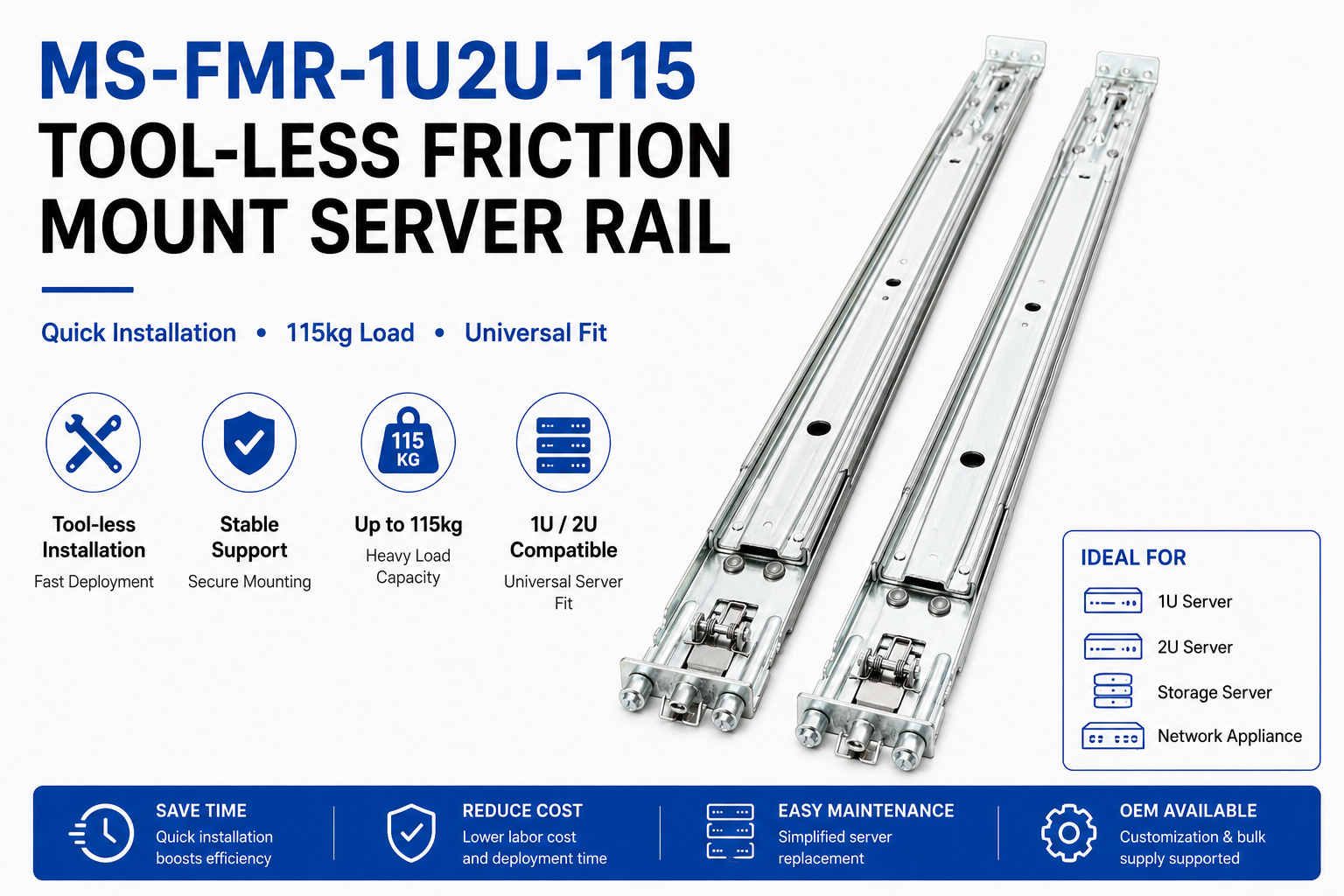 MS-FMR-1U2U-115 Tool-less Friction Mount Server Rail — view product
Tip: include a single “mounting area STEP” if you can’t share full chassis CAD; a bounded STEP with datum faces and hole pattern is sufficient for most fit checks and avoids exposing complete IP.
Mounting compatibility, hole patterns and engineering specs
Compatibility is a hard gate — if the rail won’t align to the rack/chassis datums, nothing else matters. Capture the mounting interface so a reviewer can make a pass/fail judgement without guesswork.
Compatibility decision rule (MetrixSlide engineering practice)
- Requirement capture: collect chassis-side constraints and rack-side constraints.
- Hard gates: verify mounting interface geometry, bracket fit range and load requirement before architecture preferences (ball-bearing vs friction).
- CAD/drawing match: resolve any clearance or centreline offsets in CAD or a mounting-area STEP.
- Physical fit sample: produce samples for installation verification.
- Performance validation: run the agreed static/dynamic tests and accept/revise.
Rack-side data to show
- Rack standard called out (EIA‑310 / IEC 60297 family or other) and the front-post hole type. Even when a rack is labelled 19‑inch, show hole centrelines explicitly and the U spacing (1.75" / 44.45 mm).
- Hole geometry: centre-to-centre pitch for U spaces, hole sizes and locations; provide the intended hardware (cage nut, captive nut, or threaded).
- Thread and nut specs: #10‑32, 12‑24 and M6 are commonly used — call out which one applies.
Chassis-side data to show
- Datum plane(s), T‑pin / PEM locations and dimensions (head Ø, shaft Ø, under‑head clearance), hole pattern with tolerances and any required counterbore/countersink.
- Keyholes/J‑slots: show the exact geometry derived from the pin — entry width, retention shoulder and release radius. Always dimension the slot to the pin, not the pin to the slot.
Engineering callouts to include on drawings
- Bracket range (min/max post distance) and closed/extended lengths as separate values.
- Per-pair load notation: state whether a rating is static or dynamic, what extension state applies, and the test basis. MetrixSlide’s heavy-duty baseline (for reference) is a nominal capacity of up to 180 kg per pair, and a formal test report at that load is not yet available; always call out fixture, duration and acceptance criteria in drawing notes.
- Lock-out / reduced pull-out behavior: if the design limits usable travel for lock-out or to reduce pull-out, specify the usable extension and the mechanical lock method; reduced pull-out positions are often application-specific and must be shown on the interface drawing.
Practical checks for your RFQ pack
- Photograph or dimension the actual post‑to‑post distance (or range), note the hole type, and identify any captive‑screw centreline offsets that affect U alignment. Minor offsets of a few millimetres at the front datum change how the chassis lands in U-space and should be highlighted.
Compatibility taxonomy (quick)
- Motion architecture: sliding (telescoping/multi-section) vs fixed.
- Sliding mechanism: ball‑bearing vs friction.
- Mounting attribute: tool‑less vs screw; stab‑in vs drop‑in.
- Parameters: section count, closed/extended lengths, bracket range, load, pull‑out position, lock‑out behavior.
 MS-TLS-120 Tool-less Ball Bearing Server Rail Kit — view product
Materials, thickness, finishes, tolerances and fabrication notes
Correct materials, thicknesses and bend notes prevent surprises in samples and production.
Materials and thickness guidance
- Common materials: cold‑rolled steel for economy and stiffness; aluminum alloys (5052/6061) for lighter assemblies; stainless 304/316 where corrosion resistance or cleanliness is required.
- Thickness selection: choose nominal thickness to meet load and lateral stiffness requirements. Customers sometimes request ultra‑slim rails (cases in our intake show requests at ≤5 mm); when thickness approaches thin-section bands, structure and deflection trade‑offs must be validated with samples and testing.
- Sheet prep: indicate coil direction, grain if relevant, and any flatness or temper requirements.
Fabrication notes to include
- Punching and stamping notes for hole quality and burr control; for critical holes call out hole tolerance and chamfer or countersink requirements.
- Bend notes: state reference datum, inside bend radius or K‑factor if you rely on specific bend compensation, and whether local relief or radii are allowed near mounting holes.
- Secondary operations: spot welds, clinches, PEM insertion, rolling, plating and assembly order.
Surface finish and durability
- Common finishes: powder coat, zinc plating (electro or mechanical), phosphating, or passivation for stainless. Specify finish type and colour, and reference corrosion testing only when required — otherwise state qualitative expectations and include any test requirements (salt‑fog, adhesion) as explicit test clauses.
- Compliance: include RoHS declaration and request material certificates with first articles where mandated.
Tolerances and stamping precision
- Use a general tolerance block for non‑critical features and tighter tolerances for mating features (hole centers, J‑slot datums).
- MetrixSlide shop capability supports tight hole fits; internal project records call out sub‑0.1 mm hole‑position control as achievable on request, but always confirm the required stamping tolerance on the drawing and test a sample if the requirement is borderline.
- Important: structural changes (changing section count, profile geometry or adding a new die) typically require tooling/NRE; bounded changes — bracket position, hole pattern, rail length and thickness within an existing family — are handled as customizations. Discuss upfront which changes are considered structural.
Validation and certificates
- Request material certificates and RoHS declaration with the first samples. Note any required test reports (e.g., static hold, coating panel testing) on the drawing.
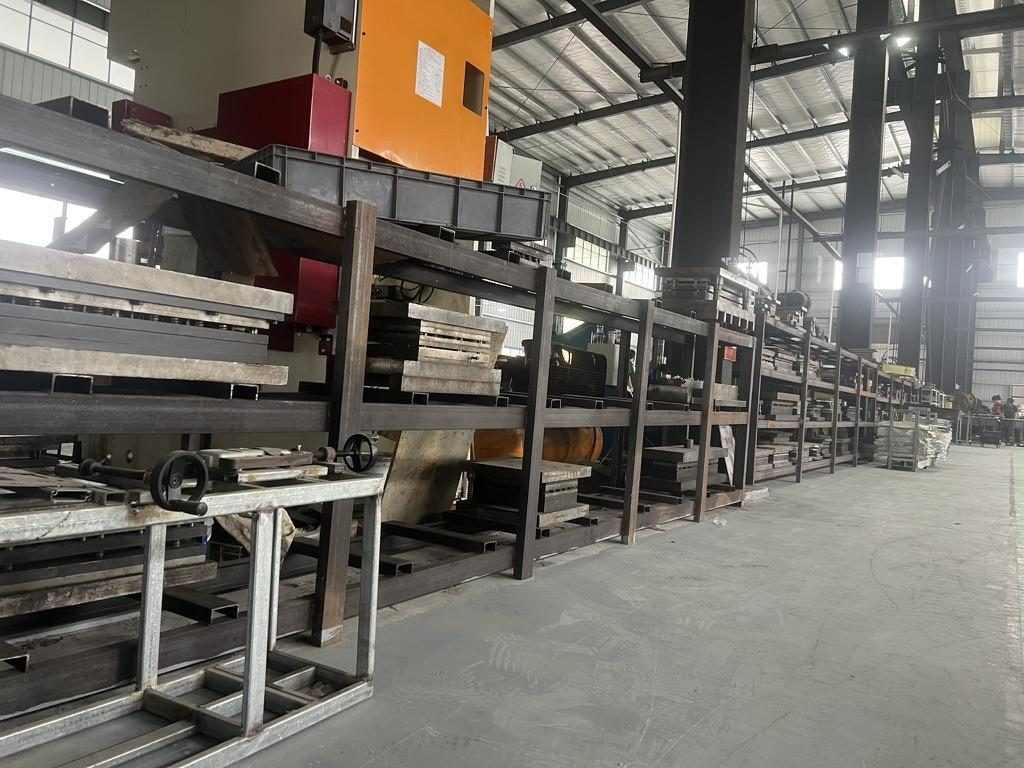
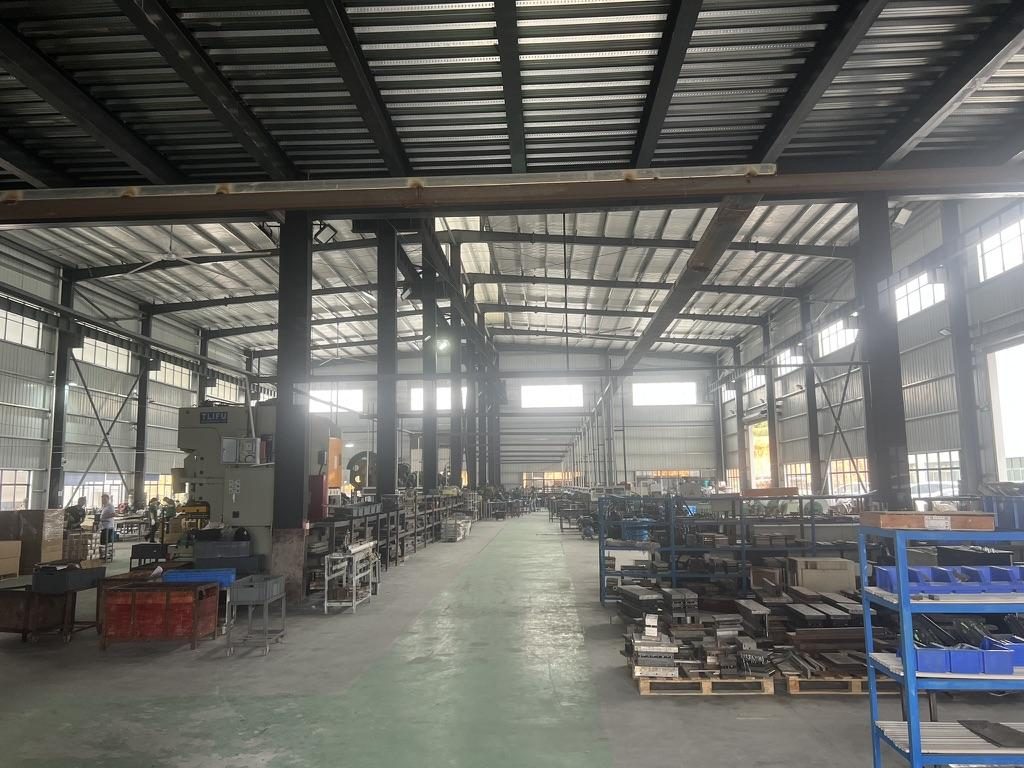 Overview of the server rail production workshop
Prototype sampling, inspection criteria and BOM
A defined sampling and inspection plan reduces iteration. Below is the compact workflow and acceptance checkpoints we apply to projects such as an anonymised 1U telecom friction rail and a 2U HPC ball‑bearing rail.
Sample workflow (MetrixSlide practice)
- CAD acceptance: customer returns marked‑up drawing or a signed PDF/STEP approval.
- Prototype order: shop builds 1st‑article functional sample(s). Typical sample lead time after order confirmation is about 15–20 days for small prototype runs.
- Functional and inspection checks performed per the agreed inspection checklist.
- Customer physical validation (fit, load, serviceability) and any follow‑up revisions.
- Design freeze and pilot production.
Inspection checklist (include on sample drawings and PO)
- Dimensional: critical hole center-to-center, closed/extended lengths, bracket range, travel, and datum planes.
- Surface: coating continuity, adhesion note, and visible defects.
- Fastener interfaces: thread engagement, cage‑nut fit and PEM retention.
- Motion: bearing action or friction smoothness and lock‑out engagement; ensure no binding in typical service insert/removal angles.
- Load test: perform the agreed static hold or hold time. In MetrixSlide’s factory static-load test a rail pair is held under load at full extension for 24 hours, and the MS‑FMR‑2U‑100 held 100 kg in that test.
Sample BOM (include with sample pack)
- Rail subassemblies (outer, middle, inner) by part number.
- Fasteners: list by spec (#10‑32 / 12‑24 / M6), length, and finish.
- PEMs, springs, detents and any special parts with supplier reference.
- Surface treatment vendor and batch code for traceability.
Packaging and labeling
- Protect sliding contact surfaces, tape moving parts to prevent double‑handling damage, and include a packed parts list and sample inspection report with dimensional callouts and measured values for the buyer’s record.
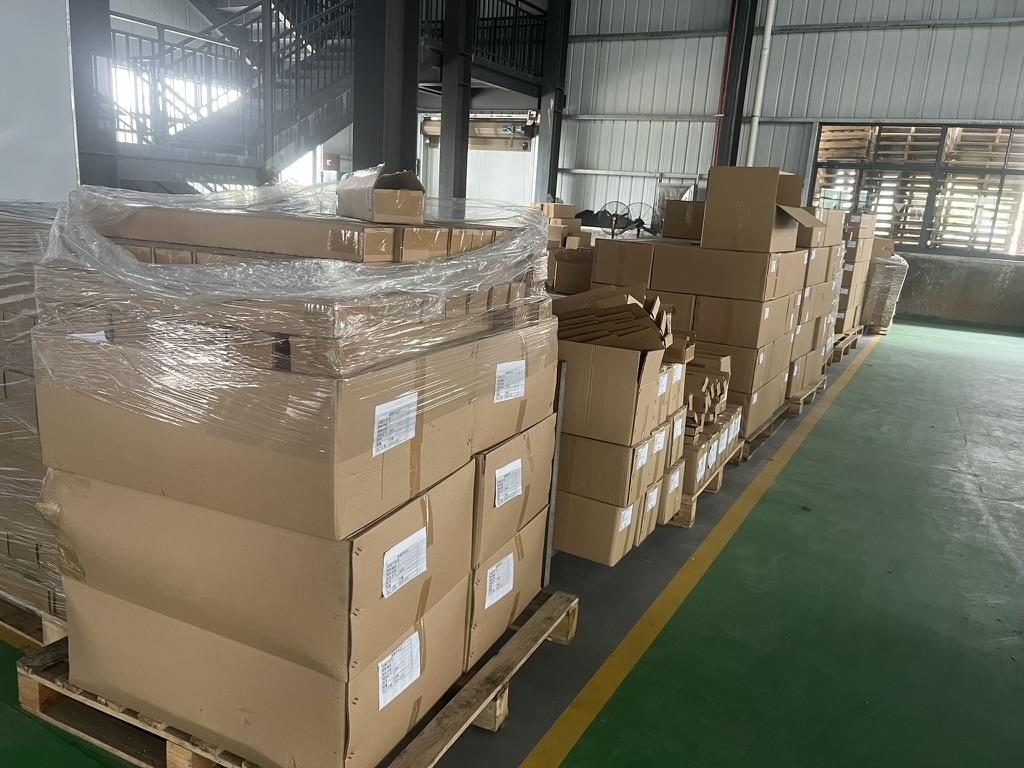 Export cartons of server rail kits ready to ship
Design variants, installation layout and chassis compatibility
Choosing between telescopic (multi‑section) and fixed rails is a function of service needs, load and chassis constraints. Follow the compatibility-first framework: capture chassis-side constraints, capture rack-side constraints, compare with the rail capability envelope, and only then select preferences.
Telescopic vs fixed — quick comparison
| Aspect | Telescopic (sliding) | Fixed |
|---|---|---|
| Service access | Full front service, hot-swap friendly | Chassis must be removed for access |
| Load capacity | Good with ball‑bearing designs; heavy-duty versions exist | Highest rigidity per simple section |
| Smoothness | Ball‑bearing > friction; requires precision stamping | N/A |
| Durability | More moving parts → planned maintenance | Simple, fewer failure modes |
| Installation | May require precise hole alignment and lock‑out features | Easier, lower sensitivity to small misalignments |
When to choose which
- Telescopic/ball‑bearing: pick when hot‑swappable drives, heavy service frequency, or full‑extension access are required — common for HPC 2U servers and GPU rails.
- Fixed: pick when service access from the rear/front is rare or chassis removal is acceptable; fixed rails are common in appliances and some telecom 1U installs where cost and rigidity override in‑rack serviceability.
Installation layout and compatibility documentation to include with drawings
- 1:1 drill layout (PDF) keyed to rack‑post datum for front‑to‑back mounting.
- Torque and sequence guidance for front and rear fasteners. Call out captive nut tightening torque ranges by thread size and the recommended order for multi‑fastener installations.
- A chassis‑compatibility checklist: chassis width, depth, datum point to T‑pin, PEM head and shaft sizes, and required clearance envelopes for airflow and busbar keep‑outs.
Common installation issues and mitigations
- Misaligned captive screw centrelines at the front datum can shift the chassis U‑position. Always include front datum calls on the drawing.
- Narrow side‑clearance increases sensitivity during insertion — if the chassis is wide relative to rail spacing, include alignment guides or chamfers on mating features.
Practical installation note: the compatibility workflow records the validation level reached — requirement match, CAD/drawing match, physical fit validation, and performance validation — because passing CAD does not guarantee the installed system will meet performance gates.
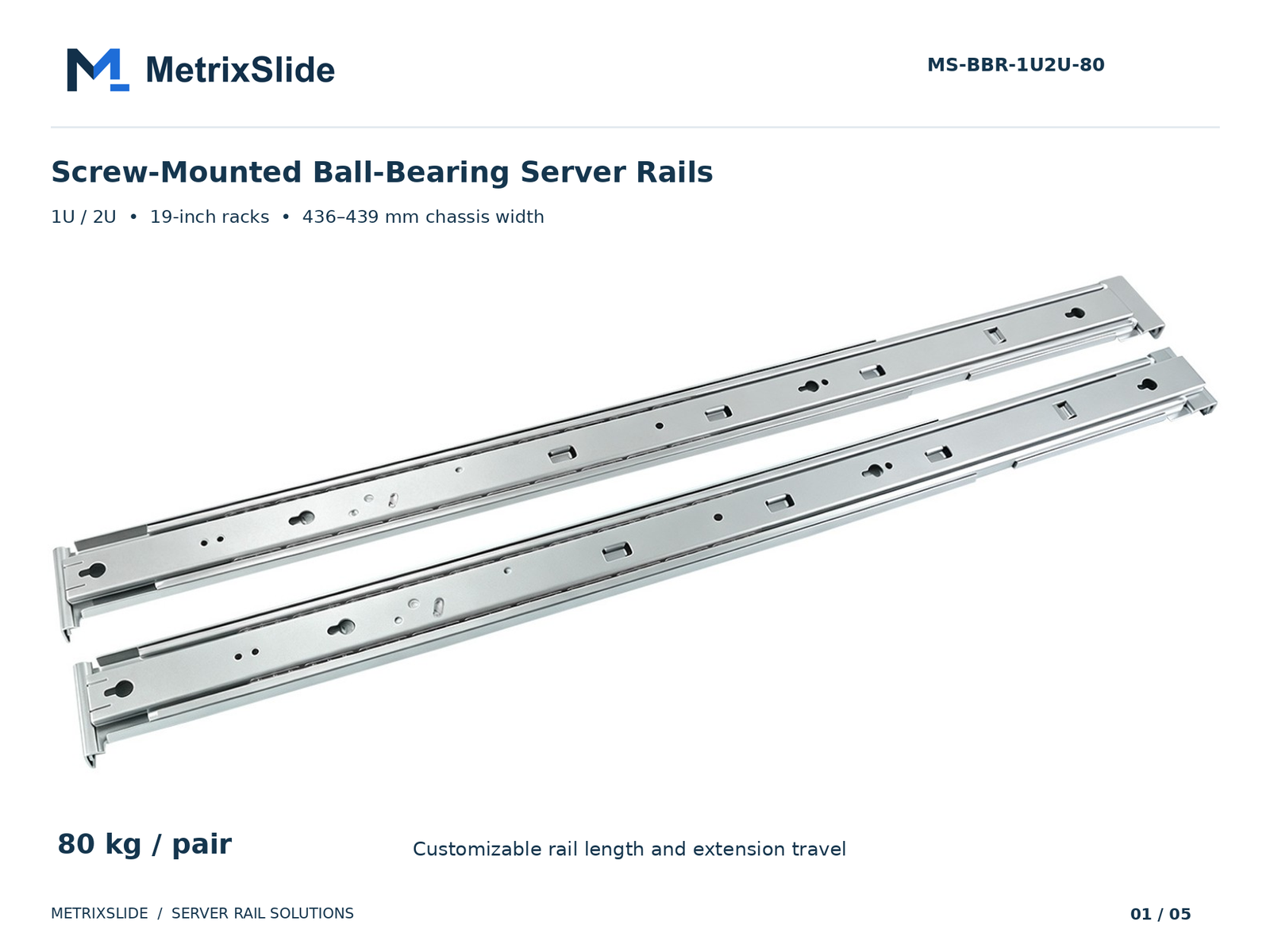 MS-BBR-1U2U-80 Screw-Mounted Ball-Bearing Server Rails — view product
Short anonymised case examples (how the process plays out)
These anonymised examples show the deliverables and decisions that accelerate a project from interface drawing to validated sample.
-
North American telecom OEM — 1U friction rail
- Customer provided an interface drawing for a 1RU chassis and a 19‑inch EIA‑310‑D 4‑post rack. Rack post spacing was specified as 674 ±3 mm to 919 ±3 mm; chassis width 438.5 ±0.5 mm.
- Initial rail travel shown on the draft was 300 mm, but the customer preferred a shorter pull‑out for their load‑test method (acceptable range 100–150 mm). The design was revised toward ~150 ±3 mm usable pull‑out and a three‑member telescoping architecture was produced for CAD review.
- Outcome: recommended 2D/3D drawings issued, sample quantity discussed (initial evaluation 5–20 pairs), pricing under procurement review. This demonstrates the decision flow: interface requirement → MetrixSlide recommended architecture → CAD → sample.
-
Indian HPC ODM — 2U ball‑bearing rail
- Inputs: 2U chassis, 434 mm chassis width, preference for ball‑bearing slides, approx. 860 mm closed rail length and a 40–50 kg per‑pair load requirement.
- MetrixSlide supplied a customized 3D CAD focused on the mounting-area. The rail front‑bracket adjustment range was designed at 650–965 mm; the customer’s actual rack-post distance was ~812 mm (within the range).
- A small front mounting offset (customer chassis captive screw centreline ≈ 23 mm vs MetrixSlide recommended 21 mm) was identified and resolved by minor chassis-side or bracket adjustments at the CAD stage.
- Outcome: CAD‑level acceptance and a PI for 10 sample pairs; samples expected ~15–20 days after order confirmation.
-
SaaS company building its own servers — drop‑in conversion vignette
- Customer supplied a PEM/T‑pin spec (head Ø 6.502 mm / shaft 4.0 mm / under‑head clearance 1.585 mm) and asked to convert a stab‑in family to a drop‑in variant. The conversion required only an inner‑rail J‑slot geometry change derived directly from the PEM dimensions and a matched drill layout for the chassis.
These anonymised examples reflect MetrixSlide engineering practice: record requirement → CAD → physical sample → performance test, and keep changes scoped to bounded customization where possible.
Conversion / CTA
Sample pack and next steps
- What we put in a sample pack: DWG & STEP of the approved rail, a 1:1 drill layout PDF, marked BOM, packing list and the sample inspection report with measured values.
- Typical sample lead time: approximately 15–20 days after order confirmation for small prototype runs.
- To get a fast quotation and sample: send your chassis drawing or model (STEP preferred), the rack post‑to‑post distance or bracket fit range, expected load per pair, and target quantity.
Request a custom sample or quote:
- Create a quote: https://www.metrixslide.com/page/create-a-quote/
- Contact engineering: https://www.metrixslide.com/contact-us/
FAQ
Q: Which CAD file formats should I provide when sending custom server rail drawings to a manufacturer? A: Provide a fully-dimensioned 2D DWG or PDF plus a 3D STEP (or STEP subset containing the mounting area). The 2D drawing supplies critical tolerances and notes while the STEP lets tool designers verify clearances and program punch/die operations.
Q: How do I specify rack mounting hole patterns and EIA‑310 U spacing in my project drawings? A: Call out the rack standard (e.g., EIA‑310) and show explicit hole centerlines and hole geometries on the drawing. Include the U spacing reference (1.75" / 44.45 mm), the hole type (square, round, threaded) and the intended hardware (#10‑32, 12‑24, M6 or cage nuts).
Q: What load and weight capacity information should be shown on rail drawings, and how is it typically tested? A: State load as “X kg per pair” and indicate whether that rating is static or dynamic and at what extension state. Reference the test method in the drawing notes — in MetrixSlide’s factory static-load test a rail pair is held under load at full extension for 24 hours, and the MS‑FMR‑2U‑100 held 100 kg in that test.
Q: What material, thickness and finish specifications (including RoHS or material certificates) should be included for rails? A: Call out material (cold‑rolled steel or specific aluminum/stainless alloy), nominal thickness, surface finish (powder coat, zinc, phosphating, etc.) and any regulatory requirements such as RoHS. Request a material certificate with first articles so the purchaser can confirm alloy and treatment.
Q: What tolerances, bend notes and inspection criteria should be on a sample drawing to pass quality checks? A: Include a tolerance block, tight tolerances on critical hole positions and datum references, inside-bend radius or K‑factor notes, and an inspection checklist covering hole centers, coating, PEMs, and motion smoothness. Also specify the acceptance criteria for functional features (for example, lock‑out engagement and travel).
Talk to a MetrixSlide engineer
Want an engineer to run this check on your own chassis and rack? Send us a chassis drawing or model (STEP or DWG), the rack post-to-post distance and hole type, the expected load and your planned quantities. Within 24 hours you get a rail matching proposal from an engineer, followed by 2D/3D drawings for review and sample pairs (typically 15–20 days after drawing approval) for physical validation before the full order.
Bracket position, hole pattern, rail length and thickness adjustments on our existing platforms usually carry no tooling fee; structural redesigns are quoted separately with dies made in-house.