A practical, installation‑focused guide to PEM T‑pin anatomy, how a keyhole/J‑slot is derived from the pin, retention and release, and what engineers should measure before buying or retrofitting rails.
Tools, Hardware, and Pre-Installation Checklist
Before you start a server rail T‑pin/keyhole installation, gather tools, confirm parts and run a quick safety checklist so the first insertion is the last troubleshooting step.
Essential tools and PPE
- Ratchet and wrench set (for captive screws and bracket bolts)
- Torque wrench (set to the fastener manufacturer's published clamp‑force guidance and verified on a sample piece)
- Impact driver or screwdriver with clutch
- Punch and center‑drill for on‑site hole checks
- Drill with specified bits / step bits for slotting templates
- Rivet gun (if your rail/bracket uses rivets)
- PPE: safety glasses, cut‑resistant gloves; follow your site safety rules for footwear and working at height
- Ladder or mobile lift if racks are tall; follow your site ladder‑safety procedures
Common fasteners and spares to plan for
- Common machine screws and captive thumbscrews used for front mounting (metric or imperial per your chassis)
- Cage nuts where square punched holes are used, and the corresponding threaded fasteners for your equipment
- Fastener sizes matching your chassis (M6/M4 or 10‑32/#12‑24 depending on supplier patterns)
- Replacement PEM T‑pins or equivalent chassis‑side pins: keep a small stock per server family (replace if shoulders are damaged)
- Spare inner‑rail bearing packs or ball‑retainer strips for ball‑bearing rails and rubber vibration pads
Sourcing note: use local industrial fastener distributors or obtain chassis‑specific PEM pins from your chassis supplier or via MetrixSlide quoting. Avoid assuming universal availability of a particular PEM part without confirmation.
Pre‑installation checklist (quick)
- Confirm rack post type (square‑punched, round, threaded) and photograph the post and hole row for engineering review. Measure hole size and note thread spec where applicable.
- Measure post‑to‑post distance (the bracket span) and document the actual range of post distances at that location — do not assume a single nominal rack depth.
- Capture chassis T‑pin data: head diameter, shaft diameter, under‑head clearance (projection) and pin centre positions from the chassis datum. If unknown, remove and measure a sample T‑pin or request the chassis CAD/specification.
- Verify whether you require stab‑in or drop‑in installation and the desired extension/lock‑out behaviour for service. Drop‑in rails require inner‑rail keyhole/J‑slot geometry that matches the chassis T‑pin.
- Inspect inner/outer rail orientation and any captive screws, detents or safety stops.
- Confirm two‑person lifts or mechanical assistance for heavy items and any site‑specific procedures for working on live equipment.
Standards and safety reminders
- "19‑inch" or IEC 60297 classification does not guarantee mounting compatibility — always verify hole type, post spacing and mounting depth. EIA / IEC rack conventions are a starting point; confirm actual post details and hole formats on site.
- For heavy or live equipment use team lifts or mechanical handling aids and follow your site's safety procedures.
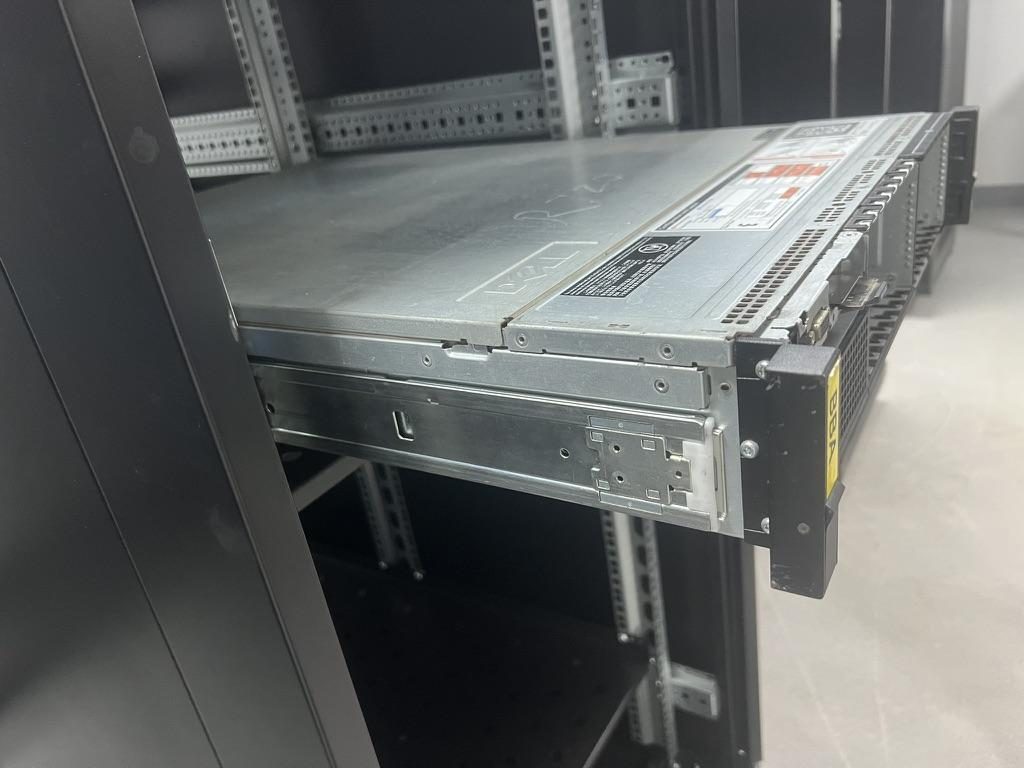
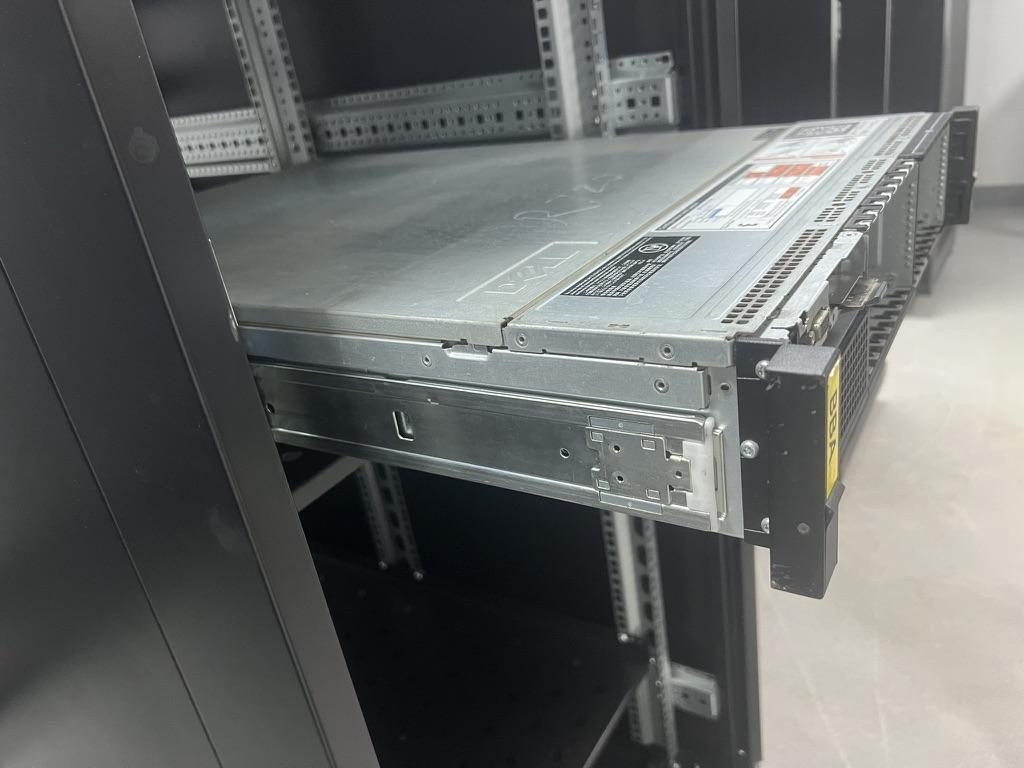
 Server rail sample display rack at the MetrixSlide factory showroom
Step-by-Step T‑Pin and Keyhole Mounting Procedure (Illustrated Walkthrough)
This procedure assumes you have T‑pin equipped rails and a rack with compatible keyhole/J‑slots or will make matching slots. Measuring and alignment mistakes are the most common cause of jams and part damage — stop and verify if anything feels wrong.
-
Inspect and measure the T‑pin(s)
- Capture head diameter, shaft diameter and under‑head clearance (projection from the chassis panel to the underside of the head). These three dimensions are separate engineering inputs. Example (project‑specific): a PEM SKS‑R1.5‑4‑0 used on one client project had a head Ø = 6.502 mm, shaft Ø = 4.00 mm and under‑head clearance ≈ 1.585 mm — treat this as an example, not a universal rule. Record exact values for your chassis.
- Check pin straightness and for burrs on the head and shaft; damaged shoulders are a common failure mode.
-
Verify or lay out keyhole/J‑slot geometry
- The keyhole is derived from the pin geometry: the entry/opening region must admit the head, and the retention neck must match the shaft so the shoulder bears correctly on the rail when lowered. Position the keyhole relative to the chassis datum and the rail datum; position errors are as important as local geometry.
- Capture the engagement path and intended release method (manual pull, thumb screw, positive lock with release lever). Some customers require positive retention that must be manually released — this is a functional requirement, not a generic geometry rule.
-
Position rails in the rack
- For stab‑in rails: follow the stab‑in sequence for your product family; for drop‑in rails: inner rails are typically fully extended so the chassis is lowered into the keyholes. Verify that the rail bracket span matches the measured post‑to‑post distance and that the front ears align to the intended U position.
- Remember: closed/extended length and bracket (fit) range are three distinct drawing values. Never infer fit range from closed length alone — always compare the rail’s stated bracket range against measured post distances.
-
Insert rear T‑pin(s) first (drop‑in sequence)
- Align the rear of the chassis so the head enters the keyhole entry region, then lower until the pin shoulder engages the retention neck. You should feel the shoulder seat; if a positive latch is present, engage it per the design. If the pin does not seat cleanly, stop — verify slot width, angle and any under‑head clearance stack‑up. Forcing the chassis can damage pin shoulders, slot necks or the rail stamping.
-
Seat the front pins and confirm mating
- Lower the front edge into the front rail slots and fasten any captive thumb screws or detents. Check the chassis front‑panel datum versus the U spacing rather than relying solely on the rail nose. Misaligned front mounting features (for example a 2 mm difference in screw centre location between chassis and bracket) can shift the visual U position — verify front alignment in two layers: mechanical engagement and intended U location.
-
Retention and release test
- With the chassis seated, perform a small upward pull and forward push to confirm positive seating. Perform the intended release operation (thumb screw, release lever, manual release) and confirm it requires the expected action. If the interface includes a positive lock, confirm it will only release with the designated manual action.
-
Load check and short verification test
- For heavy or mission‑critical gear, perform a short on‑site static hold test at the expected service/extension state and visually inspect for any sag, slippage or slot deformation. In MetrixSlide’s factory static‑load test a rail pair is held under load at full extension for 24 hours, and the MS‑FMR‑2U‑100 held 100 kg in that test; on site you can perform a shorter verification appropriate to operations.
Key dimensions and practical tolerance guidance
- Entry opening: should comfortably admit the head without scraping, while preventing excessive head rotation.
- Retention neck width: sized to the shaft diameter plus a controlled clearance determined by stamping precision and intended retention: derive this from measured pin data and manufacturing tolerances, not from a universal number. MetrixSlide internal discussions reference stamping targets as fine as 0.08 mm in some operations; treat that as an internal target rather than an industry guarantee.
- Under‑head clearance: must be checked against the chassis panel stack‑up so the head sits as intended and the pin shoulder transfers load to the rail.
- Visual engagement check: confirm the pin shoulder passes the slot neck and the head is seated; a small visible shaft beyond the slot neck can indicate engagement, but use measured engagement depth as the definitive check.
Common installation failure modes and quick diagnostics
- Head caught on entry lip (entry too narrow or burr present) — deburr or rework the entry.
- Shoulder not seated (incorrect projection/under‑head clearance or short pin) — measure and replace the pin if required.
- Head rotates/free‑spins in the entry (entry too wide) — redesign or add a positive retention feature.
Decision rule (MetrixSlide engineering practice)
- Compatibility hard gates before preferences: confirm (1) chassis‑side interface (pin data and datums), (2) rack‑side interface (hole type and post distance), (3) load hard gate (per‑pair vs per‑rail rating and extension state) — only then choose preferred architecture (ball‑bearing vs friction, tool‑less vs captive, stab‑in vs drop‑in).
Helpful resources and required inputs for quoting
- Send a chassis drawing with pin dimensions (head Ø / shaft Ø / under‑head clearance), the rack post‑to‑post distance and hole type, the expected load and planned quantities. These inputs form the hard gates we use before proposing bracket or slot patterns.
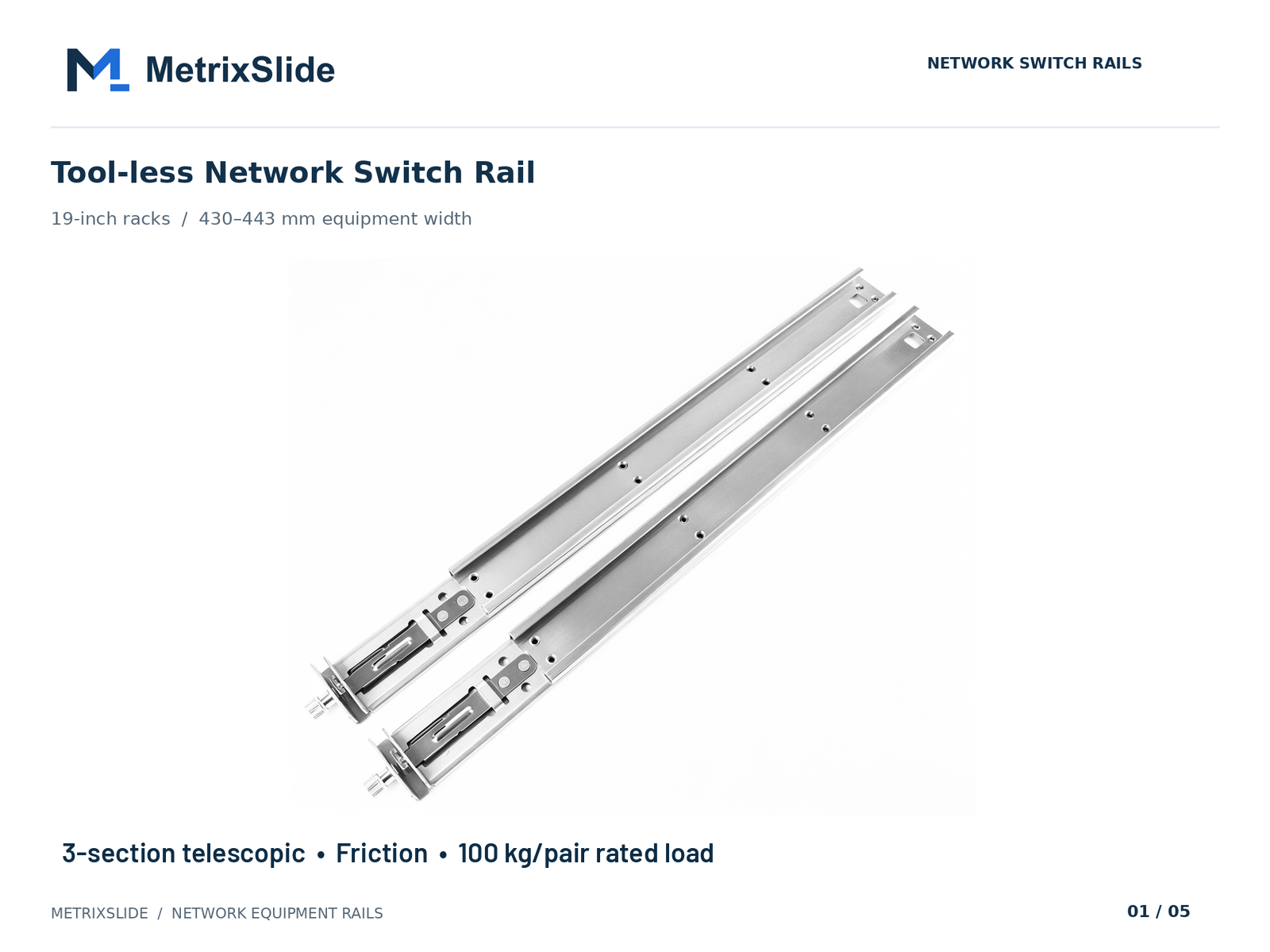 MS-FMR-SW-100 Tool-less Network Switch Rail — view product
Rail and Rack Compatibility: Hole Types, Patterns, and Cross‑Manufacturer Matrix
Compatibility depends on hole shape, hole pitch, rack architecture and whether you plan to use cage nuts, threaded posts or keyhole slots. The essential point is that keyhole/J‑slot geometry must be derived from the chassis T‑pin data and the installation motion.
Rack hole types and examples
- Square punched (typical OEM): many racks use a square punch option (example size used in OEM cases: about 9.5 × 9.5 mm) — these commonly accept cage nuts.
- Round punched: common in other OEM racks; example round hole sizes seen in OEM drawings include Ø7.1 mm. Round holes can accept keyed sleeves or larger reinforced slots when converted for T‑pin use.
- Threaded posts (10‑32 / #12‑24 / M6 / M4): provide strong anchors but do not accept T‑pin keyholes without a conversion bracket.
Cross‑manufacturer compatibility (high level)
- Multiple OEMs use similar hole conventions, but there is no universal keyhole size — confirm your rack post hole type, hole size and actual post‑to‑post distance. MetrixSlide treats keyhole geometry as dependent on the chassis T‑pin and project‑specific datums.
Adaptation options when holes don’t match
- Cage nut + adapter bracket: fastest reversible method when converting square‑punch holes to accept rail ears or screws. Suitable when the rail uses screws rather than T‑pins.
- Pressed/riveted keyhole sleeve: a stamped sleeve or plate converts an existing hole into a reinforced J‑slot sized to the pin — often the cleanest retrofit for T‑pin rails without repunching posts.
- Custom bracket replacement: replace the rail ears with pre‑cut ears that include the correct J‑slot geometry; many bracket location or hole‑pattern changes are bounded customization and can be done without heavy tooling (structural redesigns may require additional engineering).
Practical retrofit flow (MetrixSlide practice)
- Quick: use universal adapter brackets and cage nuts to retrofit quickly with minimal downtime.
- Mid: install pressed sleeves or riveted adapter plates to create proper keyholes; requires access and light fabrication.
- Full: supply a new set of mounting ears/brackets with correct J‑slots sized to the confirmed pin data; suitable for larger runs and long‑term installs.
Compatibility examples (anonymised, engineering figures)
- A North American telecom OEM required a reduced pull‑out for a 1U friction slide: design intent moved from a 300 mm pull‑out to a narrower lock‑out; the agreed engineering target was ~150 ±3 mm for the reduced pull‑out used in validation. This shows lock‑out is a functional requirement that must be specified, not assumed.
- An Indian HPC ODM asked for a bracket range that covered 650–965 mm to fit most racks; their actual post distance in test racks was about 812 mm within that bracket range — check your measured post distance against the bracket range, do not assume nominal depth.
- A SaaS company building its own servers confirmed use of a PEM T‑pin SKS‑R1.5‑4‑0 as the chassis pin for a drop‑in conversion; the confirmed part dimensions for that project were head Ø = 6.502 mm, shaft Ø = 4.00 mm and under‑head clearance ≈ 1.585 mm — these were project‑specific inputs used to derive the inner‑rail J‑slot geometry.
If you can’t match hole pattern, send photos and measured post‑to‑post distance: MetrixSlide engineering will propose adapter or bracket options based on the captured pin and rack inputs.
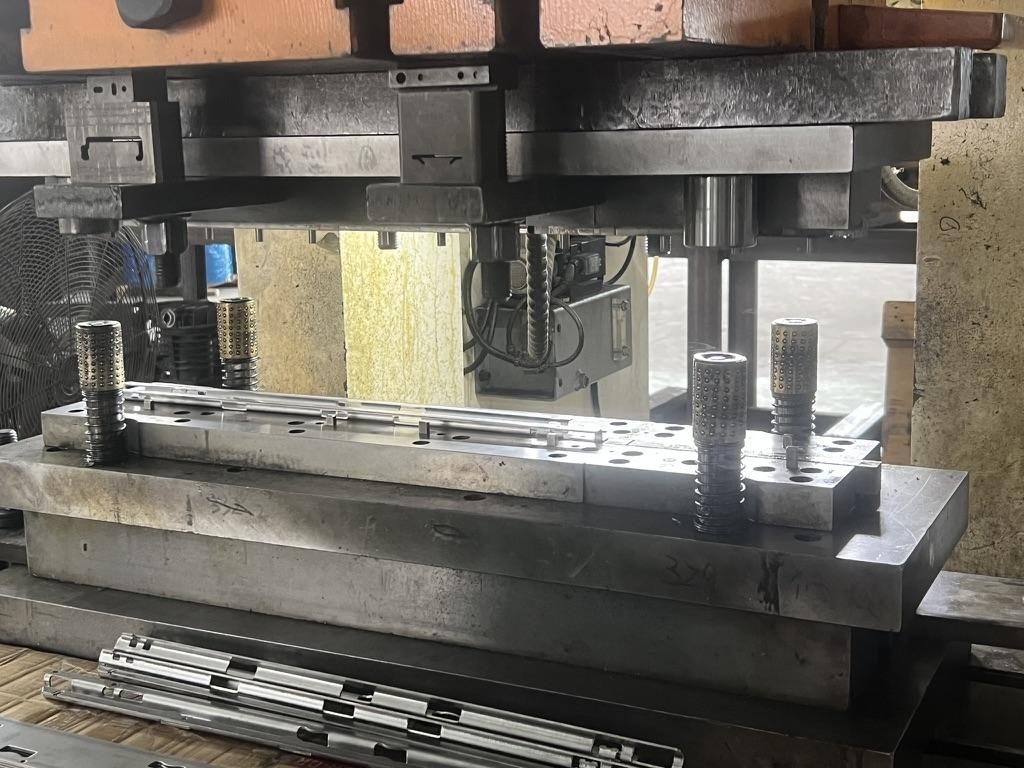
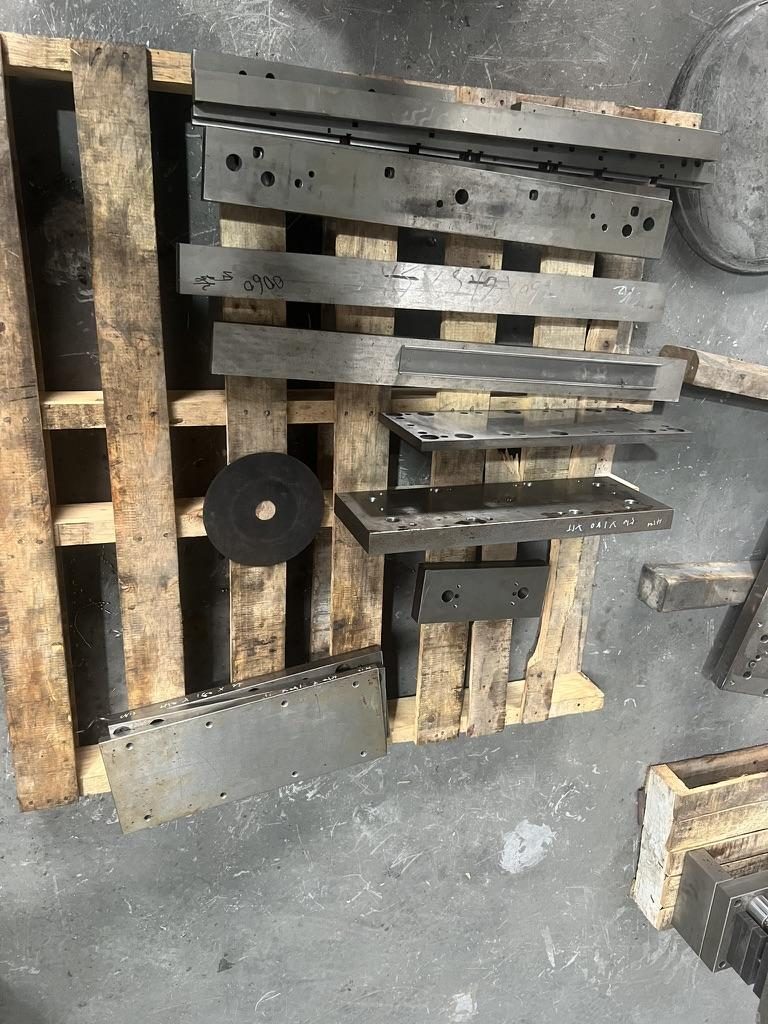
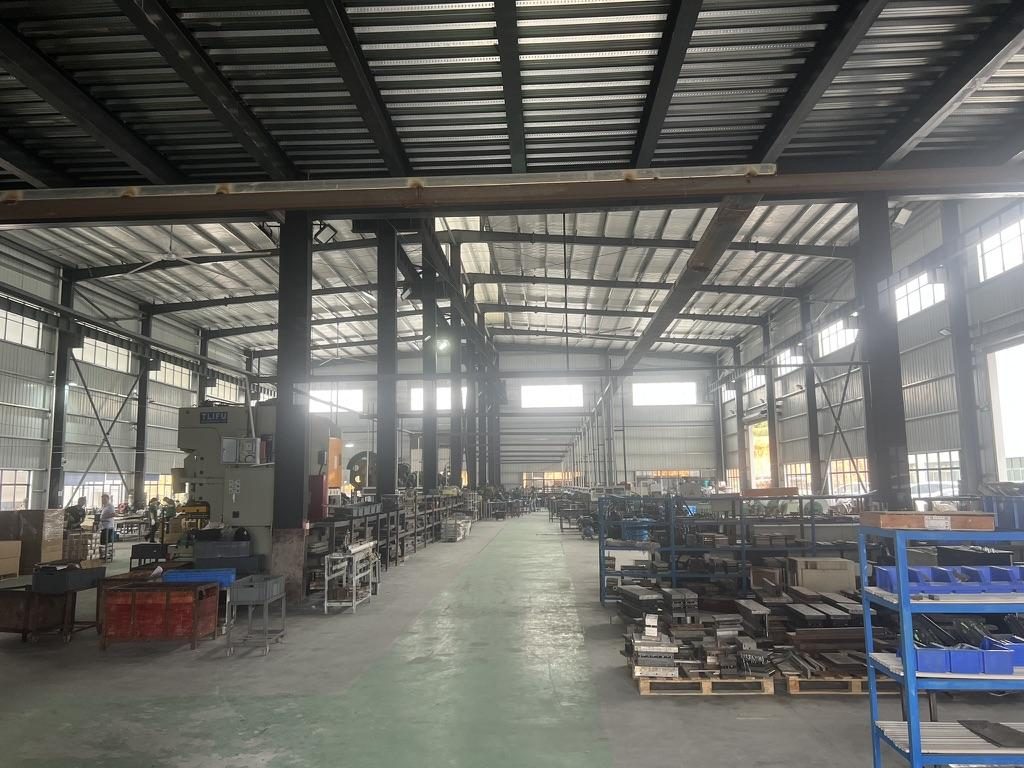 Overview of the server rail production workshop
Load Limits, Safety Checks, and Torque/Retention Specs
A safe installation requires clear expectations for load, retention and inspection frequency.
What a load rating actually states
- Always confirm whether a published load rating is "per pair" (pair of rails) or "per single rail", and whether it applies to static or dynamic loading and at which extension state (closed, partially extended, full extension). For example, MetrixSlide states heavy‑duty model capacities per pair; the MS‑GSR‑2U‑180 heavy rail has a nominal capacity of up to 180 kg per pair, and a formal test report at that load is not yet available. Do not assume ratings multiply across additional rails without engineering confirmation.
Retention and inspection checks
- The keyhole interface transfers shear into the pin shoulder and bearing load into the rail; inspect for shoulder contact and slot neck deformation after installation. Look for elongated or ovalled necks and flattened shoulders as signs of overload or repeated impact.
Torque and fastener guidance
- Torque depends on fastener size, thread, substrate and panel thickness. Use the fastener manufacturer's torque guidance and verify clamp force on a representative assembly. For critical installs, calibrate a torque setting using a trial on the same material stack‑up and thickness.
On‑site verification tests (recommended)
- Short static hold test: extend to service position and hold for a short, verified period while checking for slippage or sag. In MetrixSlide’s factory static‑load test a rail pair is held under load at full extension for 24 hours, and the MS‑FMR‑2U‑100 held 100 kg in that test; on site, use a shorter verification appropriate to operations.
- Visual checks: inspect slot necks for ovaling, pin shoulders for wear, and inner‑rail bearings for play after initial installation and after first service.
- Re‑torque: check critical fastener clamp force after the first 72 hours in service and then per your maintenance schedule.
Seismic / vibration add‑ons
- For high vibration or seismic environments use secondary safety cables, positive locking detents, lock washers or approved thread‑locking compounds and vibration pads with known durometer to reduce fretting and repetitive stress.
Quick safety checklist
- Confirm per‑pair vs per‑rail rating and the extension state used for that rating.
- Verify pin shoulders are seating fully; replace pins showing shoulder damage.
- Re‑check fastener clamp force after the initial installation cycle.
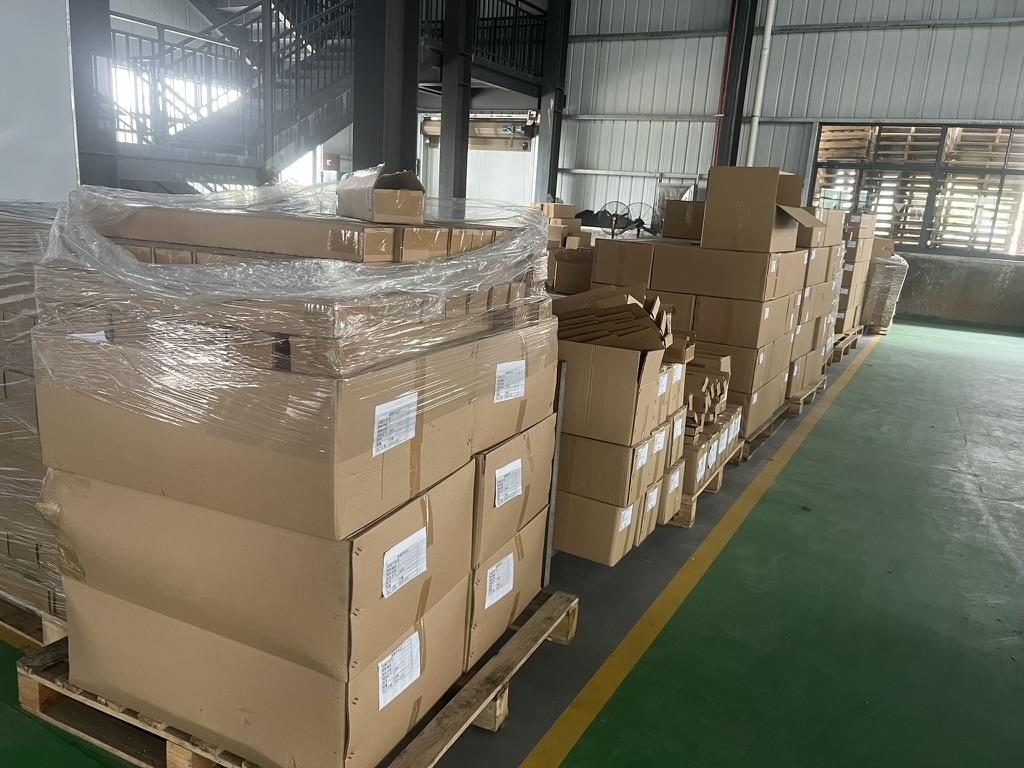 Export cartons of server rail kits ready to ship
Maintenance, Removal, Common Mistakes, and Retrofit Solutions
Planned maintenance avoids emergency server pulls and prevents damage to rails and servers.
Safe removal and service
- If the server is hot‑swapped or live, follow your data‑center or site procedures and support the chassis before release. Use inner‑rail safety stops and two technicians or handling equipment for heavy chassis. Release sequence: unlock front detents (thumb screws, levers), support the chassis, then operate rear release mechanism and slide the chassis forward on the inner rails according to the rail family procedure.
Common mistake symptoms and causes
- Chassis tilts when pulled — likely uneven pin seating, stripped slot neck, or inner‑rail play.
- Rail binds when extending — check for missing ball bearings, debris or damaged retainers; do not force.
- Pins shear or rounded shoulders — repeated impact, overload or mis‑insertion; replace pins and inspect slots.
Retrofit solutions
- Sleeve adapters: stamped sleeves turn square or round holes into keyhole geometry sized for your T‑pins; often quicker than repunching posts.
- Bracket replacement: remove existing ears and install new ears with pre‑cut J‑slots sized to the confirmed pin data. Many bracket/hole‑pattern changes are bounded customizations that avoid heavy tooling; structural rail redesigns require engineering and may incur tooling.
- On‑site slotting: mark pilot holes from the measured pin datum and create the J‑slot with a step bit and file finishing; use reinforced plates where clearance or edge deformation could be an issue.
Spare parts to keep on hand
- Spare PEM T‑pins that match head/shaft/under‑head specs for your chassis family.
- Inner‑rail bearing packs or ball retainer strips for ball‑bearing rails.
- Rubber vibration pads and spare captive thumb screws.
Maintenance cadence (recommended)
- Visual inspection quarterly for high‑use racks; semi‑annual for low‑use. Re‑inspect and re‑torque after the first week of installation.
MetrixSlide engineering additions: definitions, taxonomy and intake checklists
Closed / extended / bracket range — a short definition (drawn from drawing practice)
- Closed length: the rail assembly length with inner rails fully nested (do not confuse with rack depth).
- Extended length: the rail length with inner rails fully extended (travel distance included).
- Bracket (fit) range: the adjustable mounting span the rail can attach to on rack posts — this is the value to compare against your measured post‑to‑post distance. Always use the stated bracket range to confirm fit.
Taxonomy quick‑reference (compatibility hard gates vs preferences)
- Motion architecture: fixed vs sliding (hard gate: does the application require service access?).
- Sliding mechanism: ball‑bearing vs friction (hard gate: required load, deflection and service frequency).
- Mounting attributes: tool‑less vs captive fastener (preference) and stab‑in vs drop‑in (functional, impacts inner‑rail keyhole design).
Decision rule: capture hard gates (interface fit, load, extension/lock‑out) before selecting preferences (finish, tool‑less features).
Intake checklist (minimum inputs before CAD work)
- Chassis: drawing or STEP, full chassis width, depth, pin head Ø / shaft Ø / under‑head clearance, pin datums and center‑to‑center spacing, number of pins.
- Rack: post hole type (square/round/threaded) with sizes, measured post‑to‑post distance or adjustment range and photos.
- Load: per‑pair or per‑rail target, static vs dynamic, extension state for rating.
- Service: stab‑in or drop‑in, desired pull‑out/lock‑out, and any positive locking requirement.
Follow the workflow: Requirement → CAD → Physical fit → Performance validation.
Conversion / CTA
To plan a conversion, take rack photos (front/post), note the chassis drawing or model, rack post‑to‑post distance and hole type, the expected load and your planned quantities. Within 24 hours you get a rail matching proposal from an engineer, followed by 2D/3D drawings for review and sample pairs (typically 15–20 days after drawing approval) for physical validation before the full order.
Bracket position, hole pattern, rail length and thickness adjustments on our existing platforms usually carry no tooling fee; structural redesigns are quoted separately with dies made in-house.
FAQ
Q: What exact T‑pin and keyhole slot dimensions and tolerances should I measure before mounting rails?
A: Measure the pin head diameter, shaft diameter, under‑head clearance and pin shoulder location from a fixed chassis datum. Also record the pin protrusion when installed and the centre‑to‑centre spacing pattern. Tolerances are derived from those measurements and the rack stamping accuracy; if you don’t have tolerance data, measure a sample pin or obtain pin specifications from the chassis supplier.
Q: Can you provide a clear step‑by‑step procedure for installing server rails with T‑pins and keyhole slots?
A: Yes — the core steps are: inspect/measure pins, verify or create the matching J‑slot, mount the rails to the rack, insert rear pins, lower the front, engage locks, and run a retention/load check. Use your measured slot layout and a torque wrench for any fastened points to avoid over‑stress.
Q: How do I adapt square or threaded rack holes to work with keyhole/T‑pin rails, and are there recommended adapter part numbers?
A: Common approaches are cage‑nut plus adapter bracket for a fast, reversible fix; a captive sleeve or riveted adapter to create a proper J‑slot; or a custom bracket with the correct slots. We can recommend vendor part numbers from local industrial distributors after we see your hole size and rack photos.
Q: What torque values and fastener specs should I use for T‑pin/keyhole installs to meet EIA‑310 and basic safety checks?
A: Torque should follow the fastener manufacturer’s published values and account for panel thickness and material. Because torque depends on fastener size and substrate, perform a trial clamp test on a sample piece and set your torque wrench to the resulting verified value rather than relying on a generic number.
Q: How can I safely remove or service a server mounted on T‑pin rails without damaging the rail or equipment?
A: Support the chassis before unlocking, release front detents then rear pins as designed, and use inner‑rail safety stops where available. For heavy loads, use two technicians or appropriate lifting equipment and follow your data‑center procedures; inspect pins and slots afterward for wear.
Talk to a MetrixSlide engineer
Not sure how this applies to your servers? Send us a chassis drawing or model (STEP or DWG), the rack post-to-post distance and hole type, the expected load and your planned quantities. Within 24 hours you get a rail matching proposal from an engineer, followed by 2D/3D drawings for review and sample pairs (typically 15–20 days after drawing approval) for physical validation before the full order.
Bracket position, hole pattern, rail length and thickness adjustments on our existing platforms usually carry no tooling fee; structural redesigns are quoted separately with dies made in-house.