A practical guide to deciding whether universal server rails will actually fit your chassis, what features you trade off, and when to invest in OEM or custom rails.
Compatibility: Server Models, Rack Depths, and Mounting Types
Before you assume “universal” equals “drop‑in fit,” run a short hard‑gated compatibility check. Measure or document the chassis and rack interface features that determine whether a rail will truly install and perform.
What to measure (hard‑gate inputs)
-
Chassis measurements to collect
- Actual chassis width (panel‑to‑panel) including any ears, handles or flanges that affect side clearance.
- Chassis engagement envelope: distance from the front mounting datum to the rear‑most mounting feature that the rail or bracket must engage — not just overall external depth.
- U height and the vertical position of front mounting features relative to a clear datum on the chassis front.
- Chassis mounting features: T‑pins / PEM studs / captive screw locations — record head diameter, shaft diameter, under‑head clearance and centre‑to‑centre spacing (these define J‑slot/keyhole geometry).
-
Rack/post measurements to collect
- Post‑to‑post mounting distance (actual inside distance between front posts and/or the usable bracket range). This bracket range is the primary rail‑to‑rack compatibility number.
- Rack hole type and dimensions: square punched (cage nut), round, or threaded (note the thread spec). “19‑inch” (482.6 mm) is a panel classification per IEC standards, not a guarantee of hole form or fit.
- Any obstructions — doors, hinges, cable management arms or busbars — that reduce usable travel when the server is pulled forward.
Closed vs extended vs bracket range — short definitions
- Closed length: the rail assembly length in its stowed position.
- Extended length: the rail length when pulled out to its service position (may be partial or full extension).
- Bracket (fit) range: the adjustable span the rail’s front and rear brackets can accept — this is the number you must match to post‑to‑post distance, not closed length.
Compatibility hard gates (MetrixSlide engineering practice)
- Interface fit: post‑to‑post distance must fall inside the rail’s published bracket range.
- Chassis fit: chassis engagement envelope and U‑position must align with the rail’s inner‑rail travel and front datum.
- Mounting form: rack hole type and screw spec must match the rail brackets (or you must plan adapters).
- Load: verify per‑pair rating at the specified extension state — static vs dynamic matters.
Only after these hard gates are satisfied do you proceed to architecture and preference decisions (ball‑bearing vs friction, tool‑less vs screw‑mount, full vs reduced pull‑out).
Common nominal ranges and things to watch
- “19‑inch” (482.6 mm) is useful as a frame reference (IEC/EIA family) but never the single compatibility check. Always confirm hole form and bracket range.
- Universal brackets increase adaptability but are conditional: typical bracket ranges in product drawings vary (you will see examples in the market that accept ranges like ~650–965 mm, while others are tighter). Verify closed/extended lengths and bracket range on the drawing before ordering.
Quick verification steps before purchase
- Photograph and dimension: front (showing post distance), side (show chassis depth with datum), and close‑ups of fastener features (T‑pins, PEMs) with a caliper or ruler for scale.
- Cross‑check the rail’s published closed/extended lengths and bracket range — do not infer fit from closed length alone.
- If T‑pins/keyholes are in play, record pin head Ø, shaft Ø and under‑head clearance so the J‑slot can be derived.
- For regulated buys, flag TAA/GSA (or other procurement filters) early so compliant SKUs are selected.
Sample compatibility checklist matrix (illustrative)
- Chassis width vs rail maximum chassis width
- Post‑to‑post distance vs rail bracket range
- T‑pin / PEM geometry vs rail J‑slot entry
- Required pull‑out vs rail extension / lock‑out behavior
- Expected load vs per‑pair static/dynamic rating
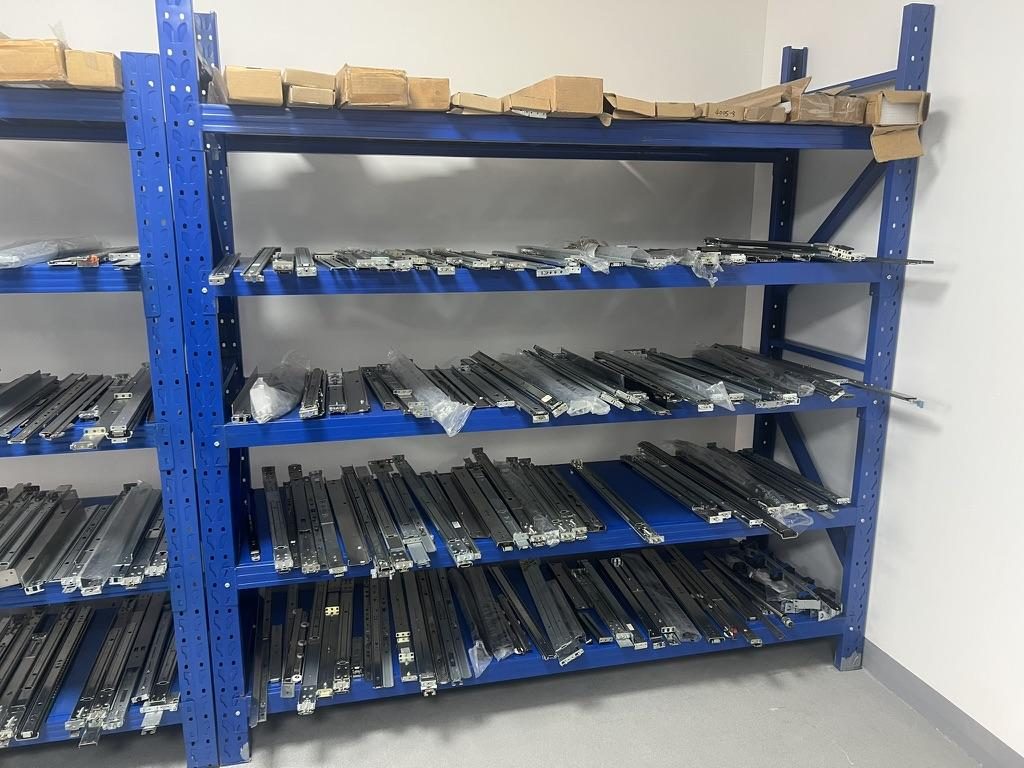
 Server rail sample display rack at the MetrixSlide factory showroom
Installation and Mechanics: Rail Types, Sliding Mechanisms, and Mounting Steps
Installation differs by motion architecture and mounting method—plan the method and hardware before ordering.
Rail taxonomy (how MetrixSlide frames the choices)
- Motion / support architecture: Sliding (telescoping members for supported service access) vs Fixed (L‑bracket stationary support).
- Sliding mechanism: Ball‑bearing vs Friction. A sliding rail may use either mechanism.
- Mounting / installation attribute: Tool‑less vs screw‑mounted; stab‑in vs drop‑in (drop‑in = rails pre‑installed and chassis lowered vertically into pre‑extended inner rails). These attributes coexist with motion/bearing choices.
Rail types and what to expect
- Fixed rails (L‑shaped): simple, lower cost, no travel; service typically requires full removal of the chassis.
- Sliding/telescoping rails: two‑ or three‑member assemblies (inner/middle/outer). Ball‑bearing models generally give smoother motion and better deflection control under heavy loads; friction slides are slimmer and lower cost.
- Universal adjustable brackets: front brackets that adapt to a bracket‑range window — “universal” is conditional and bounded by the published fit range.
Stab‑in vs drop‑in
- Stab‑in: align chassis/inner‑rail and insert along the rail path (common).
- Drop‑in: rails pre‑installed and inner rails extended; chassis is lowered so T‑pins or J‑slots engage vertically. Conversion between stab‑in and drop‑in commonly requires only an inner‑rail J‑slot redesign.
Step‑by‑step installation checklist (compatibility first)
- Mount the rack side (outer/middle members) using correct hole form / cage nut / thread.
- Prepare chassis side: verify PEM/T‑pin positions and J‑slot geometry; modify or add holes only after CAD confirmation.
- Align and insert chassis into rails (stab‑in or drop‑in method depending on rail).
- Secure front retention (thumb screws / captive screws) and confirm lock‑out behavior at service extension.
- Functional test: cycle extend/retract several times; check for cabling and door interference.
Fasteners, tools and torque guidance
- Common fastener types are M5, 10‑32 and 12‑24; many racks use cage nuts for square punches. Always verify the exact thread spec before ordering fasteners.
- Torque is vendor‑specific. If the manufacturer does not publish torque values, use a calibrated torque driver and tighten only to seat the fastener without deforming sheet metal or threads.
- Tool‑less designs speed installs but can trade off retention area or service load rating — choose tool‑less for low‑duty or high‑turnover installations where the trade is acceptable.
Installation pitfalls to watch for
- Front cabling or cable managers can block travel — plan cable routing and strain relief before fit‑off.
- Doors and panels can intrude into the pull‑out arc — measure with doors/panels open.
- Thin chassis and tight side clearance increase alignment sensitivity; forced insertion risks jamming or bearing damage.
Suggested QC photo/video script
- Frame 1: rack post‑to‑post measurement.
- Frame 2: close‑up of rack hole type and cage nut.
- Frame 3: chassis feature close‑up (PEM/T‑pin) with scale.
- Frame 4: rail installation sequence (rack‑side, then chassis insertion).
- Frame 5: full extension test and retention lock demonstration.
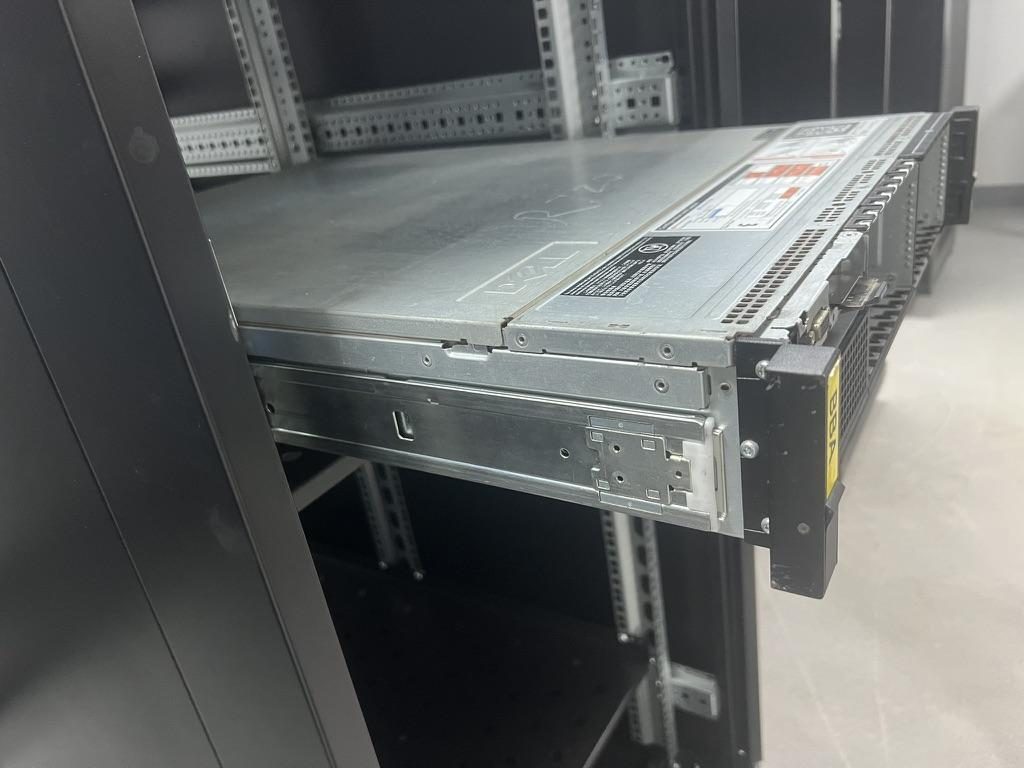 Compatible sliding rail kit for a Dell PowerEdge R720 chassis
 MS-TLS-120 Tool-less Ball Bearing Server Rail Kit — view product
Performance and Safety: Load Ratings, Materials, Airflow, and Certifications
A rail’s stated rating is conditional — read what was tested, at what extension and whether the number is per rail or per pair.
Interpreting load ratings (practical guidance)
- Always confirm whether a load rating is stated per pair or per rail, whether it is static (held) or dynamic (in‑motion), and at what extension (closed, partial, full) the test was made.
- Example baseline from our portfolio: MS-BBR-180 has a nominal capacity of up to 180 kg per pair; a formal test report at that load is not yet available. Use per‑pair extension‑state evidence as your acceptance gate.
- Dynamic/load‑in‑motion and vibration endurance are often omitted from marketing data. For high‑use or heavy‑load applications, request written test conditions (fixture, extension, duration) and witness or require sample testing.
Materials, finishes and deflection control
- Common materials include cold‑rolled steel and aluminium; finishes (zinc plate, galvanize, powder coat) affect corrosion resistance and electrical continuity. Heavier‑duty ball‑bearing rails use thicker section to control deflection at extension.
- Anti‑sag designs exist in the market (MetrixSlide references a patented anti‑sag slide structure); for heavy rails ask for deflection curves at load and extension.
Testing to request or perform
- In MetrixSlide’s factory static‑load test a rail pair is held under load at full extension for 24 hours, and the MS‑FMR‑2U‑100 held 100 kg in that test. For mission‑critical deployments, request third‑party or customer‑witnessed tests for pull‑out deflection, endurance cycles and vibration.
- Define acceptance criteria up front: max deflection or permanent set allowed, cycle count, and fixture geometry.
Airflow and thermal considerations
- Rails and brackets that add material in the rack cavity can change local airflow. If cooling margins are tight, validate with a powered thermal test or CFD snapshot showing delta‑T with rails installed.
Certifications and compliance
- Ask for UL, RoHS and other required marks when procurement rules require them. MetrixSlide is ISO 9001:2015 certified for slide processing.
- Declare TAA/GSA or equivalent constraints in RFQs so compliant SKUs and supply‑chain records are supplied.
Practical performance rule
- Demand a per‑pair, extension‑state test record. A rating without a stated test protocol is incomplete for engineering acceptance.
Support, Warranty, and Cost: OEM vs Universal Value, Spare Parts, and Buying Sources
Total cost of ownership includes supportability, spare‑part availability and procurement constraints beyond unit price.
Value tradeoffs
- OEM rails: form/fit is usually exact for that server model and installation; they can reduce integration risk during warranty windows but may have higher unit cost or constrained lead times.
- Universal rails: reduce SKU count and simplify stocking across mixed fleets, but may omit OEM‑specific features (rotating ears, captive retention geometries, or specific service locks) and require per‑chassis verification.
Warranty and risk
- Third‑party rails can complicate warranty interactions with the server OEM. Where warranty preservation is critical, obtain written confirmation from the OEM or retain OEM rails for service windows.
Spare parts and stocking
- Maintain a cross‑reference that maps server models to compatible rail SKUs and the required fastener type (cage nut vs threaded hole).
- Suppliers should publish CAD drawings, fit‑range data and sample availability so you can validate spares before a large deployment.
Where to buy and verify SKUs
- Use reputable distributors, system integrators, or direct factory channels. For any buy, request CAD drawings, a sample pair and clear lead‑time commitments — images alone are insufficient.
Factory practice note (samples & customization)
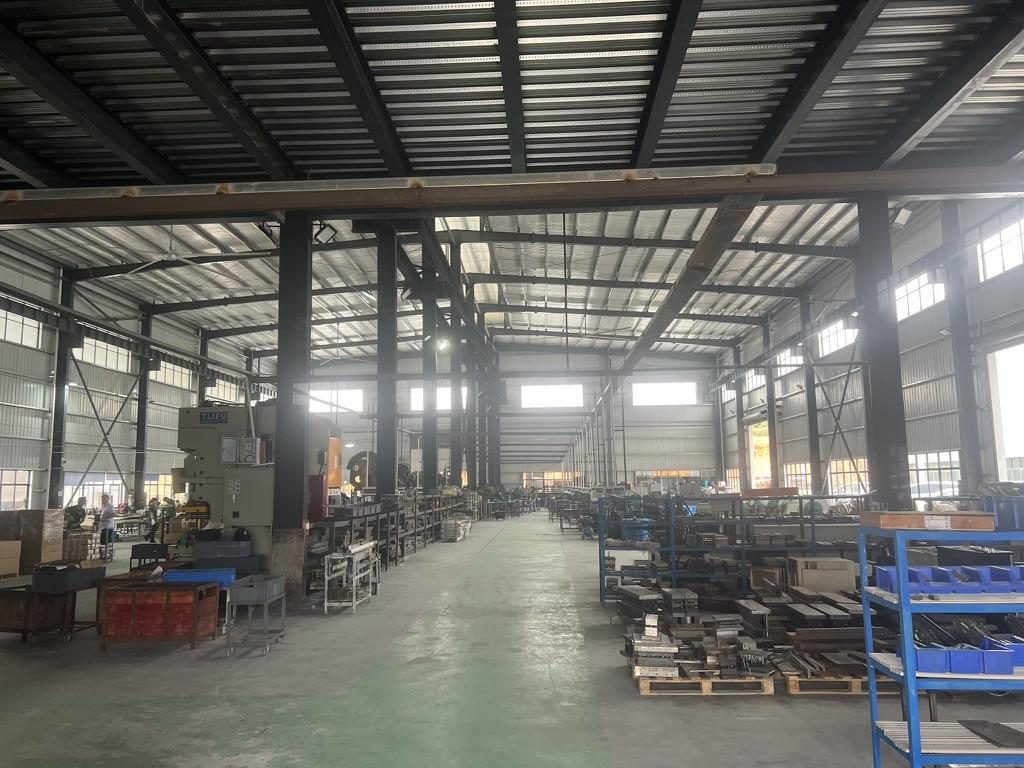
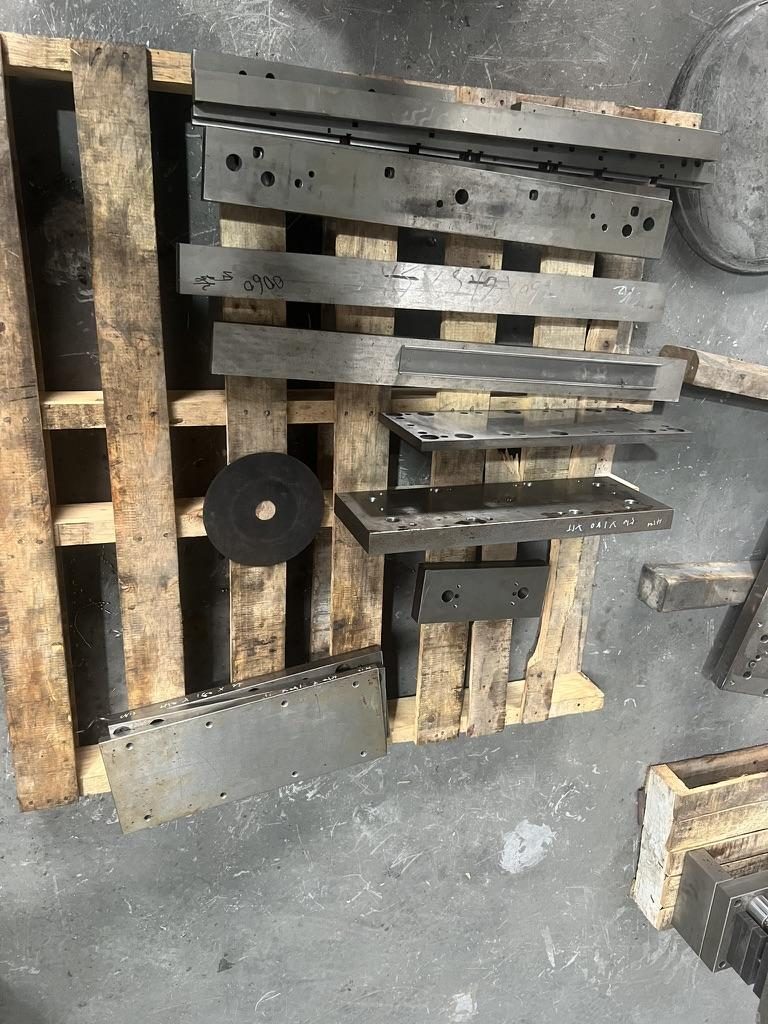
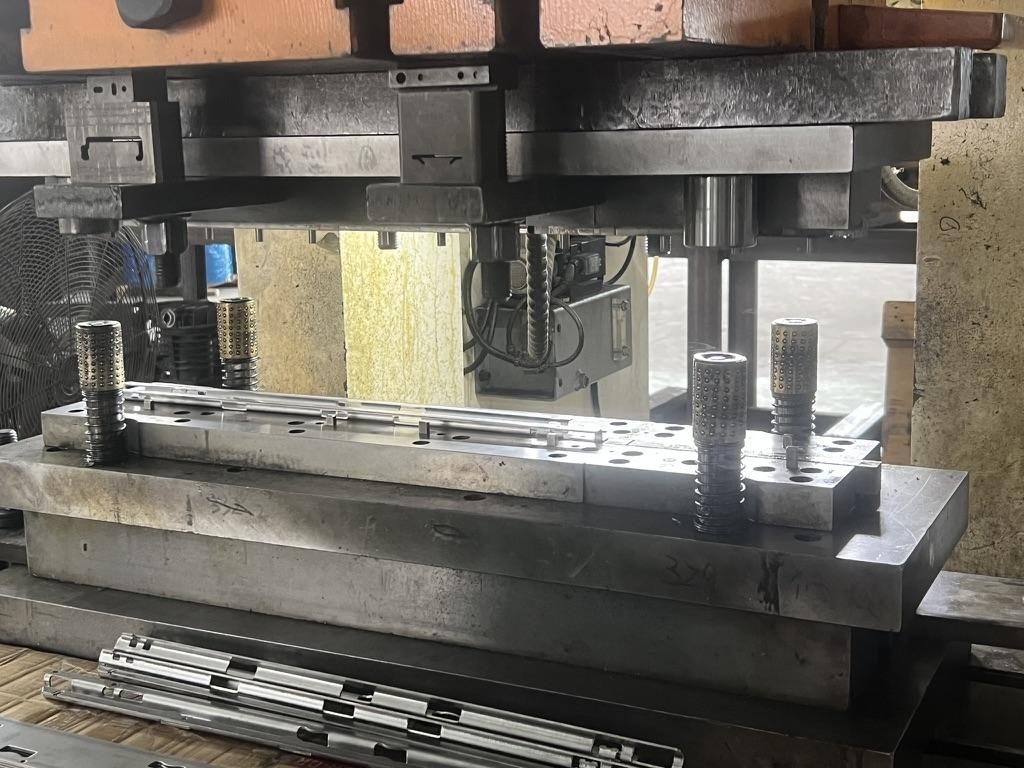
- Typical sample lead time for small runs or validation pairs is on the order of a few weeks (commonly cited ~15–20 days after drawing approval in practice) for samples. MetrixSlide supports bounded customization (bracket position, hole pattern, rail length/thickness) in many cases without tooling fees; structural redesigns incur NRE and tooling.
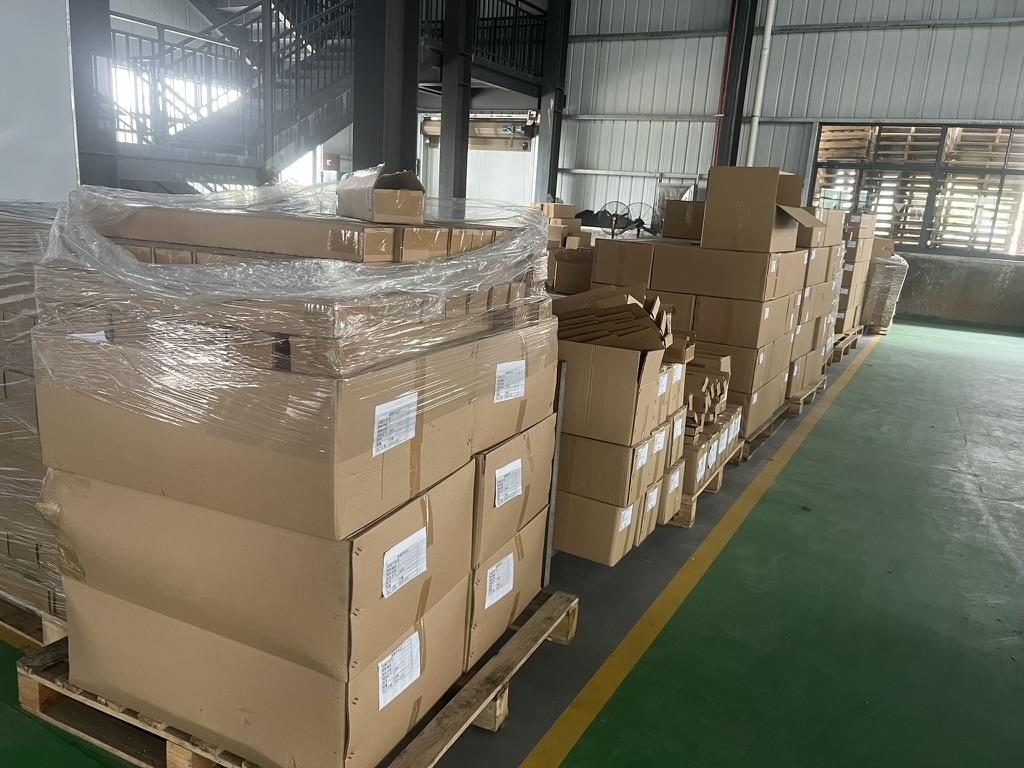 Export cartons of server rail kits ready to ship
Security, Practical Considerations, and Data Center Best Practices
Operational procedures and security options influence long‑term operability.
Security options
- Choose rails with positive lock mechanisms if you need an additional physical layer beyond cabinet door locks. Keep an inventory of lock keys and unique identifiers to avoid access headaches.
Operational checklists
- Before install: photo‑document post distance, hole form and measured post distance.
- During install: label each rail pair with asset tag and record the fastener type used.
- After install: log deviations (e.g., modified front ear) and keep matching spares — rails plus thumbscrews or captive fasteners.
Handling refurbished or mixed fleets
- Universal rails are attractive for mixed or refurbished fleets, but verify that removal and replacement remain friendly to the rack wiring and cabling practice. For multi‑rail heavy loads, do not assume load scales linearly: verify how load sharing is specified and tested.
Data‑center quick checklist
- Measure and photo‑document: post distance, hole form, cables/door interference.
- Verify airflow: run a powered thermal check if cooling margins are tight.
- Track spares: industry practice is to keep spare pairs available; size your pool by operational tempo.
- Record procurement constraints (TAA/GSA) at RFQ time.
MetrixSlide engineering practice: selection order, lock gates and examples
Practical decision rules we use on engineering projects:
- Requirements (fit, load, service profile).
- CAD check (mounting surfaces, pin geometry, bracket range).
- Physical fit (sample pair installation).
- Performance (static/dynamic tests, 24‑hour static hold where relevant). Hard gates (interface fit, dimensional fit, load verification) must pass before subjective preferences (ball‑bearing vs friction, tool‑less vs screw mount).
Anonymised project examples (real figures from client work)
- A North American telecom OEM — 1U friction install in a 4‑post EIA rack: front post span measured approx. 674 mm (closed) to 919 mm (extended) as the workable bracket window; a requested reduction of pull‑out from an initial 300 mm to an engineered 150 ±3 mm lock‑out position for service stability. Result: CAD accept and sample pair run for validation.
- An Indian HPC ODM — 2U ball‑bearing rails for a 434 mm chassis with a required bracket fit range of roughly 650–965 mm (their internal post distance ~812 mm) and 40–50 kg operating load per server. Outcome: CAD match, sample delivery and pending physical validation.
- A Korean surveillance‑equipment maker — 4U NVR with ~440 mm body width and no factory T‑pins; customer requested thin rails and M4 mounting holes. Outcome: platform selection then bespoke front‑pattern CAD so the rail integrates without protruding pins.
- A SaaS company building its own servers — converting a stab‑in style interface to drop‑in required only an inner‑rail J‑slot redesign. PEM pin inputs used in the CAD were head Ø 6.502 mm, shaft Ø 4 mm, under‑head clearance 1.585 mm — these pin dimensions drive the J‑slot geometry.
These examples illustrate the MetrixSlide practice: anonymise the customer, define the hard gates, run CAD, build samples (typical sample lead time ~15–20 days) and witness physical validation before production.
Conversion / CTA
Measurement and next steps
- Use a simple measurement sheet to collect chassis width, engagement depth, post‑to‑post distance and fastener types before contacting vendors. A sample brand/mode compatibility matrix can help you shortlist SKUs for your RFQ.
- Two ways to proceed:
- Self‑service: use the matrix and measurement sheet to shortlist candidate SKUs from distributors; verify fit with a purchased sample pair.
- Assisted validation: submit your measurements and a STEP or PDF drawing via our contact link and request CAD confirmation and a sample.
If you require government‑compliant supply, state TAA/GSA requirements in the initial message so we can filter compliant SKUs.
FAQ
Q: How do I measure my server and rack to confirm rail compatibility? A: Capture three photos and five measurements: chassis width, chassis engagement depth to the mounting datum, the front‑to‑rear post‑to‑post distance, U position of the front fastening features, and the rack hole form (square, round, threaded). Include close‑ups of any T‑pins or PEM studs with a ruler or caliper in the shot. Upload the sheet with photos when you request verification.
Q: Will using universal third‑party rails void my server manufacturer's warranty? A: It depends on the OEM and the server model. Some OEMs will not refuse warranty outright but may require written confirmation; for mission‑critical or warranty‑sensitive purchases, obtain an OEM statement or retain OEM rails for warranty service windows.
Q: What are the key load ratings I should check for rails and how do static vs dynamic ratings differ? A: Confirm whether the rating is stated per pair or per rail, and whether it is a static (held) load or a dynamic/load‑in‑motion rating. Static numbers (for example, the 100 kg that one pair of MS‑FMR‑2U‑100 rails held at full extension for 24 hours in the factory static‑load test) describe what the rail supports at rest; dynamic ratings govern safe movement and service loads.
Q: Which screw sizes and torque specifications are commonly required when installing server rails? A: Common screw sizes include M5, 10‑32 and 12‑24, and many racks use cage nuts for square‑punched holes. Torque is vendor‑specific; use the server/rail manufacturer’s installation guide or a calibrated torque driver and avoid over‑tightening stamped rails.
Q: Do universal rails affect server airflow, cooling performance, or vibration characteristics? A: They can. Rails that add material in front or rear cavities can change local airflow patterns—verify with a powered thermal check if cooling margins are tight. For vibration and endurance, request the rail supplier’s test protocol or run a witnessed endurance/vibration test for high‑duty applications.
Talk to a MetrixSlide engineer
Not sure how this applies to your servers? Send us a chassis drawing or model (STEP or DWG), the rack post-to-post distance and hole type, the expected load and your planned quantities. Within 24 hours you get a rail matching proposal from an engineer, followed by 2D/3D drawings for review and sample pairs (typically 15–20 days after drawing approval) for physical validation before the full order.
Bracket position, hole pattern, rail length and thickness adjustments on our existing platforms usually carry no tooling fee; structural redesigns are quoted separately with dies made in-house.