How to protect IP while enabling a practical rail‑compatibility review — a step‑by‑step, engineering‑first approach for OEMs and system integrators.
NDA and Contract Protections for Sharing CAD with Manufacturers
Before you hand any CAD to a rail shop, the contract must set the technical and legal guardrails. For a partial‑CAD workflow (mounting‑area STEP only), the NDA should explicitly define (1) permitted disclosures and recipients, (2) permitted uses (fit/compatibility review, prototype/sample manufacture), (3) duration, (4) ownership and licensing (no transfer of design ownership; a limited license to use for the stated purpose), and (5) remedies for breach. Below are compact clause fragments you can adapt and why each matters.
- Purpose‑limited disclosure: "Discloser grants Recipient a limited, non‑exclusive license to use the provided Mounting‑Area STEP only to perform manufacturing compatibility review, prototyping and sample fabrication for the Project X chassis. Any other use is prohibited." — Ensures the supplier cannot commercially exploit your design.
- Prohibition on reverse engineering: "Recipient shall not decompile, disassemble, or otherwise reverse engineer any provided files or attempt to recreate the full chassis design." — Critical when you supply only partial geometry.
- Return / destruction & certificate: "Upon project completion or earlier termination, Recipient shall return or securely destroy all CAD and related materials and deliver a signed Certificate of Destruction detailing files, media, and backups destroyed." — Creates a paper trail for compliance and possible evidence.
- Evidence‑preservation & cooperation: "Recipient will preserve logs and provide reasonable cooperation in any investigation, including supplying access logs, audit trails and original file copies upon lawful request." — Helps preserve a forensic chain if IP enforcement is needed.
- Injunctive relief & liquidated remedies: "Discloser is entitled to injunctive relief and recovery of damages, including costs of forensic analysis and attorneys' fees, in addition to any contractual liquidated damages specified." — Signals seriousness and provides practical deterrent.
Practical US considerations: align NDA timing with any patent filings or provisional applications (disclose only after filing if possible), and require evidence‑preservation consistent with litigation hold practices. Specify governing law and venue in the U.S. forum where you expect to enforce rights. For engineering teams, attach a Schedule A that lists exactly which files are being shared (e.g., "Mounting‑area STEP v1.2, filename: CHASSIS_MOUNT_AREA.step") so the file set is contractually bounded.
What MetrixSlide engineering expects in Schedule A (minimum mounting‑area STEP scope)
- Front mounting portion, screw / T‑pin mounting area and any immediate mating geometry required to verify engagement.
- A single neutral STEP file named with an explicit version string and accompanied by a plain‑text LICENSE.txt that states permitted use and retention. (This mirrors the partial‑CAD practice used in recent compatibility projects.)
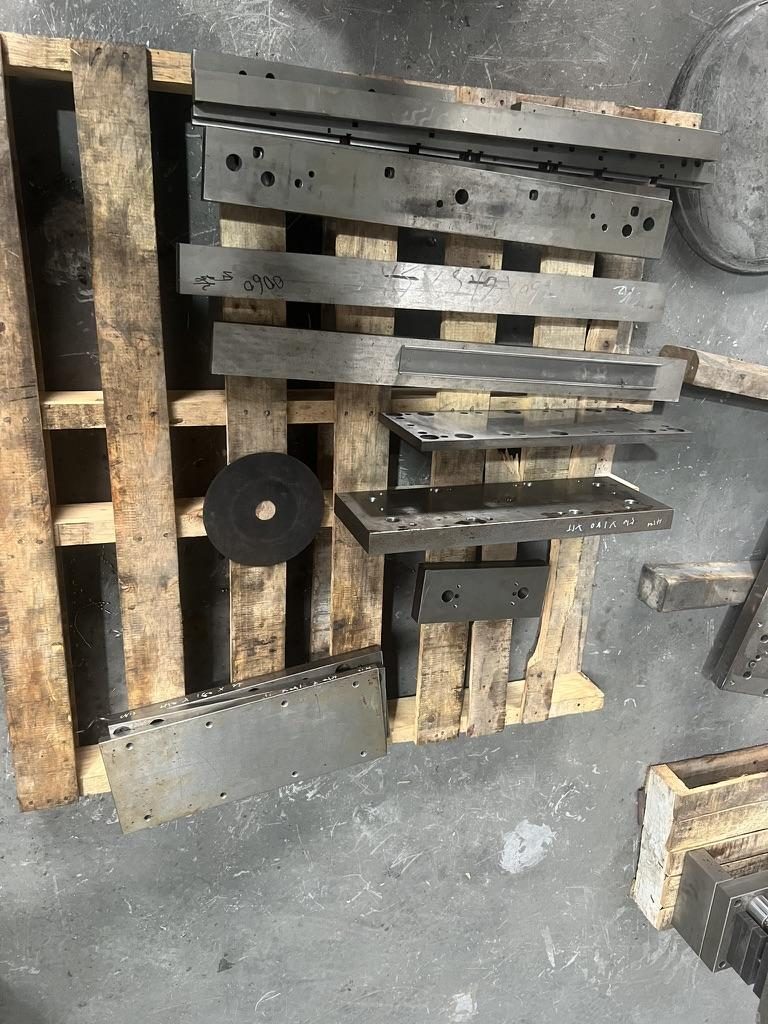
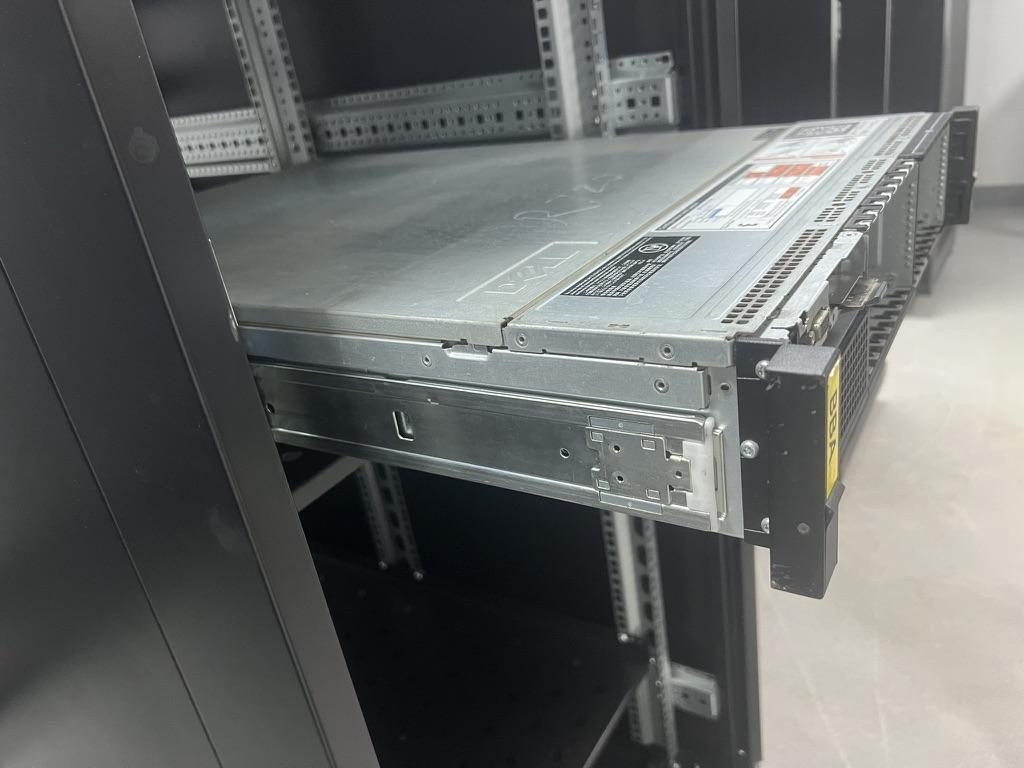
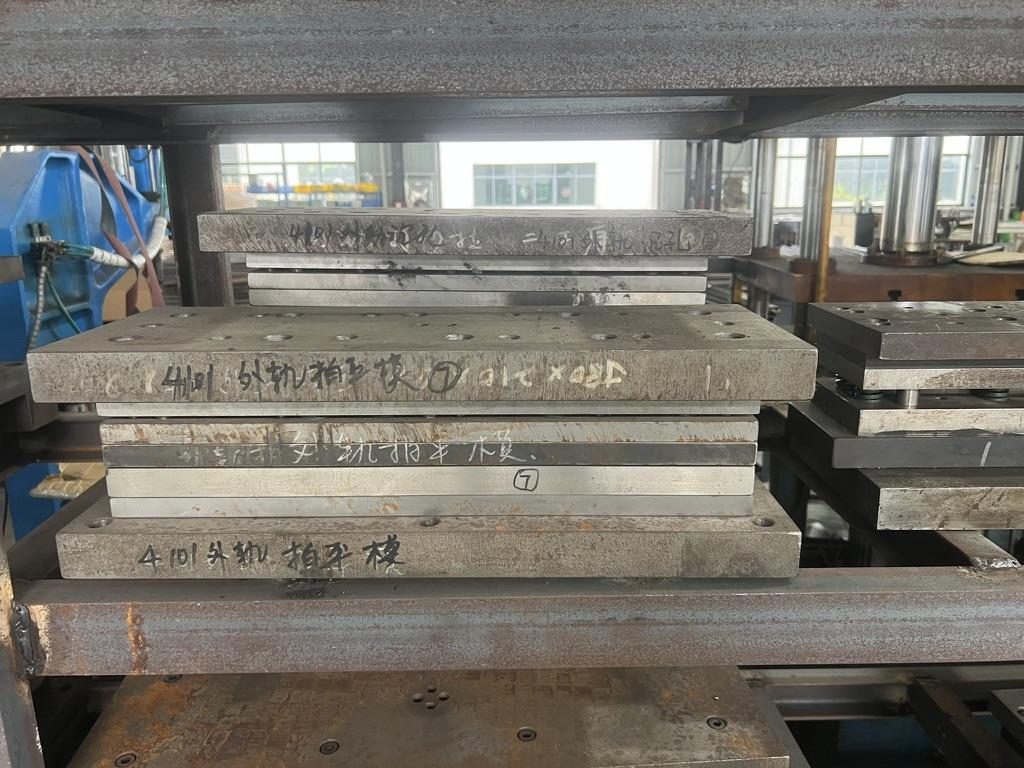
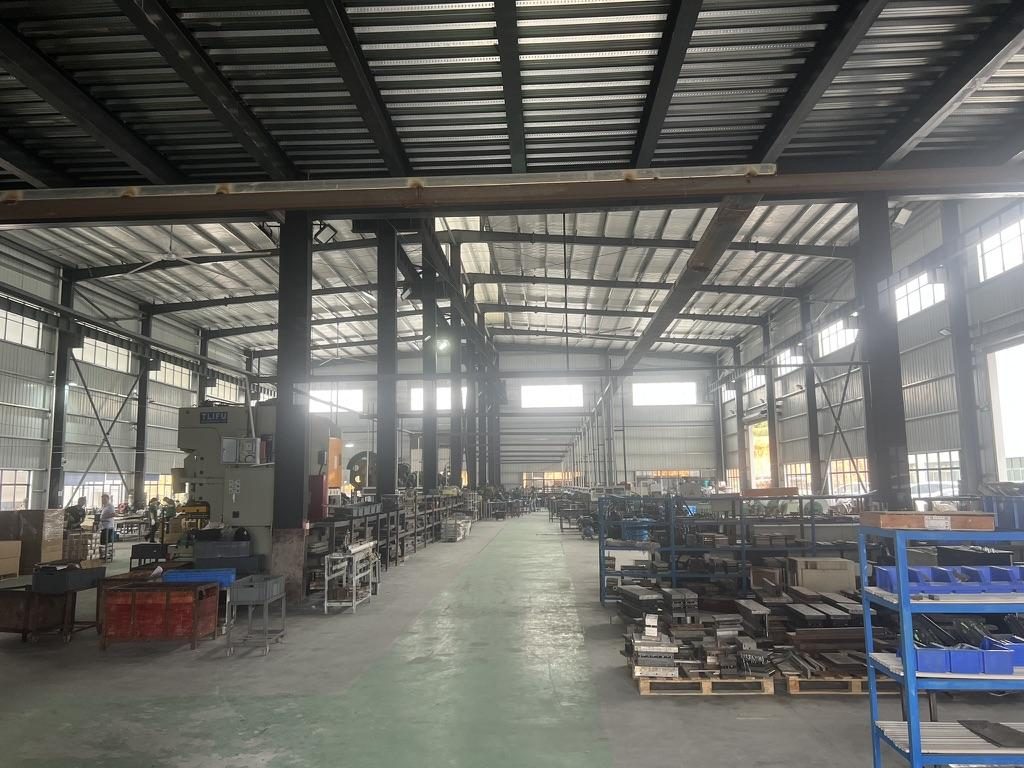 Overview of the server rail production workshop
Secure Transfer Methods and Encryption for CAD Files
Treat a multi‑MB/GB CAD transfer as you would any regulated technical export: encrypted, auditable and segmented. Common secure channels include SFTP (with keypair auth), enterprise cloud shares with audit/logging, managed file transfer appliances and hosted viewer services that never release original files. For very sensitive geometry, share a mounting‑area neutral file (STEP) rather than native assemblies.
Key operational practices
- Exchange public keys out of band (phone call + fingerprint) and require signed acknowledgments after download.
- Use a symmetric encrypt‑then‑wrap pattern for very large archives (encrypt with a strong cipher, then share the key via PGP or KMS).
- Record and verify SHA‑256 checksums for every file sent; require the recipient to return the checksum with a signed receipt.
- Limit exposure with short‑lived presigned URLs or viewer sessions and log every operation (view, measure, download attempt, screenshot where the viewer supports it).
Large file strategies
- Send the mounting‑area STEP first and any additional subassemblies later. Use multipart uploads or rsync/managed SFTP to handle retries and resume.
- Consider hosted viewer options when you want logged measurement events but no export capability.
Watermarking & tracking
- For 2D outputs (PDF), add visible watermarks. For 3D STEP files, embed a small non‑functional datum tag (a tiny text blob or micro‑feature in an unused face) tied to the recipient and recorded in your audit ledger. Log access with timestamp, user, IP and file hash.
Best practices checklist (operational)
- Exchange keys out of band; use SFTP with key auth or enterprise file portals with MFA and logging; create SHA‑256 checksums and require signed receipts; keep a hash ledger for the contractually specified retention period.
CAD File Formats, Simplification, and Metadata Handling
The single best way to reduce exposure is to send only what the rail maker needs: the mounting‑area neutral format (STEP) with minimized peripheral geometry and scrubbed metadata. Neutral formats are widely accepted for manufacturing while removing native history and parametrics.
Recommended formats by purpose
- Fit/compatibility review and bracket layout: STEP (AP214/203) — widely importable and removes feature trees.
- Visual review: 3D PDF or tessellated STL combined with a minimal STEP if measurements are required.
- Native/parasolid: only as an agreed exception with strict contractual controls and delivery records.
How to simplify and redact
- Export only the mating bodies. MetrixSlide practice (used in multiple compatibility projects) accepts a STEP that contains the front mounting portion, screw mounting area and immediate chassis datum geometry.
- Remove parametric history, sketches and feature names before export; then open the exported STEP in a neutral tool to verify only the intended bodies are present.
- Strip document metadata and include a companion LICENSE.txt and a file hash entry in your project ledger.
Practical MetrixSlide additions (definitions and engineering practice)
- Closed length vs Extended length vs Bracket range: Closed length is the slide's assembled, retracted length; extended length is the maximum travel when fully pulled out; bracket (or adjustment) range is the front‑to‑rear post or bracket span the rail will accept. These are separate drawing values and must not be conflated when checking fit.
- Per‑pair load figure (example): MetrixSlide's heavy‑duty reference MS-BBR-180 has a nominal capacity of up to 180 kg per pair; a formal test report at that load is not yet available. Use such per‑pair figures as a comparative baseline and always confirm the test state (static vs dynamic, extension state, and fixture).
- Decision rule — compatibility hard gates before preferences: follow this sequence: requirement → CAD compatibility check → physical sample installation → performance verification. Interface fit (hard gate) must pass before preferences (ball‑bearing vs friction, tool‑less vs screw, extension length) are decided.
Anonymised project examples (real figures)
- An Indian HPC ODM provided a mounting‑area STEP for a 2U server; MetrixSlide delivered customized 3D rail CAD and the customer integrated it. The rail's front bracket adjustment range of 650–965 mm covered the customer's ~812 mm post distance; CAD‑level alignment was accepted and a PI issued for 10 sample pairs. Sample lead time indicated: ~15–20 days after order confirmation.
- A North American telecom OEM reduced pull‑out from an initial 300 mm design target down to a 150 ±3 mm lock‑out to meet their load/installation requirements; the reduced pull‑out specification was validated at the CAD stage and progressed to sample review.
- A SaaS company building its own servers supplied PEM T‑pin dimensions (head Ø / shaft Ø / under‑head = 6.502 / 4 / 1.585 mm) used to define keyhole/J‑slot geometry during a stab‑to‑drop‑in conversion.
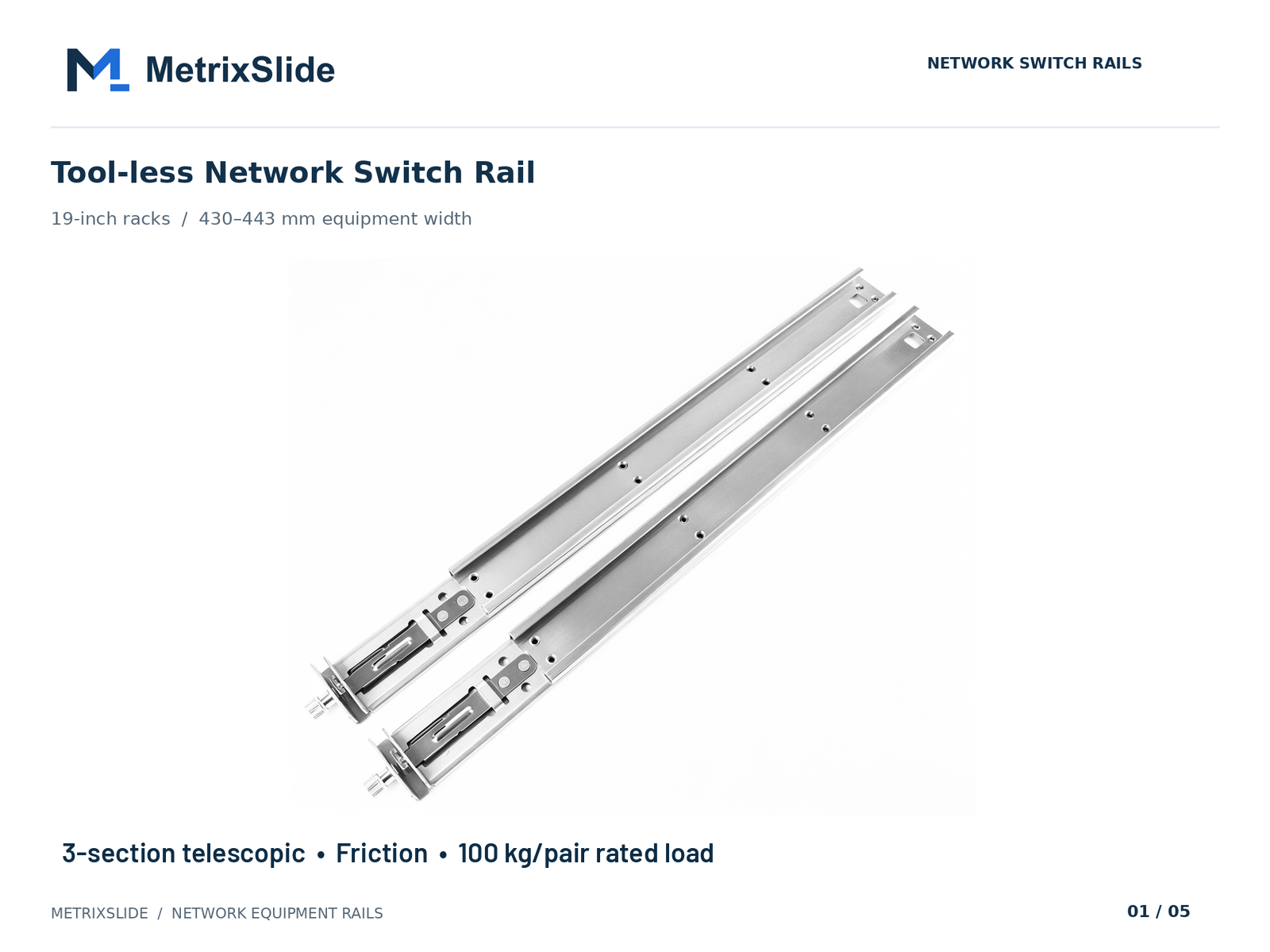 MS-FMR-SW-100 Tool-less Network Switch Rail — view product
Access Controls, Vendor Vetting, and Onboarding Checklist
Limit file capability by role and vet the supplier before granting broader access. Principle: least privilege—only allow viewing or measurement unless you explicitly need export or tooling‑level files.
Role permissions
- Viewer: view & measure in a hosted viewer; cannot export geometry or download originals.
- Engineering partner: download neutral STEP and request additional details under stricter controls.
- Manufacturer (production): controlled native files only after tooling decisions and contract amendments.
Vetting checklist (minimum)
- Process quality: ISO 9001:2015 certified (at minimum); prefer vendors with ISO 27001 or SOC 2 Type II where available.
- Security posture: incident‑response procedure, encryption at rest, MFA for file portal access and encrypted backups.
- Export & compliance controls: documented export control process and awareness training.
- References & sample handling: anonymised descriptions of how they handled confidential CAD for similar OEMs and a remote or live view of the sample shop for high‑sensitivity parts.
MetrixSlide onboarding flow (practical steps)
- Send vetting packet (NDA, scope, schedule).
- After NDA, provide mounting‑area STEP via a short‑lived presigned URL or secure SFTP. Require the named engineer(s) to confirm access.
- Staged permissions: view → download STEP → sample manufacture. Each stage requires recorded approval and an attached signed form.
- Maintain an access log (user, time, IP, file hash) and retain records for the contractually specified retention period.
Recordkeeping & audit
- Keep a file hash registry (sha256) and signed receipts for each shared file version.
- Require supplier cooperation for audits and preservation of logs for the agreed period.
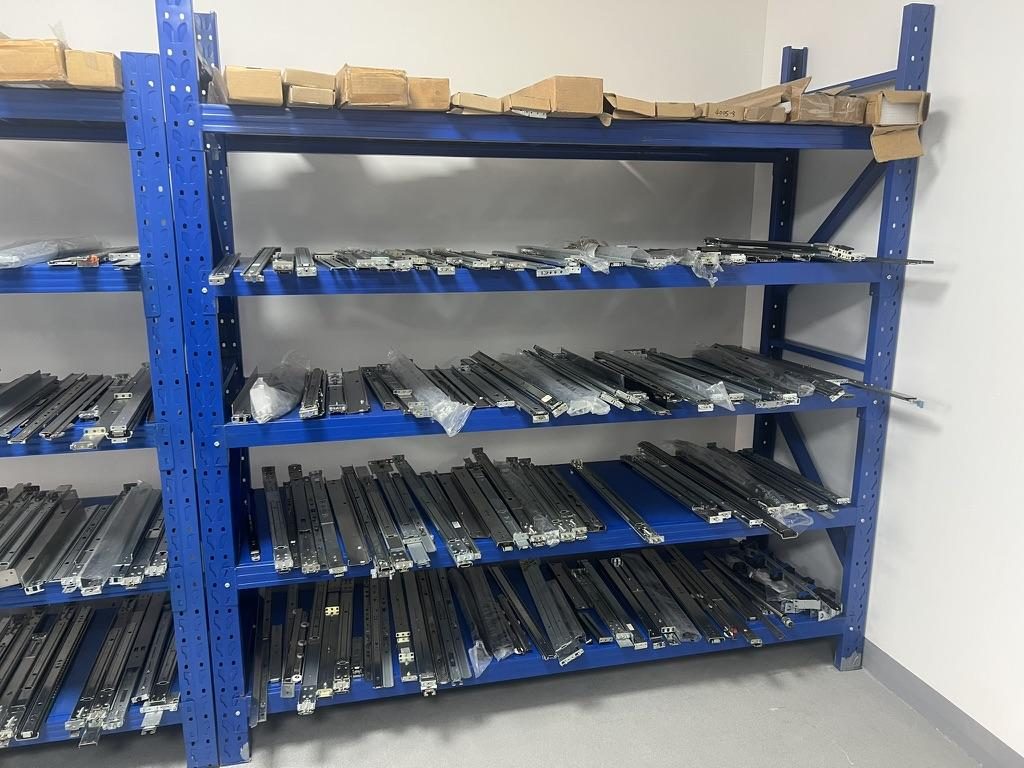
 Server rail sample display rack at the MetrixSlide factory showroom
Compliance, Audit Trails, and Post‑Project IP Controls
Closing the loop after development reduces long‑term risk. Contractual and technical controls should require the supplier to return/destroy files, provide destruction certificates, and preserve logs for a defined period to support evidence in the U.S. legal system.
Audit trail techniques
- File hash ledger: record sha256 sums, timestamps and signed acknowledgments for every file exchanged.
- Digital watermarking + viewer logs: embed recipient tags and use a hosted viewer that logs view and measure operations; these logs can form a forensic timeline.
- Forensic cooperation clause: require preservation of primary storage and system logs for an agreed period and reasonable assistance in investigations.
Return / destruction workflow
- Require a signed Certificate of Destruction enumerating files, media, backups and the method of destruction. Provide a template as a contract appendix and perform follow‑up (remote or on‑site) audits for high‑sensitivity parts.
Validation path (MetrixSlide engineering practice)
- Requirement / datum capture → CAD compatibility review → customer CAD confirmation → sample production → physical fit / installation test → performance validation → design freeze. Passing CAD review does not replace physical validation.
Export controls and jurisdictional notes
- If CAD contains controlled technical information, treat it as export‑sensitive until counsel clears it. For overseas manufacturing, document classification steps and require supplier confirmation that they will not re‑export without written consent.
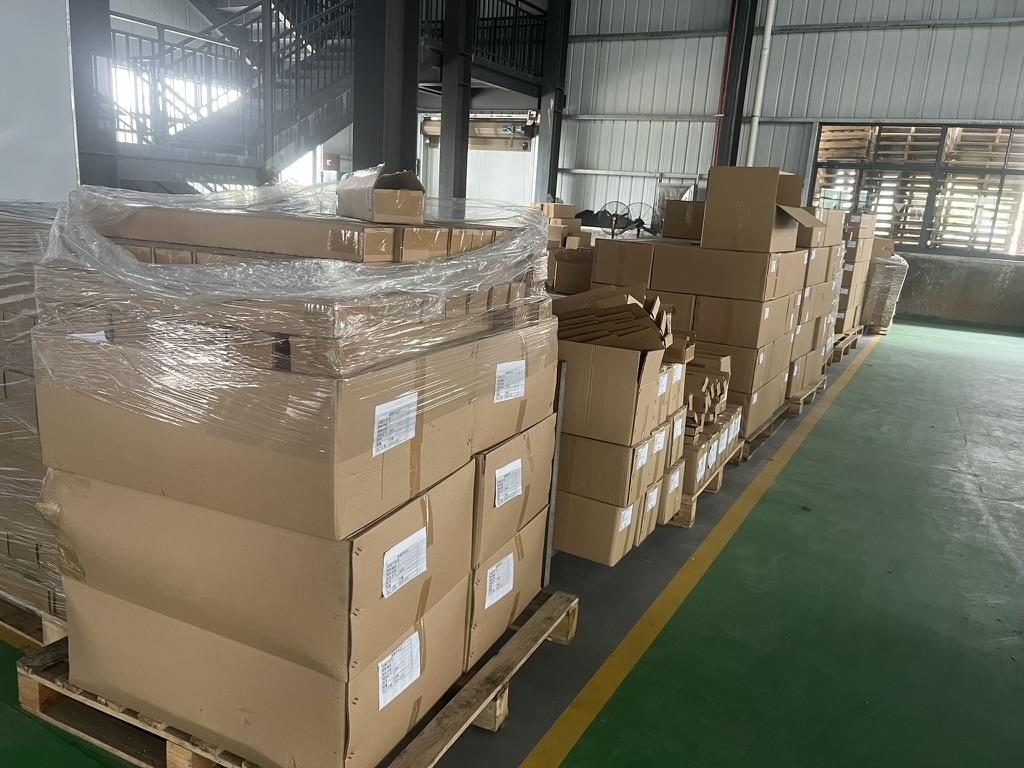 Export cartons of server rail kits ready to ship
Conversion / CTA
Assemble your own project pack from the guidance above: a purpose‑limited NDA clause set covering permitted disclosures, permitted uses, duration, ownership/licensing and remedies; a file‑sharing checklist with columns for file name, version, SHA‑256 hash, recipient, transfer channel, TTL/expiry and signed receipt; and a supplier vetting worksheet covering SOC 2 Type II / ISO 27001 / ISO 9001:2015 status, incident‑response documentation, MFA on file portals, encrypted backups, written export‑control procedures and references for confidential CAD handling.
FAQ
Q: What specific NDA clauses should I include before sharing CAD files with a manufacturer in the U.S.? A: Ensure the NDA has a narrow purpose clause (use only for compatibility, prototyping, or production of agreed samples), a reverse‑engineering prohibition, return/destruction obligations with a signed certificate, evidence‑preservation and cooperation language, and injunctive relief. Also align NDA timing with any patent filings or provisional applications.
Q: How can I securely transfer multi‑GB CAD assemblies to a supplier while preserving an audit trail? A: Use encrypted transfers (SFTP with key auth, presigned cloud URLs with short TTLs, or managed file transfer) and split large assemblies into subpackages. Record SHA‑256 checksums and require signed receipts; for the highest sensitivity, use hosted viewers and grant view‑only access with logged measurement events.
Q: Which CAD file formats balance manufacturability and IP protection, and when should I use neutral formats like STEP? A: STEP (AP214/203) is the usual balance: importable for bracket layout without parametric history. Use STEP for mounting‑area reviews, 3D PDF/STL for visualization, and reserve native/parasolid files only for tooling with additional contractual controls.
Q: What are practical steps to redact or obfuscate sensitive geometry and scrub metadata from CAD files? A: Export only the mating bodies (mounting area), remove feature trees and sketches, replace detailed internal dims with ranges, separate BOMs into CSVs, and strip file metadata. Always version files with explicit tags and keep a hashed ledger for audit.
Q: What checks and certifications should I look for when vetting a manufacturer’s security posture? A: Look for SOC 2 Type II, ISO 27001, and at minimum ISO 9001:2015 process controls for slide manufacturing; verify incident response, MFA for file portals, secure backups, employee background checks, and written export‑control procedures. Request references for handling confidential CAD and an on‑site or virtual tour when possible.
Talk to a MetrixSlide engineer
Want an engineer to run this check on your own chassis and rack? Send us a chassis drawing or model (STEP or DWG), the rack post-to-post distance and hole type, the expected load and your planned quantities. Within 24 hours you get a rail matching proposal from an engineer, followed by 2D/3D drawings for review and sample pairs (typically 15–20 days after drawing approval) for physical validation before the full order.
Bracket position, hole pattern, rail length and thickness adjustments on our existing platforms usually carry no tooling fee; structural redesigns are quoted separately with dies made in-house.