A compatibility-first checklist and decision flow that puts hard gates (fit and load) before preferences, with practical steps, decision tables and troubleshooting for US data-center and OEM buyers.
Measure Rack and Server for Fit: A Step-by-Step Checklist
Before you pick a rail model, measure to a tolerance that prevents mis‑fits on the rack and the chassis. Use both imperial and metric units and follow this order so you don’t miss hidden clearances.
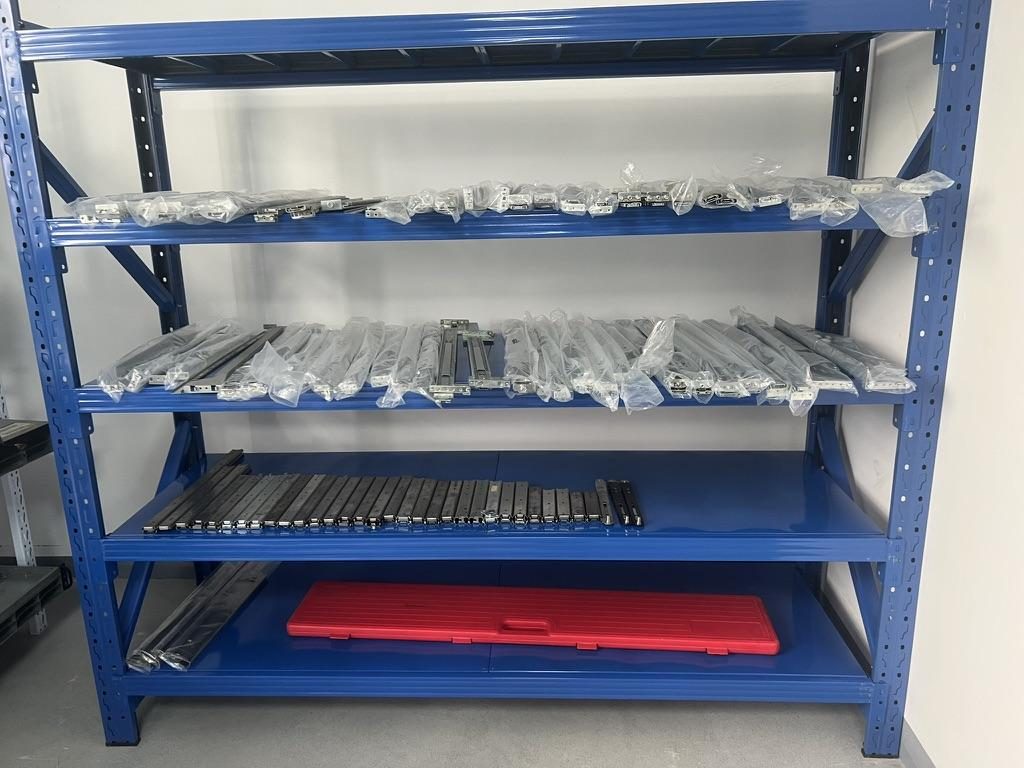
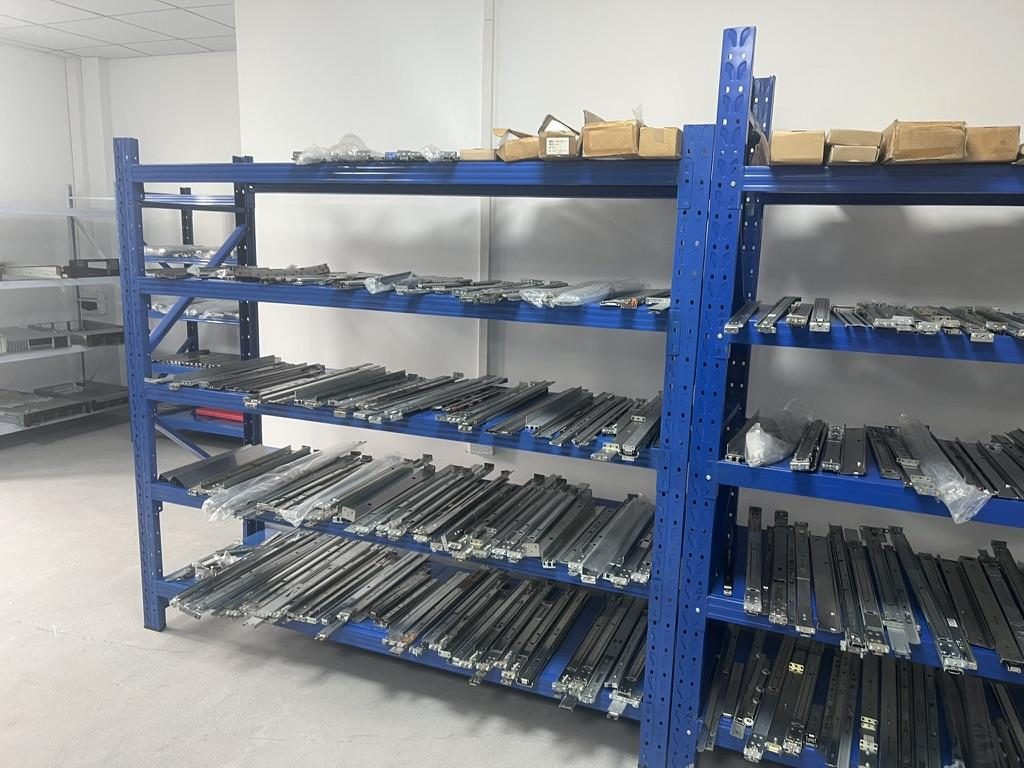
 Server rail sample display rack at the MetrixSlide factory showroom
Step-by-step measurement sequence
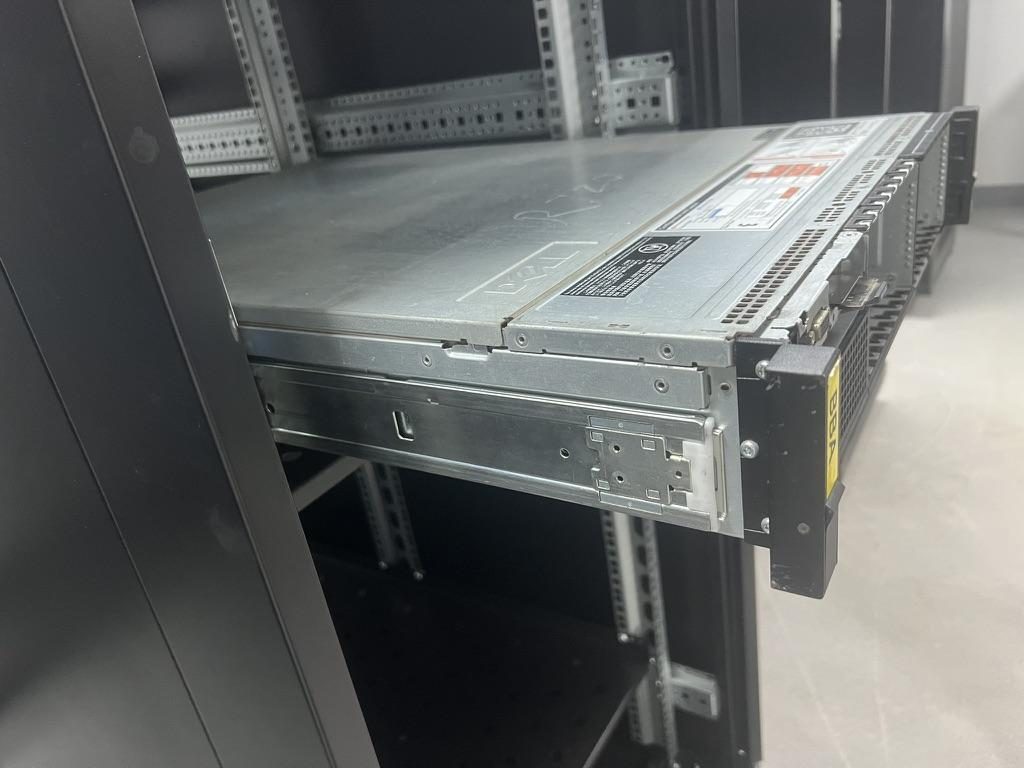
- Measure the chassis depth (front‑face to rear‑panel), recording both the external depth and the engagement envelope (the portion intended to sit on or engage the rail). Note whether you’re measuring to an outer panel, to a mounting flange, or to a PEM/keyhole datum.
- Measure the rack mounting depth (front post datum to rear post datum). This front‑to‑rear post distance is the bracket fit range the rail must span — not the cabinet external depth.
- Measure the chassis front‑to‑rail interface datum: distance from chassis front face to any PEM/T‑pin or keyhole centreline. If T‑pins or PEMs are present, record head diameter, shaft diameter and under‑head clearance.
- Add cable and accessory allowance: leave room for power cables, BMC headers, or a cable management arm (CMA) that sweeps behind the chassis; add required rear clearance to the chassis depth for busbars/PDUs.
- Measure required pull‑out extension and lock‑out behavior: decide how far the inner rail must extend for drives, fans or daughterboards and whether you need full extension, a reduced pull‑out, or an intermediate lock‑out.
- Note rack hole type and pitch: cage nut (square punched), round hole, or threaded. Photograph the posts front and rear and note hole spacing and whether cage nuts are fitted.
- Verify U‑position: confirm the RU the chassis front face should occupy and capture centre‑to‑centre distances to avoid shifting the unit out of intended U space when rails are installed.
Why those three numbers matter (definition)
- Closed length: the rail's assembled length in its shipped (or closed) state.
- Extended length (travel): how far the inner member travels outward from the closed state.
- Bracket fit range (rack-post / mounting range): the adjustment span the front/rear brackets provide to match rack post distances. Never infer bracket fit range from closed length or vice versa — drawings must show all three.
On‑rack checks and documentation
- Record front‑to‑rear post distance and PEM/T‑pin layout and save photos so technicians and the rail vendor can confirm fit quickly in the data center.
- Where possible supply a mounting‑area STEP (or DWG) that shows post faces, hole pattern and the chassis mounting face — a limited mounting-area CAD often suffices for a compatibility review without sharing full server IP.
Common mis‑measurements to avoid
- Confusing cabinet external depth with mounting depth.
- Not allowing cable/airflow clearance behind the chassis or busbar keep‑outs.
- Reading closed rail length as usable mounting range — closed ≠ fit range ≠ extension.
Measure twice, document once: capture photos of both rack posts and the chassis rear and send these with your drawing to the rail vendor for verification.
Rail Types and Mounting Choices: 2‑Post vs 4‑Post, Fixed vs Sliding, OEM vs Universal
Pick the mounting topology and motion architecture only after the fit and load hard gates pass. This table summarizes the core choices and when to use them.
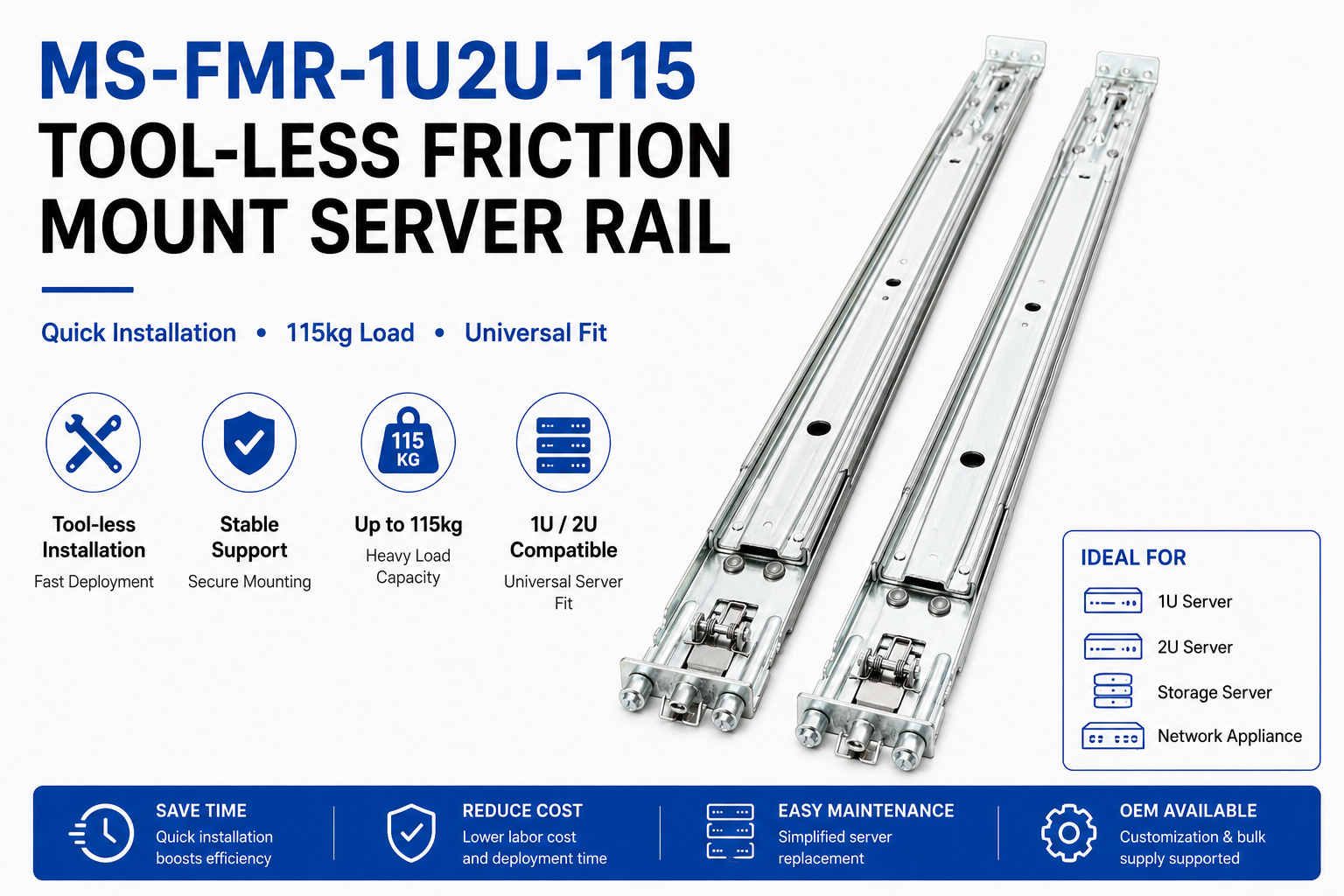 MS-FMR-1U2U-115 Tool-less Friction Mount Server Rail — view product
Comparison table — when to choose what
| Feature / Need | 2‑post rails | 4‑post rails | Fixed supports | Sliding rails (ball‑bearing / friction) | OEM rails | Universal / 3rd‑party rails |
|---|---|---|---|---|---|---|
| Typical use | Light appliances, small network devices | Standard servers, storage, GPUs | Shelves, low‑service installs | Servicing without removal | When preserving OEM service features | When OEM rails unavailable (after verification) |
| Load & stiffness | Lower unless reinforced | Higher inherent stability | Low | Ball‑bearing for higher dynamic loads; friction for lightweight service | Engineered to chassis datums | Requires verification of pin/keyhole geometry |
| Mounting complexity | Front‑only attachments | Front + rear attachments; bracket range critical | Simple | Requires correct bracket fit and section count | Exact interface match | May omit OEM service features |
| When to pick | Lightweight or adapter use | Most server/storage installs | Low‑cost non‑serviceable | When regular service access is required | If OEM features/lock are mandatory | After compatibility checks and samples |
Taxonomy note (how we use these labels)
- Motion architecture = Sliding vs Fixed.
- Sliding mechanism = Ball‑bearing vs Friction (both are sliding but differ in mechanism/performance).
- Mounting attribute = Tool‑less vs screw‑mount vs stab‑in/drop‑in. These axes coexist; for selection treat them as separate decision variables.
When to use 2‑post vs 4‑post
- Choose 4‑post when the chassis expects rear support, when load or deflection at full extension is a concern, or when a CMA will attach to the rear post. 2‑post is acceptable for light appliances or when an adapter bracket converts a 19‑inch chassis to a 2‑post frame.
Fixed vs sliding (ball‑bearing vs friction)
- Fixed rails (L‑brackets or fixed supports) give simple stationary support but limit in‑rack serviceability because equipment may need full removal.
- Sliding rails allow supported service access. Ball‑bearing slides are generally preferred for heavier, dynamic or repeated‑service applications; friction slides are slimmer and fine for lighter, occasional service.
OEM rails vs universal third‑party rails
- OEM rails are engineered to the chassis’ PEM/T‑pin, keyhole geometry and front‑face datums — choose them when you must preserve OEM service features or certification claims.
- Universal rails can cover many rack/chassis combinations but require explicit verification of T‑pin head size, shaft geometry, J‑slot shape and bracket range before purchase.
Half‑depth and non‑standard chassis
- For half‑depth or custom enclosures, measure the engagement envelope and PEM locations carefully. Confirm inner‑rail stops and pull‑out positions align with your half‑depth service needs; sometimes a custom inner rail or adapter is the right call.
How to read manufacturer part drawings
- Expect three separate values on a drawing: closed length, extended length (travel) and bracket fit range. If any are missing, request the drawing and a mounting‑area STEP for verification.
Practical decision order (compatibility‑first)
- Capture application requirement → 2. Capture chassis constraints → 3. Capture rack constraints → 4. Eliminate rails that fail dimensional/interface fit (hard gate) → 5. Eliminate rails that fail validated load capability (hard gate) → 6. From remaining options choose architecture (sliding/fixed, ball/fraction, tool‑less) → 7. CAD/drawing review → 8. Sample → 9. Physical/ performance validation and design freeze.
Weight, Load Ratings and Safety Margins
A rail rating must always be read in context: per‑pair vs per‑rail, static vs dynamic, and the extension state. Use safety margins that match your risk profile.
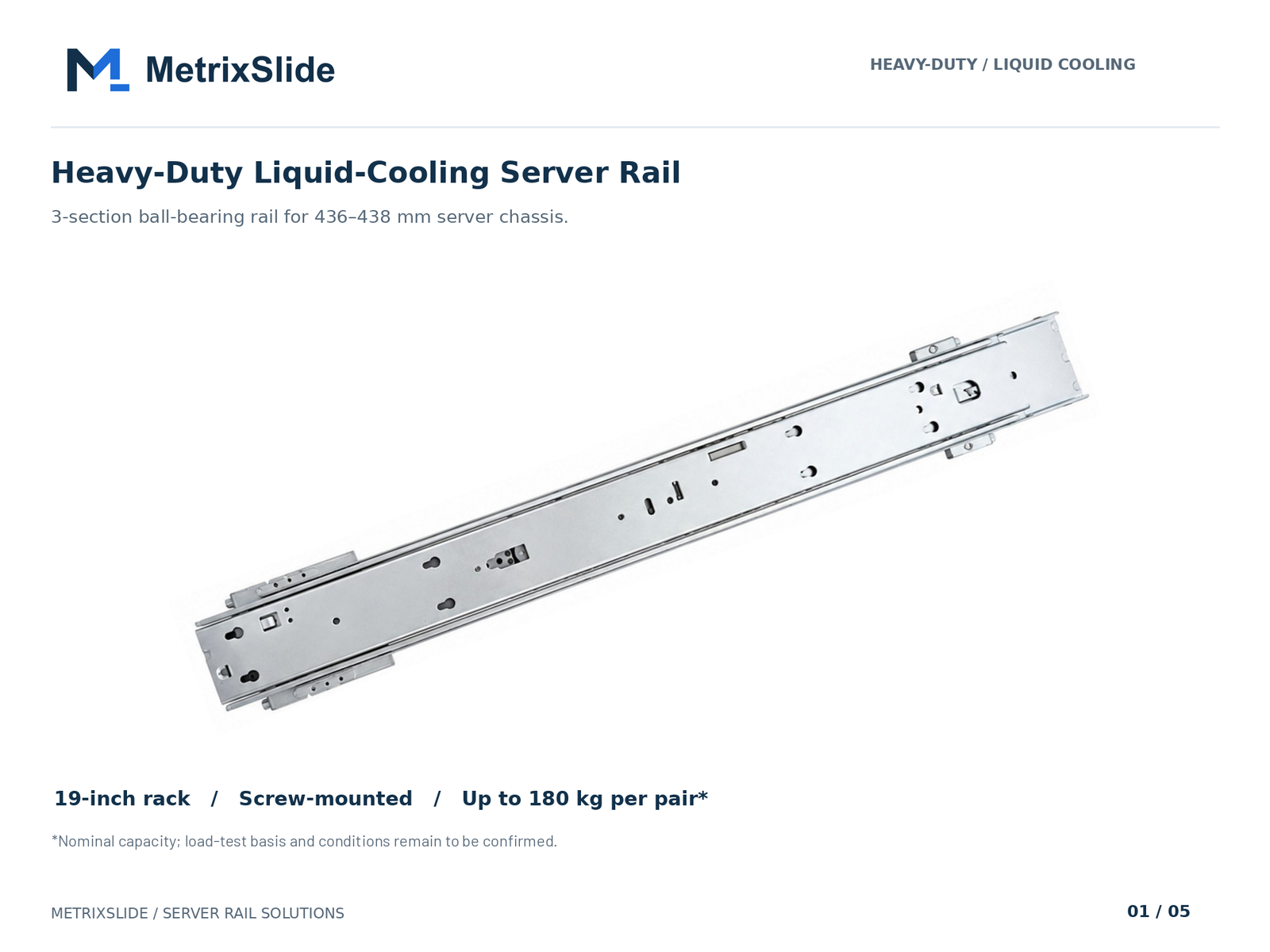 MS-BBR-180 Heavy-Duty Liquid-Cooling Server Rail — view product
What the labels mean
- Per pair vs per rail: Most published ratings are per pair (two rails supporting a single chassis). Confirm the stated basis before sizing.
- Static vs dynamic: Static ratings refer to a stationary load; dynamic ratings account for movement, shock and cycles. Ask which rating is quoted.
- Extension condition: Some rails are rated only for lower loads when fully extended; always confirm the rated state.
MetrixSlide baseline example (nominal capacity)
- Model MS-BBR-180 has a nominal capacity of up to 180 kg per pair; a formal test report at that load is not yet available. Use the model drawing and the stated basis of the figure when comparing options.
Validation practice and tests
- In the MetrixSlide factory static‑load test a rail pair is held under load at full extension for 24 hours, and the MS‑FMR‑2U‑100 held 100 kg in that test. Sustained full‑extension loading can create sag/deflection risk; material strength and stiffness matter.
- When you need evidence, request the test fixture description, duration, extension state used for the rating, and a test report or validation statement.
How to pick a safety margin
- Do not rely on a single published number without context. Define an application‑specific safety margin that covers installed components, future upgrades and handling; increase the margin for shipping, shock or seismic environments and request validation evidence where risk is high.
Example sizing logic (process, not a universal recipe)
- Sum chassis, drives, cards, cables and accessories = installed weight.
- Confirm the rail rating basis (per‑pair / per‑rail) and the extension condition used for that rating.
- If the validated rating is insufficient, either select a higher‑rated model, add validated additional rail pairs (engineer‑validated), or issue a custom development task.
Multi‑rail and heavy assemblies
- Manufacturers do not guarantee that adding rails simply multiplies capacity. Multi‑pair load sharing, mounting geometry and deflection require engineering validation for the intended configuration.
Documentation to request from vendors
- The basis of the rating (per pair vs per rail), static vs dynamic, the extension state used, the test fixture and duration, and any anti‑sag or 24‑hour static‑load validation. ISO 9001:2015 certified manufacturing and a patented anti‑sag slide structure are additional quality signals you can request.
Installation, Tools, and Compatibility Details
Correct installation prevents jamming, premature wear and service failures. This section lists the right inputs and how to handle rack/chassis interface questions.
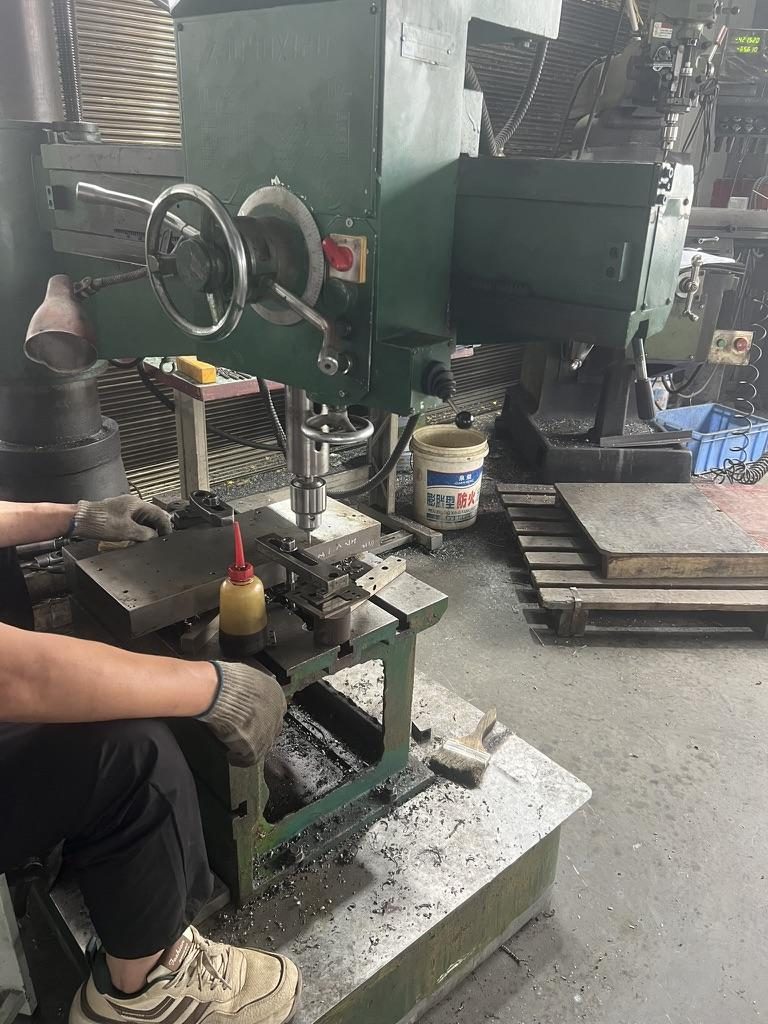
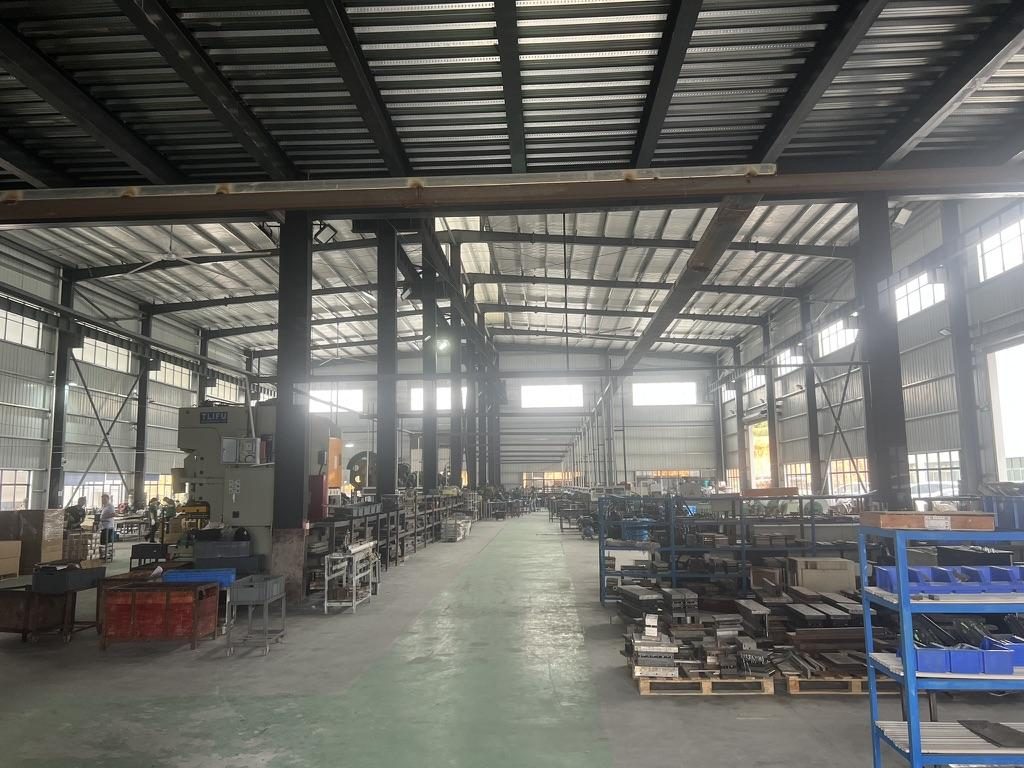 Overview of the server rail production workshop
Essential tools and inputs
- Tools: calibrated torque driver, Phillips/flat drivers, nutsert tool (for rivet nuts), cage nut tool (for square‑punched racks), bench vise for small alignment tasks.
- Photos and CAD: front and rear rack post photos; chassis rear with PEM/T‑pin details (head Ø, shaft Ø, under‑head clearance); mounting depth and U‑position.
- Fastener types: captive thumb screws, M4/M5 (metric) or 10‑32/12‑24 (imperial) machine screws; cage nuts for square‑punched racks. If threaded posts are used, match the thread spec exactly.
Note on torque and fastener specs
- If the rack or chassis documentation provides torque values, use them. If absent, request recommended torque ranges from the rail or rack OEM and use a calibrated torque driver to avoid deformation or thread pull‑out.
Rack‑hole standards and mounting notes
- Confirm 19‑inch / IEC 60297 family compatibility but treat it as a dimensional classification, not a fit proof. Check hole type and spacing on the actual rack posts; provide photos to the supplier.
Integration with CMAs and airflow
- Plan CMA attachment early — CMAs often attach to the rail or rear post and require a defined clear rear path. Maintain airflow and keep‑out requirements and ensure the CMA does not push the chassis into rear busbar zones (common in ORv3/inside‑wall designs).
Material, finishes and environmental choices
- Discuss corrosion protection and finishes with your supplier for indoor vs higher‑humidity installations. Options can include zinc passivation or powder coating; confirm finish expectations and adhesion before production.
Common installation failures and troubleshooting
- Rail jams on insertion: verify T‑pin head vs keyhole geometry and stamping tolerance.
- Unit shifts out of U‑position after installation: check front‑face datum and captive‑screw centreline — small offsets can move the installed U position.
- Excessive sag at full extension: confirm rated per‑pair load and request 24‑hour static‑load or anti‑sag validation if required.
- Loose fasteners under vibration: confirm lock washer or thread‑locking compound specification.
If you encounter an unknown interface — photograph the posts and pin details and send them with your chassis drawing to verify fit before ordering.
Practical front‑interface pitfalls (real examples, anonymised)
- A North American telecom OEM reduced a design pull‑out from 300 mm to a 150 ±3 mm lock‑out during interface negotiation to control sag and service behavior; this change was agreed at CAD/review stage before sample production.
- An Indian HPC ODM found a small front screw centreline mismatch (23 mm vs a suggested 21 mm) could shift the chassis U‑alignment and required a short CAD iteration to resolve before samples.
Buying, Budgeting, Cross‑References, and Troubleshooting Fit Issues
Buying rails is more than a per‑pair unit price. Review total cost of ownership (TCO), sample policy and a troubleshooting workflow that avoids costly rework.
Cost factors to compare
- Unit cost vs serviceability: sliding rails cost more but reduce maintenance labor over the product lifecycle.
- Shipping and packaging: rails ship as sets; weight and dimensions affect freight.
- Sample and validation: plan for sample lead time for physical checks — previous MetrixSlide projects indicate sample lead times of roughly 15–20 days after sample order confirmation.
- Warranty, repair and return policy: verify coverage for stamping failures, surface finish and mechanical wear.
Cross‑reference and compatibility resources
- Provide the rail vendor with chassis drawings and rack photos. Ask the vendor for an OEM cross‑reference or compatibility matrix for your common chassis models. If an exact OEM rail is not available, request an engineered‑equivalence statement that lists differences in pin geometry, J‑slot shape, or mounting datum.
Troubleshooting fit issues — stepwise checklist
- Confirm mounting depth vs bracket fit range. If the bracket range misses by a few millimetres, check for adjustable brackets or documented shimming options.
- Verify PEM/T‑pin head diameter and shaft; a mismatch causes J‑slot binding.
- Check front fastener centreline vs chassis datum — millimetre‑scale offsets change U‑alignment.
- Inspect section travel for interference with rear busbars or CMAs.
- If rails bind during insertion, extend inner rail fully and inspect for burrs, mis‑stamped holes or wrong orientation.
When to ask for a minor change vs a tooling run
- Bracket position, hole pattern, rail length and rail thickness are bounded customizations often implementable without full new tooling. Structural redesigns or 1:1 replica tooling runs generally require NRE and new dies — discuss scope early with your vendor.
Practical purchasing checklist (what to send with an RFQ)
- Send: chassis drawing or model (STEP/DWG), rack post‑to‑post distance and hole type, desired extension and lock behavior, estimated loaded weight (drives & cables included), quantity, and any PEM/keyhole data or preferred fasteners.
- Request: quote with per‑pair / per‑rail ratings (state static/dynamic and extension state), fit range, lead time for samples, and documented warranty/return terms.
Anonymised case highlights you can reference
- A Korean surveillance‑equipment maker needed a 4U ultra‑slim rail for a chassis without any factory T‑pins; the project resolved by specifying an M4 mounting pattern and selecting an architecture that matched the required body width, then CAD → samples → validation.
- A SaaS company building its own servers asked to convert a stab‑in family to drop‑in rails; the change required only an inner‑rail J‑slot redesign and CAD review before sample sign‑off.
- An Indian HPC ODM used a functional‑equivalence workflow: initial requirements → mounting‑area STEP only → customised CAD → CAD acceptance (bracket range 650–965 mm matched customer post distance ~812 mm) → PI for 10 sample pairs → sample lead time ~15–20 days.
Conversion / CTA
Next actions that make procurement faster:
- Record the chassis and rack measurements listed above, and request an OEM part‑number cross‑reference table or compatibility matrix from your vendor. Confirm sample timing if you need US time‑zone support, in‑stock checks or expedited shipping options.
- Compare sliding vs fixed rails on total cost of ownership when the choice hinges on maintenance labor rather than initial price.
FAQ
Q: How do I measure server and rack depth to pick the right rail length? A: Measure the chassis external depth and the intended engagement envelope separately, and measure the rack post‑to‑post mounting depth (front post datum to rear post datum). Record PEM/T‑pin positions, cable clearance behind the chassis and the required pull‑out extension; send these dimensions and photos to your vendor for verification.
Q: What are the differences between 2‑post and 4‑post mounting, and when should I use each? A: 2‑post mounting is suitable for lighter appliances or when an adapter bracket is used, while 4‑post is the standard for most server and storage systems because it provides rear support, better stiffness and easier CMA integration. Choose 4‑post when load, deflection at full extension, or rear attachments matter.
Q: How do I calculate the required load capacity and safety margin for server rails? A: Sum the weight of the chassis, all drives, cable bundles and any installed cards, then add an application‑appropriate safety margin to account for future upgrades, cables and handling. Confirm the rail rating basis (per‑pair or per‑rail) and the extension/condition used for that rating. Where risk is elevated (shipping, shock, seismic), increase the margin and request test evidence from the supplier.
Q: Can I use universal or third‑party rails with OEM servers and how do I verify compatibility? A: You can, but only after verifying the PEM/T‑pin head and shaft geometry, keyhole/J‑slot shape, bracket fit range and front‑face datum. Provide photos and the chassis mounting drawing to the rail supplier and verify with a sample before bulk purchase.
Q: What tools, fasteners, and torque specifications are needed for proper rail installation? A: Have a calibrated torque driver, cage‑nut tool, the correct screw types (M4/M5 or 10‑32/12‑24 depending on your rack), and thumb screws or captive screws if specified. If torque values aren’t on your rack or chassis documentation, request the recommended torque ranges from your rail or rack supplier before final assembly.
Q: How do I integrate a cable management arm and maintain adequate airflow and clearance? A: Plan CMA attachment early and account for the CMA's sweep and rear clearance when measuring chassis depth and bracket fit. Ensure the CMA doesn’t push the chassis into any rear keep‑out zones (busbars, PDUs) and that front and rear clearances meet airflow requirements; confirm with a test install.
Talk to a MetrixSlide engineer
Not sure how this applies to your servers? Send us a chassis drawing or model (STEP or DWG), the rack post-to-post distance and hole type, the expected load and your planned quantities. Within 24 hours you get a rail matching proposal from an engineer, followed by 2D/3D drawings for review and sample pairs (typically 15–20 days after drawing approval) for physical validation before the full order.
Bracket position, hole pattern, rail length and thickness adjustments on our existing platforms usually carry no tooling fee; structural redesigns are quoted separately with dies made in-house.