Server rack rails look like a minor accessory, but they quietly decide whether a server mounts safely, slides out for service, and survives years of use. Choosing the wrong type is one of the most common — and most expensive — mistakes in a rack build. This guide breaks down every major type of server rack rail, when to use each, and how to confirm compatibility before you buy.
What Are Server Rack Rails and Why Do Rail Types Matter?
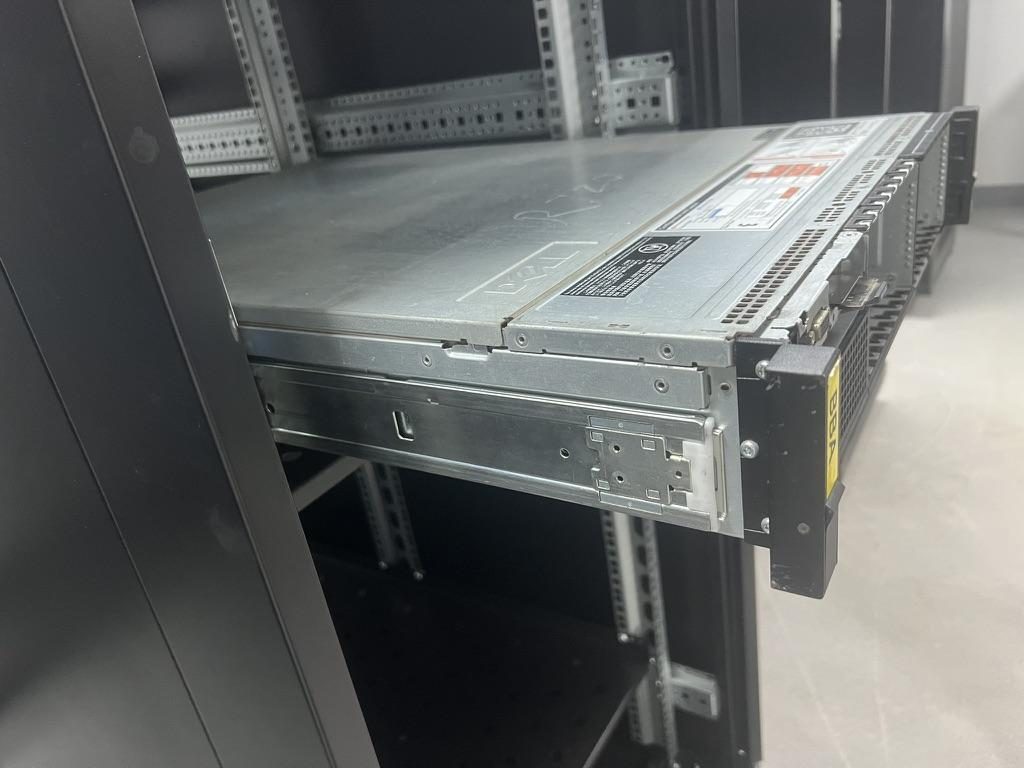
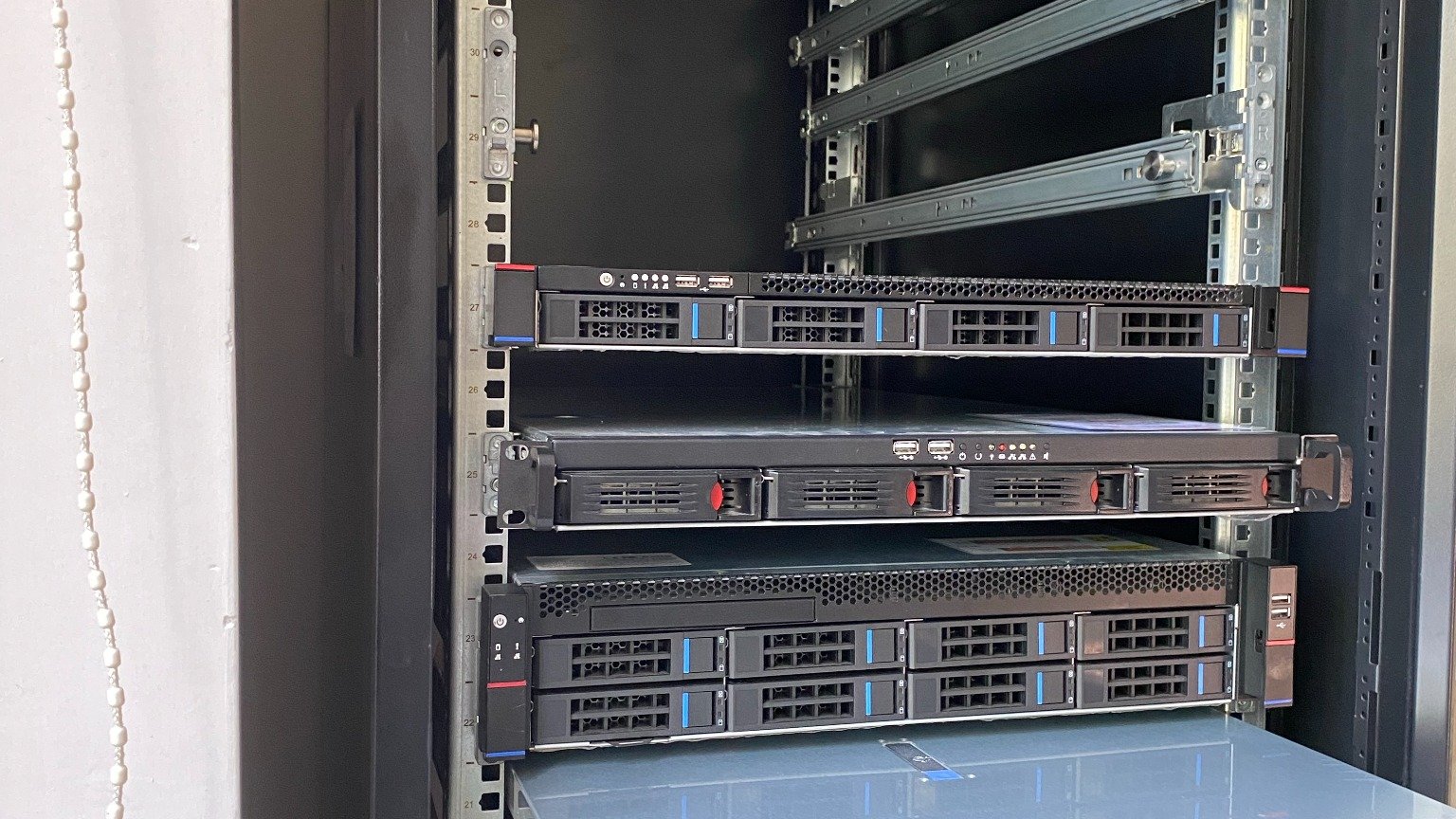
Server rack rails are the mounting hardware that holds a server, switch, or storage unit inside a standard 19-inch rack. They attach to the front and rear mounting posts of the cabinet and carry the full weight of the equipment, so the chassis never rests on the unit below it. In short, rails turn an empty rack into a safe, organized home for your hardware.
The rail type you choose affects far more than installation time. It determines the load capacity your rack can safely support, the safety of pulling a heavy server out for service, how easily you can perform maintenance, the quality of your cable management, and whether the kit is even compatible with your rack and chassis at all.
You will see a lot of overlapping terminology, so here is a quick map: fixed rails are also called static rails; sliding rails include both friction and ball-bearing designs; tool-less rails clip in without screws, while screw-mounted rails bolt to the posts; and universal rails fit many chassis, whereas OEM rails are engineered for a specific server model. Keep this framework in mind and the rest of the decisions become much simpler.
The Main Types of Server Rack Rails Compared
There is no single "best" rail — only the best rail for a given server, rack, and service pattern. The table below compares the main types side by side so you can match the rail to the job.
| Rail type | Best for | Service access | Cost / complexity | Typical risk if misused |
|---|---|---|---|---|
| Fixed / static rails | Switches, patch panels, UPS, equipment rarely removed | None — unit must be unbolted to remove | Lowest | Hard to service hot-swap gear; awkward removals |
| Sliding (friction) rails | 1U–2U servers needing occasional pull-out access | Partial to near-full extension | Low–medium | Less smooth under heavy load than ball-bearing |
| Ball-bearing sliding rails | Servers serviced regularly; hot-swap drives/PSUs/fans | Full extension, smooth and quiet | Medium–high | Over-extension tipping if rack isn't anchored |
| L-shaped (angle) rails | Budget builds, deep heavy boxes, homelab | None — supports from underneath | Lowest | No slide-out; depth must match precisely |
| Shelf-style support | Non-rackable gear, towers, odd form factors | Lift on/off the shelf | Low | Wastes U space; no per-device locking |
| Adjustable-depth rails | Mixed racks with varying post-to-post depths | Varies by design (fixed or sliding) | Medium | Set the depth wrong and load rating drops |
| Heavy-duty / GPU rails | AI/GPU and liquid-cooled servers up to ~180kg | Reinforced full extension | Highest | Standard rails buckle under the weight |
When to use each: reach for fixed rails when the device almost never moves, ball-bearing sliding rails when you regularly service the box, and heavy-duty rails the moment you exceed roughly 60–80kg or deploy GPU/liquid-cooled platforms. One option competitors often skip: shelf-style support. If your equipment isn't truly rack-mountable — a tower chassis, an odd-depth appliance, or consumer gear in a homelab — a sturdy shelf is safer and cheaper than forcing it onto rails it was never designed for.
Fixed vs Sliding, Tool-less vs Screw-Mounted, and Universal vs OEM Rails
Three pairings cause the most confusion. Clearing them up resolves the majority of buying decisions.
Fixed vs sliding. Fixed (static) rails are ideal for equipment that stays put — switches, UPS units, and storage you rarely touch. They are cheaper, stronger for their size, and take up no extra depth. Sliding rails exist for one reason: frequent access. If you swap drives, check cabling, or pull a server forward for maintenance, sliding rails (ideally ball-bearing) save time and reduce the risk of dropping hardware.
Tool-less vs screw-mounted. Tool-less rails clip directly into square-hole posts for fast, no-screwdriver deployment — perfect for high-density rollouts where minutes per server add up. Screw-mounted rails bolt to the posts and are the right call for threaded racks, high-vibration environments, or any load where you want the extra mechanical security of fasteners.
Universal vs OEM. OEM rails are engineered for a specific server (Dell, HPE, Supermicro, Lenovo, etc.), so they fit precisely and often include model-specific locking and cable-management features — at a higher price and with limited availability. Universal rails are flexible and cost-effective, ideal for replacing a missing rail kit or mounting second-hand servers. The trade-off: with universal rails you must verify chassis width, depth, mounting-hole pattern, and load rating yourself, because the precise fit isn't guaranteed for you.
2-Post vs 4-Post Rails, Rack Holes, and Depth Compatibility
Compatibility is where most rail purchases go wrong, so it deserves its own checklist.
2-post vs 4-post. A 2-post (relay/telco) rack supports gear from a single pair of posts and suits lightweight, shallow equipment such as switches and patch panels. A 4-post rack supports the chassis at both front and rear and is required for most servers — especially deep, heavy, or sliding installations. Do not mount a heavy 2U/4U server on 2-post rails: without rear support the chassis can sag, stress the posts, and fail. If it has real weight or needs to slide, use 4-post rails.
Rack mounting holes. Posts come with three hole styles: square holes (which use cage nuts), round/threaded holes (tapped for screws), and unthreaded round holes. Common thread standards are 10-32, 12-24, and the metric M6. This is why most tool-less rails require square-hole racks — their clips are designed to snap into square apertures, not threaded holes. Confirm your hole type before choosing tool-less hardware.
Depth and rail length. Measure the front-to-rear post distance in your cabinet, then confirm your chassis depth and the rail's adjustable range overlap. Leave room for what sits behind the server: rear cable space, CMA (cable management arm) clearance, and rear I/O clearance for ports and power. A rail that technically "fits" but leaves no room to route cables or close the rear door will cause problems on day one.
How to Choose the Right Server Rack Rails for Your Server
Work through this checklist in order and you'll land on the correct rail almost every time:
- Identify the server brand and model — it dictates whether an OEM kit exists and what universal rails must match.
- Confirm the form factor (1U / 2U / 4U) and how many U the rails occupy.
- Measure chassis depth and compare it to the rail's depth range.
- Check the weight against the rail's load rating — use the dynamic rating if the server will slide out under load.
- Match the rack type (2-post vs 4-post) to the rail design.
- Verify the mounting holes (square / threaded, 10-32 / 12-24 / M6) and have cage nuts on hand if needed.
- Confirm the rail depth range spans your front-to-rear post distance.
- Decide if you need sliding access for regular servicing — if yes, choose ball-bearing.
- Plan for a cable management arm, airflow, and cable bend radius behind the unit.
- Leave service clearance for hot-swap drives, power supplies, and fans.
Common mistakes to avoid: checking only U height while ignoring depth; forgetting rear clearance for cables and the CMA; using universal rails on a server that needs an OEM locking mechanism; exceeding the load rating; and buying a second-hand server without confirming the original rail kit is included (these are frequently missing and surprisingly hard to source later).
Need a Rail That Fits Exactly? Talk to Our Engineers
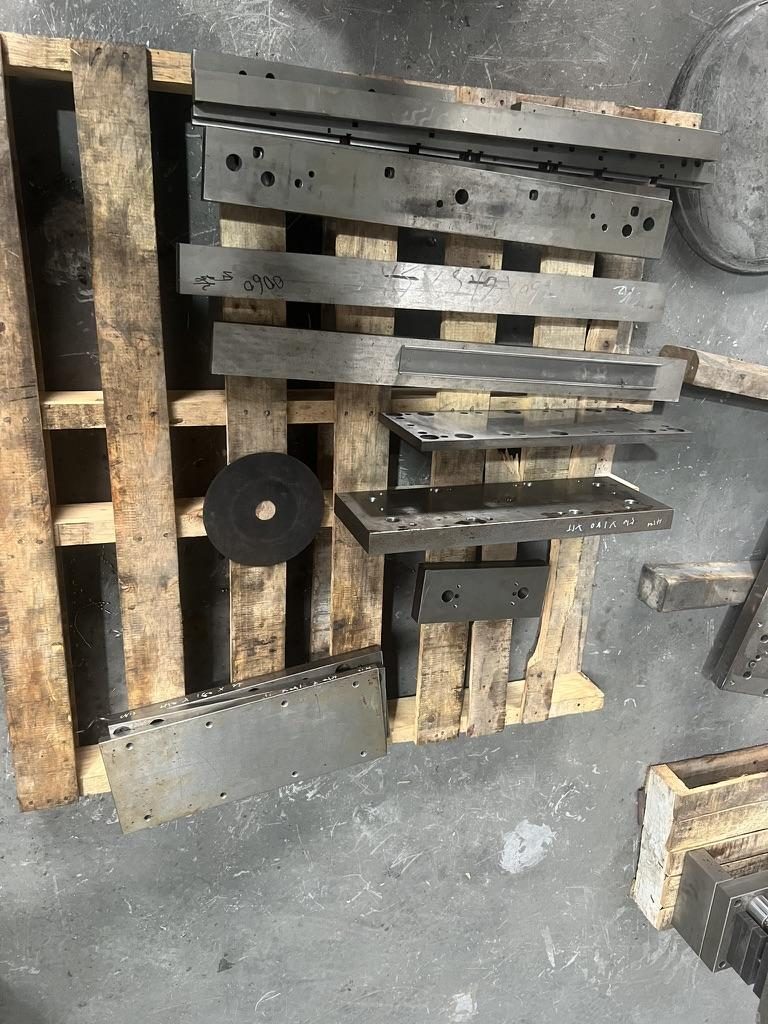
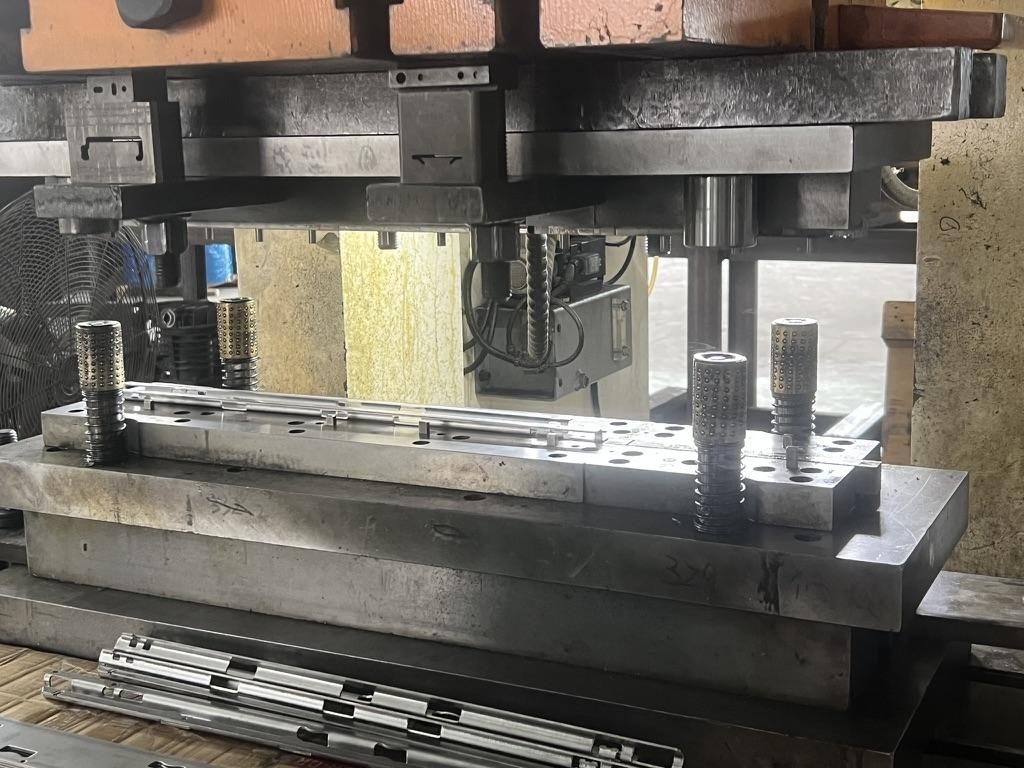
MetrixSlide is an OEM/ODM server-rail manufacturer with in-house stamping, roll forming and tooling. We produce fixed, tool-less, friction, ball-bearing and heavy-duty GPU rails, with custom engineering for rail length, hole patterns, locking mechanisms, load rating (40–180kg) and private-label branding — from prototype samples to bulk production under an ISO 9001 quality system.
If you have a custom requirement, our engineers are ready to talk it through and answer your questions. Send us your server model, rack type, front-to-rear post distance, hole type and load needs, and we'll confirm the right rail — or engineer one for you.
Frequently Asked Questions
What are the main types of server rack rails?
The main types are fixed (static) rails, sliding friction rails, ball-bearing sliding rails, L-shaped (angle) rails, adjustable-depth rails, and heavy-duty/GPU rails. Shelf-style support is a related option for gear that isn't truly rack-mountable.
What is the difference between fixed and sliding server rack rails?
Fixed rails hold equipment in a static position and must be unbolted to remove the unit — best for switches, UPS and rarely-touched gear. Sliding rails let you pull the server forward for service; ball-bearing versions offer smooth, full extension and are best for frequently maintained servers.
Can I use 4-post server rails in a 2-post rack?
Generally no. 4-post rails are designed to be supported at both the front and rear posts. A 2-post rack only has one pair of posts, so 4-post sliding rails won't mount correctly. For 2-post racks, use rails or brackets designed specifically for 2-post mounting, and only for lighter, shallower equipment.
How do I know if server rack rails are compatible with my rack depth?
Measure the front-to-rear mounting-post distance inside your cabinet and compare it to the rail's adjustable depth range. The rail must span that distance while still leaving room for rear cabling, a cable management arm, and rear I/O clearance.
Are universal server rack rails as good as OEM rails?
Universal rails are flexible and cost-effective and work well when you verify the fit. OEM rails fit a specific server precisely and may include model-specific locking and features. For mission-critical or hot-swap-heavy servers, OEM (or custom-engineered) rails are usually worth it; for replacements and general use, quality universal rails are fine.
Do server rack rails work with square-hole and threaded racks?
It depends on the rail. Tool-less rails almost always require square-hole posts (with cage nuts), while screw-mounted rails suit threaded racks (10-32, 12-24 or M6). Always match the rail's mounting style to your rack's hole type before buying.
When should I use a rack shelf instead of server rails?
Use a shelf when the equipment isn't rack-mountable — tower servers, odd-depth appliances, or consumer hardware in a homelab. A sturdy shelf is safer and cheaper than forcing non-rackable gear onto rails it was never designed to use.
Do I need a cable management arm with sliding server rack rails?
A CMA isn't mandatory, but it's highly recommended with sliding rails. It keeps rear cables organized as the server extends and retracts, prevents snags and disconnections, and protects connectors. If you use one, make sure to leave the required rear clearance for it.