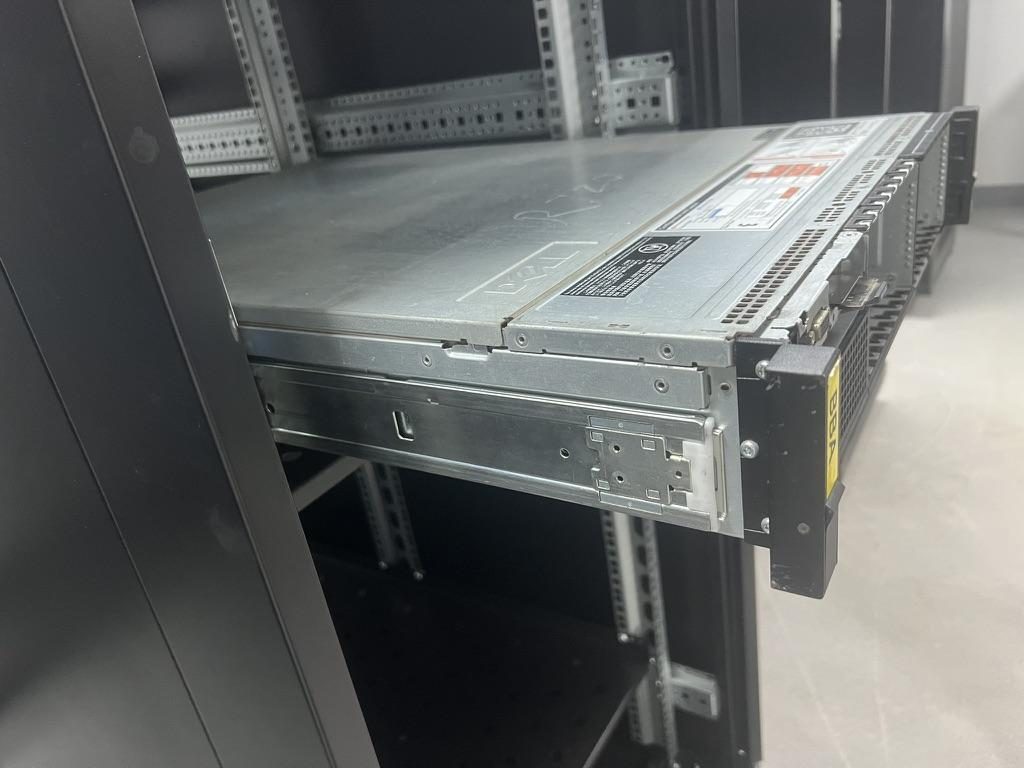
Tool-less and screw-mount rails both put a server in a rack — but they suit very different situations. One is built for speed and high-density rollouts; the other for universal compatibility and rock-solid stability. This guide explains the differences, the install steps, rack compatibility, safety, and which to pick for major server brands.
Tool-less vs Screw-mount Rails: Definitions and Key Differences
Tool-less rails clip directly into a rack's mounting holes — no screwdriver required. Their spring-loaded studs or clips snap into place, which is why they're built around square-hole racks. Screw-mount rails bolt to the posts with screws, often using cage nuts in square holes or threads in threaded-hole racks. Round-hole racks are unthreaded and usually need cage nuts too.
| Factor | Tool-less rails | Screw-mount rails |
|---|---|---|
| Install speed | Fast, snap-in | Slower, fasten each point |
| Tools needed | None (or minimal) | Screwdriver, cage-nut tool |
| Rack compatibility | Mainly square-hole | Square, threaded, round, 2-post |
| Load stability | High when fully latched | Very high, positively fastened |
| Maintenance | Quick remove/redeploy | Slower to remove |
| Cost | Often higher per unit | Lower, very universal |
| Best for | Standard servers, dense rollouts | Heavy/mixed gear, non-standard racks |
Most racks follow the EIA-310 standard, which fixes the 19-inch width and vertical hole spacing. That's why brands design around common hole patterns — but it does not mean every rail fits every rack. Hole type, depth and post structure still vary, so standard spacing alone never guarantees compatibility.
Installation Process: Speed, Tools, Cage Nuts, and Common Mistakes
Tool-less rails are about speed: align the rail to the U position, snap the front and rear clips into the square holes, and confirm the latch is fully seated. That's it — ideal for data centers racking servers by the hundreds where minutes per unit add up.
Screw-mount rails take more steps. On square-hole racks you press cage nuts into the holes, then drive screws; on threaded racks you screw straight into the post. Know your thread standard — M6, 10-32 or 12-24 are the common ones — and have a screwdriver and a cage-nut tool ready.
A quick pre-flight checklist avoids most failures:
- Confirm rack hole type (square / threaded / round) matches the rail.
- Set both rails to the same U position and verify left/right orientation.
- Check the front-to-rear post depth against the rail's range.
- Use the correct screw thread — don't force a mismatched screw.
- Seat cage nuts fully so they don't pop loose under load.
- Lift heavy servers with two people.
The most common mistakes mirror that list: misaligned holes, reversed left/right rails, unverified post depth, mixed-up screw threads, half-seated cage nuts, and single-person lifts of heavy gear.
Rack Compatibility: Square-hole, Round-hole, Threaded-hole, 2-post, and 4-post Racks
Rack type often decides the rail for you.
- Square-hole 4-post racks (EIA standard): the natural home for tool-less rails, and screw-mount rails work too (with cage nuts).
- Threaded-hole racks: generally need screw-mount rails; most tool-less clips won't engage threads.
- Round-hole racks: usually require cage nuts and screw mounting; check the specific rail.
- 2-post (telecom/relay) racks: typically screw-mount with center brackets — and only for lighter, shallower gear.
- 4-post racks: required for most servers, especially deep, heavy or sliding installs.
Equipment type matters as much as rack type. Servers are usually rail-friendly, but UPS units, PDUs, switches and network appliances vary: a heavy UPS or fixed appliance is often better on a screw-mounted shelf or tray than on slide rails. Not everything belongs on rails — match the mounting to the device.
Stability, Load Capacity, and Safety: When Screw-mounted Rails Are Safer
Tool-less rails aren't inherently weaker — a fully latched, well-designed tool-less rail is very secure. But their safety depends on conditions: the rail design, the quality of the latch, the rack hole type, the equipment weight, and whether every clip is fully engaged.
Screw-mount rails give more peace of mind when the situation is demanding: non-standard racks, heavy equipment, high-vibration environments, mobile or shipped racks, and long-term fixed installs all favor a positively fastened, screwed-down rail.
Avoid tool-less rails when:
- The rack hole type doesn't match the clips.
- The equipment exceeds the rail's rated load.
- The latches are worn, or a second-hand kit is missing parts.
- You're relying on a 2-post rack for something heavy.
- The rack will face vibration or transport.
Whatever you choose, always follow the server and rail rated loads and the install manual, and use two people or a lift for heavy servers.
Which Is Better for Dell, HPE, Lenovo, Supermicro, APC, and Generic Racks?
For branded servers, the rail kit usually comes from the vendor. Dell, HPE, Lenovo and Supermicro ship model-specific rails — don't assume compatibility from "1U" or "2U" alone; match the exact model and kit. APC and generic racks generally follow EIA-310, but depth, hole type, mounting pitch and post structure still affect which rail fits.
Weigh upfront cost vs total cost of ownership: tool-less rails may cost more per unit but save real time during deployment; screw-mount rails are cheaper and more universal, but slower to install and service.
Think about your MAC (moves, adds, changes) pattern. Data centers that swap equipment frequently get more value from tool-less rails; long-term fixed installs, mixed equipment, or budget-sensitive builds are usually better served by screw-mount rails. When a server's own kit isn't an option, alternatives like Rackstuds, cage-nut tools, universal trays and OEM rail kits can bridge the gap — just confirm the load rating and fit.
Need the Right Rail for Your Rack? Talk to Our Engineers
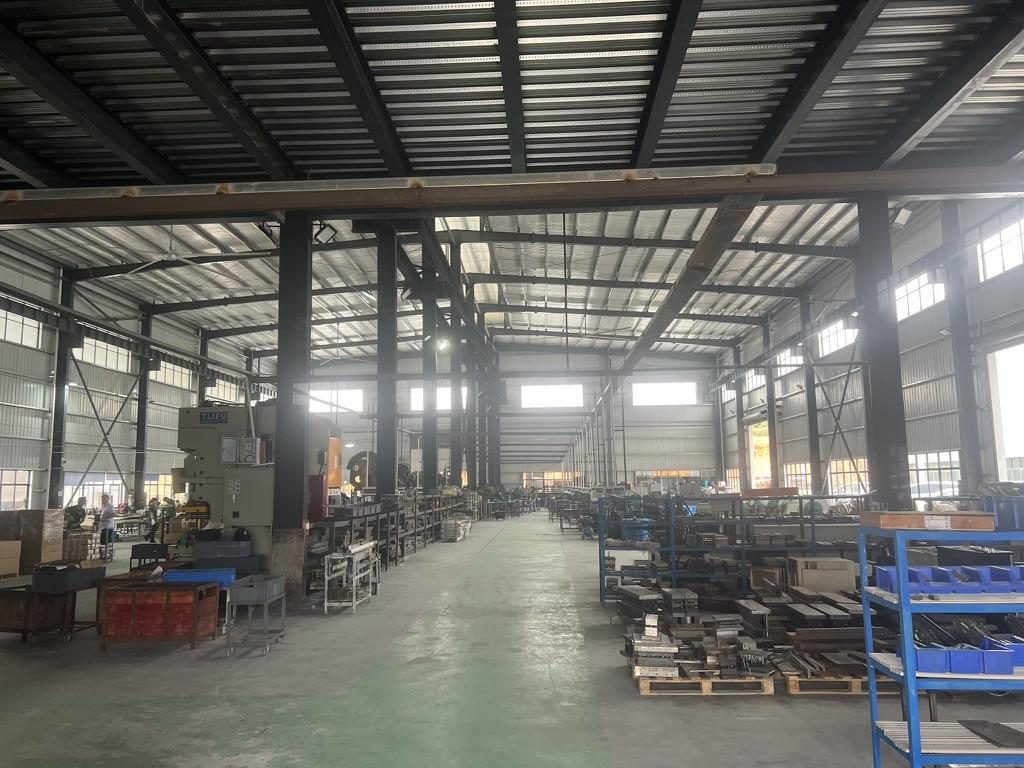
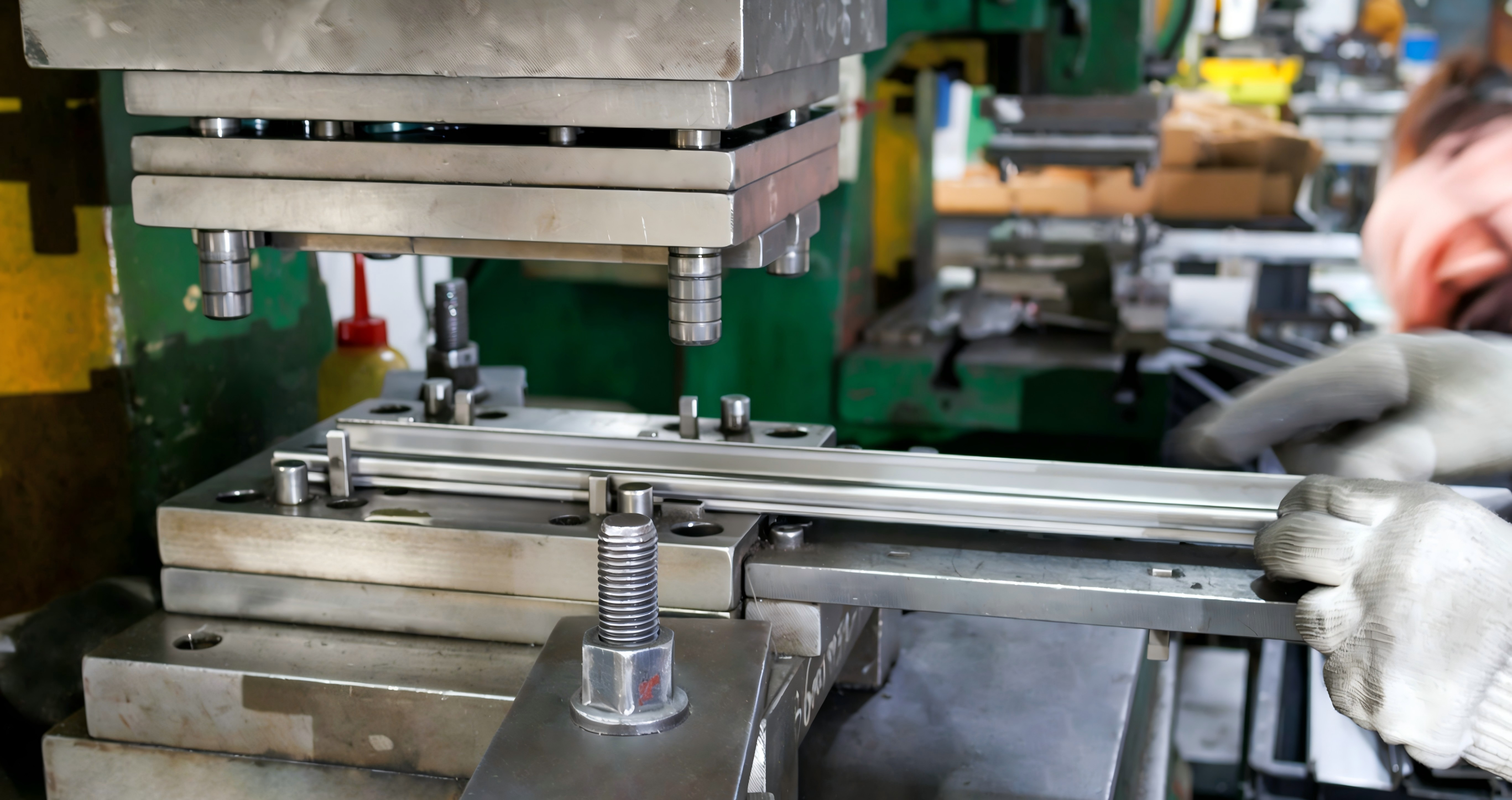
MetrixSlide is an OEM/ODM server-rail manufacturer with in-house stamping, roll forming and tooling. We build tool-less, screw-mount, fixed, friction, ball-bearing and heavy-duty GPU rails, with custom engineering for hole patterns, rail length, locking, load rating (40–180kg) and private-label branding — from prototype samples to bulk production under an ISO 9001 quality system.
If you have a custom requirement, our engineers are ready to talk it through and answer your questions. Send us your server model, rack type (2-post / 4-post), hole type, depth and load needs, and we'll confirm tool-less or screw-mount rails — or engineer a kit to fit.
Frequently Asked Questions
What is the main difference between tool-less rails and screw-mount rails?
Tool-less rails clip into square-hole racks without screws for fast installation, while screw-mount rails bolt to the posts (with cage nuts or threads) for maximum universality and stability.
Are tool-less rails better than screw-mount rails for rack servers?
For standard square-hole racks and frequent deployments, tool-less rails are faster and very convenient. For non-standard racks, heavy gear, or vibration-prone installs, screw-mount rails are the safer, more universal choice.
Can tool-less rails be used in threaded-hole racks?
Usually not. Tool-less clips are designed to snap into square holes; threaded-hole racks generally require screw-mount rails. Always match the rail's mounting style to your rack's hole type.
Do screw-mount rails require cage nuts?
On square-hole and round-hole racks, yes — cage nuts provide the threads for the screws. On threaded-hole racks the post is already tapped, so you screw in directly without cage nuts.
Are tool-less rails strong enough for heavy servers or UPS units?
Many are, when fully latched and within their rated load. But for very heavy UPS units or in vibration/transport scenarios, screw-mount rails (or a screwed-down shelf) are the safer choice.
How do I know if my Dell, HPE, Lenovo, or Supermicro server rails will fit my rack?
Match the exact server model to its rail kit rather than relying on U height, then verify the rack's hole type, depth and post spacing. When in doubt, check the rail part number and the rack spec sheet.
Which rail type is best for 2-post and 4-post racks?
4-post square-hole racks suit both, with tool-less being fastest. 2-post racks almost always need screw-mount rails or center brackets, and only for lighter, shallow equipment.
What mistakes should I avoid when installing server rack rails?
The big ones: mismatched hole type, reversed left/right rails, wrong screw thread, half-seated cage nuts, unverified post depth, exceeding the rated load, and lifting heavy servers solo.