How to decide whether to ask a manufacturer for a true 1:1 copy of a reference rail or a "replacement server rails equivalent" engineered to match form, fit and function while avoiding IP and tooling risk.
How to decide whether to ask a manufacturer for a true 1:1 copy of a reference rail or a "replacement server rails equivalent" engineered to match form, fit and function while avoiding IP and tooling risk.
How to Identify Compatible Rail Assemblies
Before you ask a manufacturer to copy or reproduce a rail, identify the exact interfaces that must match. Use a structured, photographed intake so engineering can confirm compatibility without guessing.
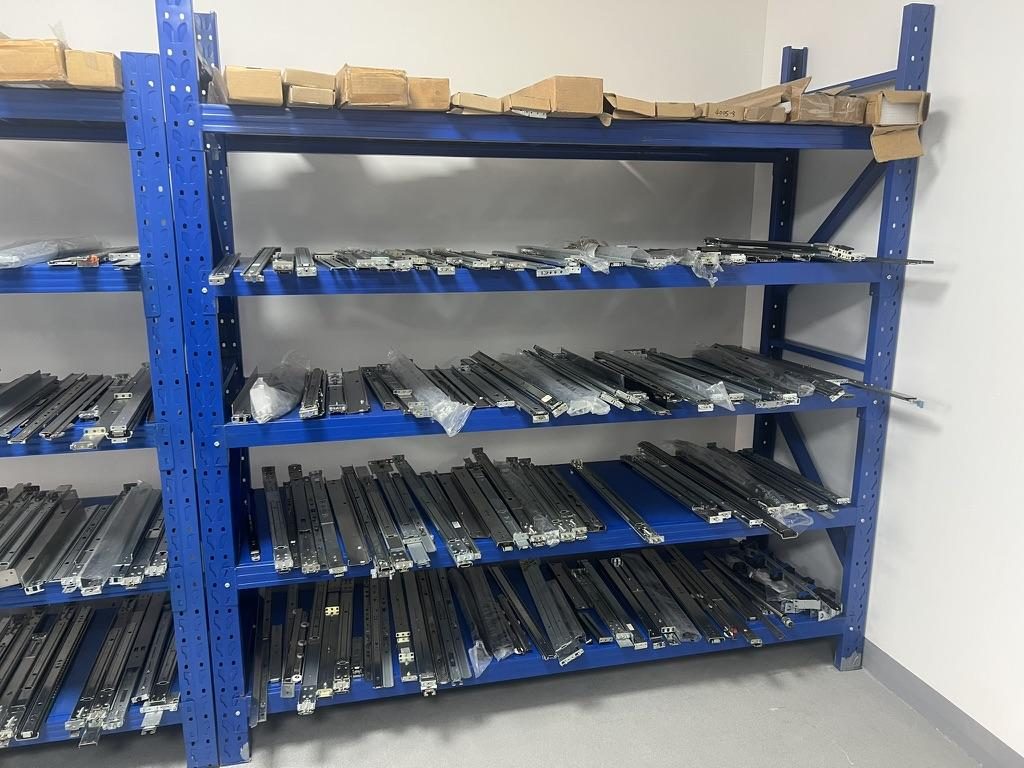
 Server rail sample display rack at the MetrixSlide factory showroom
Step-by-step measurement and checklist (take photos and a note for each item)
- Find any part numbers or label strings on the chassis, inner rail, or box — common places are the rear chassis lip, inner-rail underside, or inside the front ears. Photograph the label with a surrounding datum for context.
- Measure the actual rack post-to-post distance (the mounting depth), not cabinet external depth. Record min/max if posts are adjustable.
- Record three separate rail dimensions: closed length, extended length and useful pull-out (do not derive one from another). If you can’t extend the rail, measure bracket centre-to-centre front-to-rear when mounted.
- Identify rack post hole types (square punch/cage nut, round Ø, or threaded such as #12-24/10-32/metric). Photograph a close-up with a ruler.
- On the chassis side, document how the chassis connects to the rail: T-pin / PEM / keyhole / J-slot dimensions (head Ø, shaft Ø, under-head clearance), number and spacing of pins, and any captive thumbscrews or studs.
- Note service access needs (full extension, lock-out positions, drop-in vs stab-in installation) and whether the inner rail is removable.
Practical tips for OCR-friendly part numbers and photos
- Part numbers can appear in short and long variants (short code vs full SKU or with revision suffix). Capture the exact string and include it in your message to the supplier.
- Use a plain white sheet under small parts to improve photo contrast. Include a ruler or caliper in the photo for scale.
- If you have a reference rail, take four photos: front, rear, close-up of mounting ears, and an extended-side view. Attach a short video showing the rail travel and lock engagement if possible.
Measurement and interface guidance
- Make a comparison table with columns for: rack post-to-post distance (measured), closed and extended rail lengths, pull-out travel, front captive-screw centre-to-datum, pin/head geometry, and rack hole type. Transfer hole centres onto masking tape or paper for an exact visual comparison.
Decision rule (MetrixSlide engineering practice)
- Hard gates first: interface fit (hole/pin engagement), bracket-range vs measured post distance, and load feasibility. Only if those pass, evaluate preferences (ball-bearing vs friction, tool-less vs screw, extension length).
- Validation path: Requirement → CAD alignment → physical sample fit → performance testing. Passing CAD alone is not validation for fit or load.
What to expect from a supplier evaluation
- A good supplier will run a quick hard-gate check: interface match (hole/pin), bracket range vs rack depth, and a load feasibility gate. If any of these fail, asking for functional equivalence (match form, fit and function) is usually safer than requesting a 1:1 copy that risks IP/tooling exposure.
- Suppliers will typically request a mounting-area STEP/2D detail rather than a full confidential chassis model; that is often sufficient for front-interface alignment checks.
Definitions you should use when you talk to engineering
- Closed length: the rail length measured with the members fully nested.
- Extended length: the overall length with members fully extended.
- Bracket (adjustment) range: the range of post-to-post distances a rail’s brackets can span when installed (do not confuse with closed length). Validate your post distance lies within the bracket range before proceeding.
Brand-by-Brand Compatibility and Tested Fit Notes
Many buyers ask whether rails for one OEM will fit another. In practice some OEM rails are interchangeable; others are unique because of chassis or pin geometry. Treat any brand reference as a starting point, not proof of fit.
Common compatibility patterns and traps
- Some OEM rails include keyed ears, captive-screw centre offsets or proprietary pin geometries that determine the chassis final vertical position. Small vertical offsets (a few millimetres) in the front captive-screw centre-to-datum can change whether the chassis lands in the intended U-space. Always check the resulting chassis position in the rack envelope, not only whether the screw will engage.
- Threaded-post rails will not seat in square-punched posts without adapters (cage-nut or conversion hardware). Verify hole type and thread spec.
- Multiple rail families often exist within a single vendor’s product line. Matching the chassis model and confirming whether the OEM used stab-in or drop-in mounting is necessary.
- Older or legacy rails may use nonstandard pin geometries or lock-outs; expect conversion work.
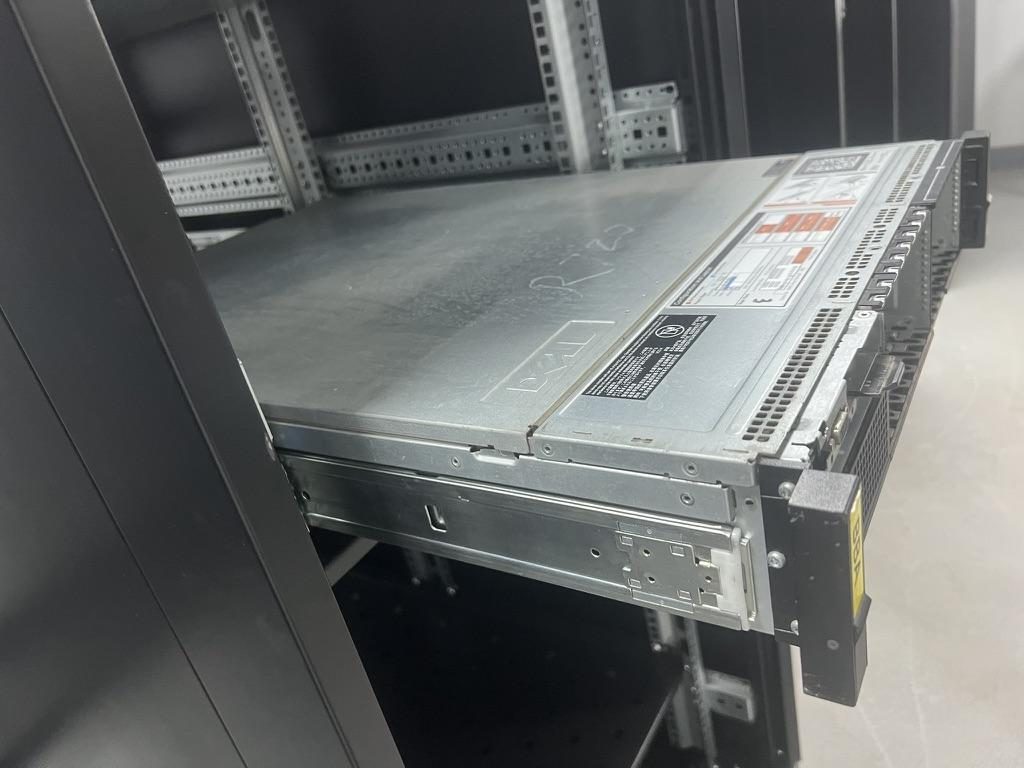
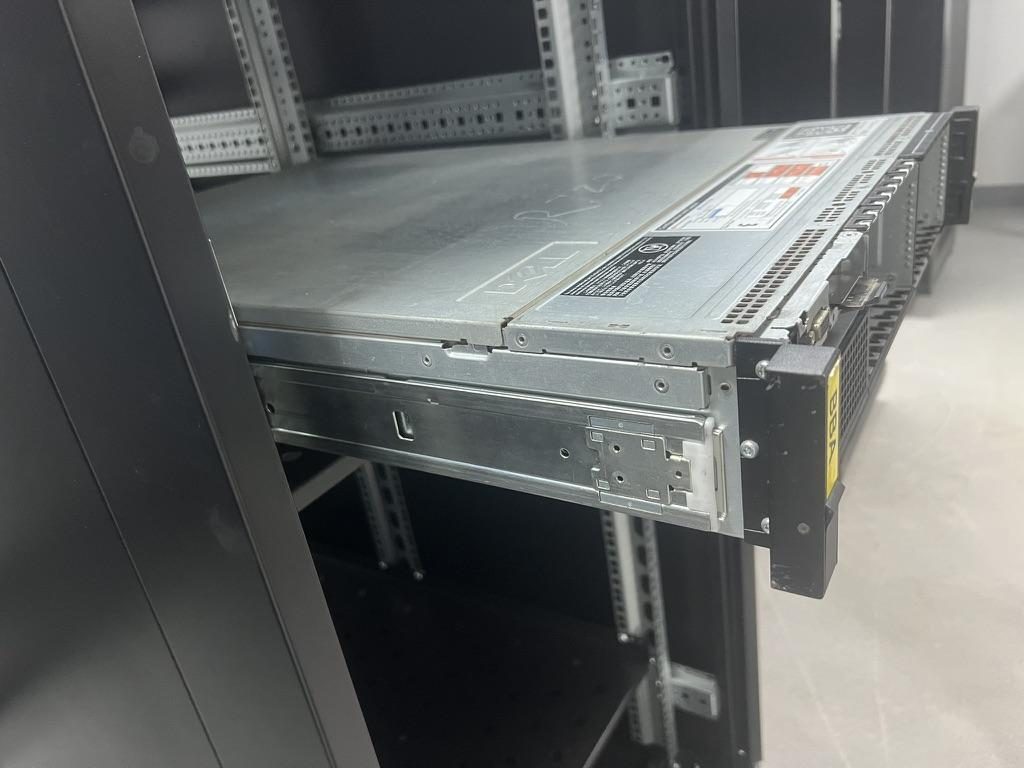 Compatible sliding rail kit for a Dell PowerEdge R720 chassis
Anonymized, field-proven fit notes (examples)
- A North American telecom OEM supplied a 1U friction reference with a reduced pull-out lock-out. MetrixSlide validated a functionally equivalent friction rail that reproduced the lock-out behavior without a 1:1 die copy; as in that project the design moved from an initial 300 mm pull-out to roughly 150 ±3 mm to match the customer’s load-testing and service needs. (Project-specific: acceptable range 100–150 mm.)
- An Indian HPC ODM provided a 2U ball-bearing reference and found the front screw datum differed by 2 mm from an off-the-shelf kit. That 2 mm difference required a revised front bracket so the chassis remained in the intended U-space; MetrixSlide’s process for this case was mounting-area CAD → customized 3D CAD → CAD integration by the customer → PI for sample pairs (bracket adjustment range confirmed 650–965 mm; customer's post distance ≈ 812 mm).
- A SaaS company building its own servers asked for a conversion from stab-in to drop-in for pre-installed rails; the conversion was achieved by redesigning the inner-rail J-slot geometry only, preserving closed and extended lengths and avoiding a full die rebuild.
How we record and improve cross-reference data
- Ask your vendor for a simple "candidate → tested" feedback loop: reference model, proposed replacement model, test-fit result, and corrective action. MetrixSlide records CAD integration outcomes, sample results and physical-fit notes to build a compatibility database that reduces surprises on larger buys.
When to ask for a 1:1 copy vs functional equivalent
- 1:1 copy is appropriate if a proprietary feature (specific T-pin geometry, keyed J-slot, or a patented anti-sag structure) must be reproduced exactly and you own or license the IP. Expect tooling/NRE and longer delivery.
- A "replacement server rails equivalent" is the right choice when you need the same mounting, service access, load and behavior but can accept different internal stamping or SKU. This avoids tooling risk and often speeds samples and delivery.
Technical Specifications, Load Ratings, and Safety Certifications
Translating datasheet language into procurement decisions prevents costly mistakes. Below are the practical parameters we check.
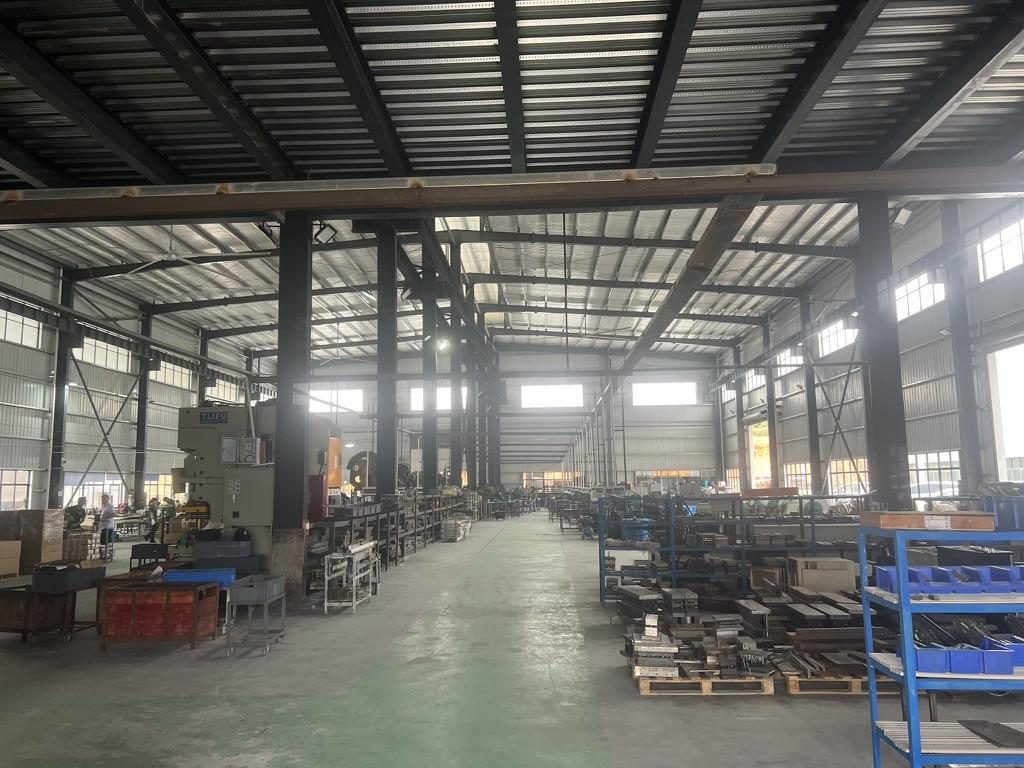
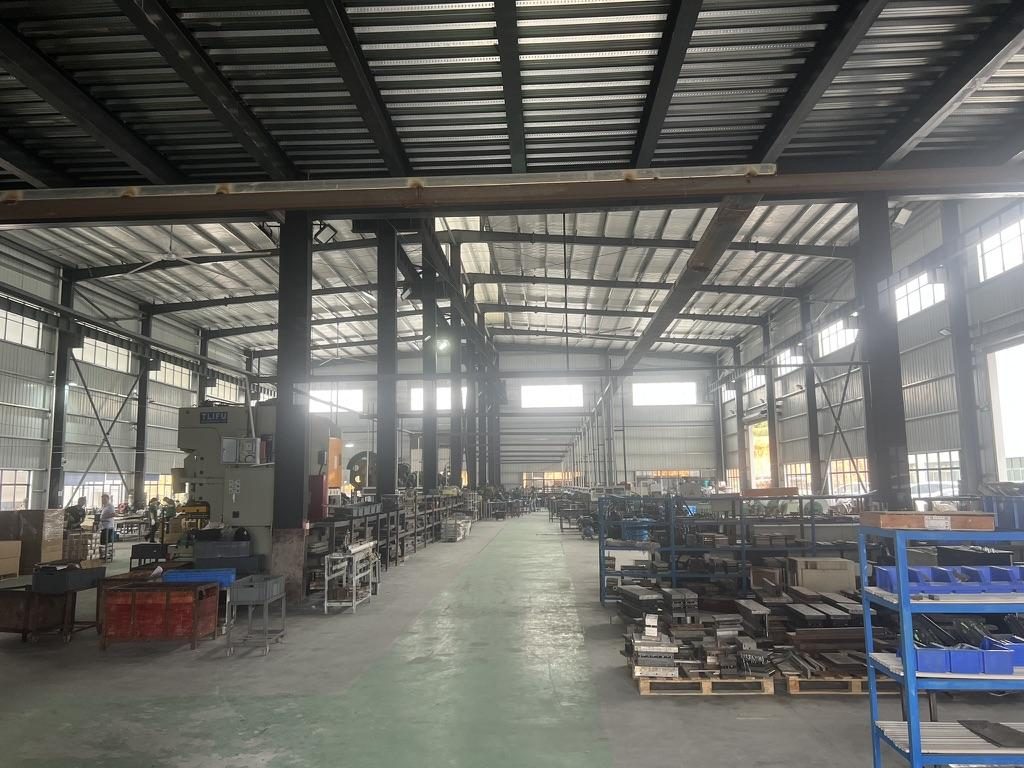 Overview of the server rail production workshop
Key technical parameters to compare
- Static vs dynamic load rating: confirm whether a value is static (typically quoted per pair at full extension) or dynamic (applies to moving/service loads). Example (MetrixSlide baseline): MS-BBR-180 has a nominal capacity of up to 180 kg per pair; a formal test report at that load is not yet available.
- Extension state for rating: some ratings apply only when closed; others specify full extension. Always confirm the extension state used for the published rating.
- Mechanism: ball-bearing slides give higher dynamic capacity and smoother travel; friction slides are slimmer and lower cost and suit lower-service-weight applications.
- Material and plate thickness: thicker, higher-grade steel reduces sag and increases stiffness; bracket position and thickness are common bounded customizations that usually avoid new tooling.
- Fatigue and cycle life: ask for lock/unlock cycle ratings or bearing-life guidance if the server will be frequently serviced. In MetrixSlide’s factory static-load test a rail pair is held under load at full extension for 24 hours, and the MS-FMR-2U-100 held 100 kg in that test.
- Surface finish and corrosion resistance: choose appropriate finishes for edge or coastal deployments.
Certifications and testing you should ask for
- ISO 9001:2015 certified manufacturing is a quality baseline to request during supplier selection.
- Ask whether the supplier conducts a 24-hour static load test or other long-duration sag checks on heavy-duty rails; in MetrixSlide’s factory static-load test a rail pair is held under load at full extension for 24 hours, and the MS-FMR-2U-100 held 100 kg in that test.
- For regulated deployments (telecom shelters or enterprise data centers), determine if you need UL, NEBS or seismic/anti-vibration proof points — these are application-driven and may require specialized testing.
How ratings affect selection (practical rules)
- For devices requiring frequent access or heavy storage (1U–4U servers with heavy drives or GPUs), prefer ball-bearing rails and require a dynamic or service-rated specification.
- For heavy payloads, verify rating is stated per pair and for the intended extension state. If you plan to add extra rail pairs, check the manufacturer’s multi-rail guidance rather than assuming linear scaling.
- In earthquake-prone zones, confirm whether the rail design includes anti-sag features or can be supplied with seismic-rated fasteners; if you need certification, make it a procurement requirement.
Quick comparison (engineering trade-offs)
- Functional-equivalent replacement: faster to sample, lower IP/tooling risk, uses existing families and small bracket changes; validation follows CAD + fit sample + static test.
- 1:1 copy (tooling): appropriate only when exact reproduction of proprietary features is required; expect tooling/NRE and longer validation.
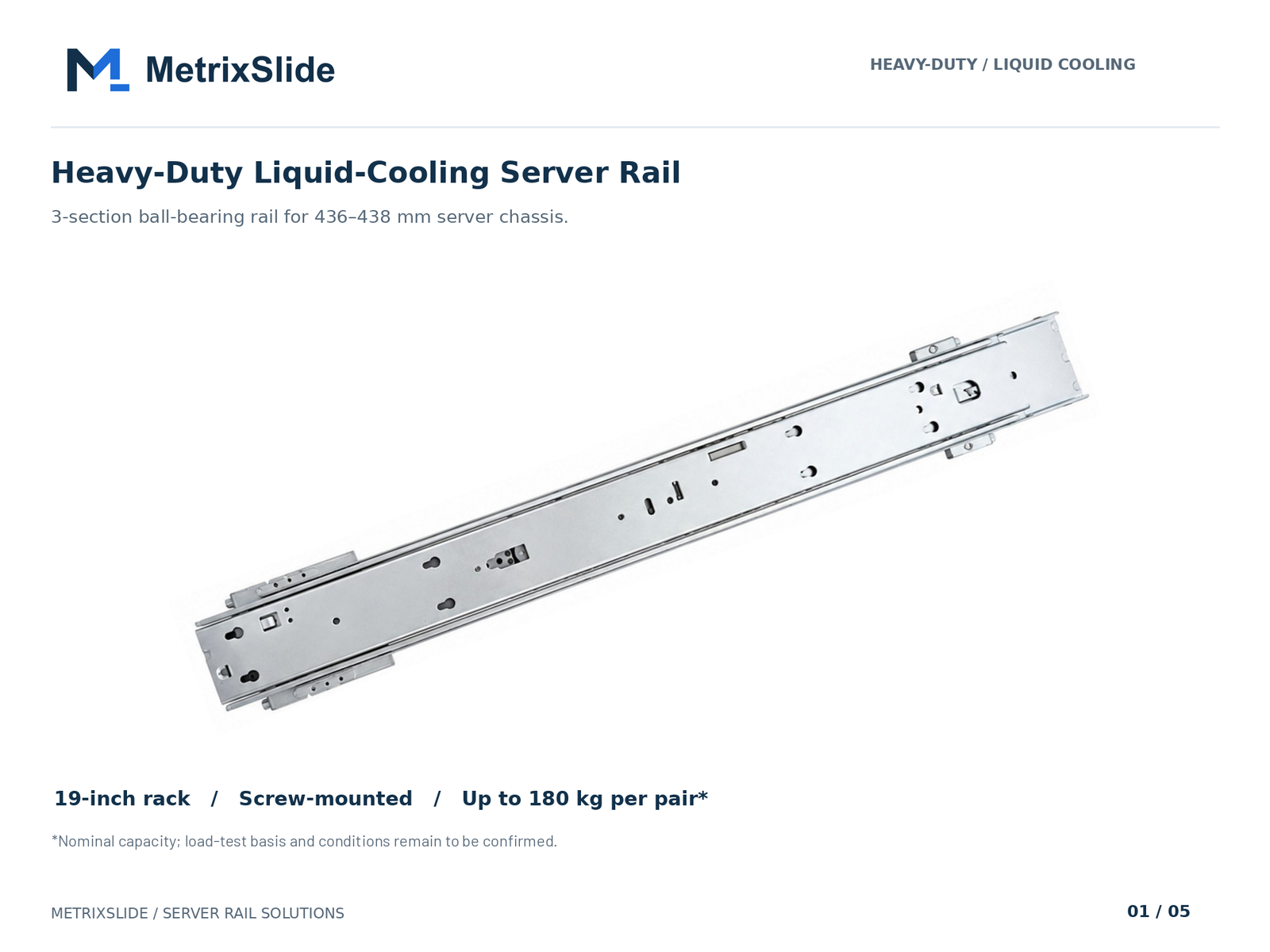 MS-BBR-180 Heavy-Duty Liquid-Cooling Server Rail — view product
Notes on MetrixSlide product nomenclature and validation practice
- MetrixSlide maintains multiple families (friction, ball-bearing, tool-less, ultra-slim, heavy-duty). Model suffixes sometimes reflect the nominal load capacity (example: GSR-2U-180 → nominal capacity of up to 180 kg per pair).
- Sample lead time: MetrixSlide’s internal case evidence indicates typical sample lead times on small runs are roughly 15–20 days after order/drawing confirmation; treat this as indicative, not contractual.
Installation, Troubleshooting, and Proprietary Latches
Installation failures often trace to skipped checks. Follow a systematic installation and troubleshooting flow to spot interface mismatches early.
Installation flow (step-by-step)
- Confirm rack post type and mount hole pattern; install cage-nuts or threaded fasteners as required.
- Mount outer members to the rack post and confirm bracket range matches measured post-to-post distance in both closed and extended states.
- Prepare chassis: verify T-pin or PEM head geometry and location, under-head clearance, and alignment datum marks.
- Execute install method: stab-in (insert sequence) or drop-in (lower into pre-installed rails); check that lock-out engages at the intended extension.
- Functional check: extend and retract under no-load, then with expected service load; confirm locking, smoothness and absence of binding.
Troubleshooting common issues
- Jamming on insertion: usually caused by pin-head underclearance conflict or a misaligned datum. Slightly loosening outer-rail mounts, realigning and reseating often helps.
- Ball loss or grittiness after forced insertion: inspect bearing retainers and inner-rail retention clips; forced fits can eject ball-retainers.
- Chassis sits out of intended U-position: re-check front mounting centre-to-datum. A few millimetres difference in captive-screw centre can shift the chassis into an adjacent U-slot.
Proprietary latches and how to handle them
- Proprietary spring latches, positive manual-release locks, and captive thumbscrews may be protected by IP or tied to a single vendor’s tooling. Converting a proprietary latch typically requires redesign and may carry NRE.
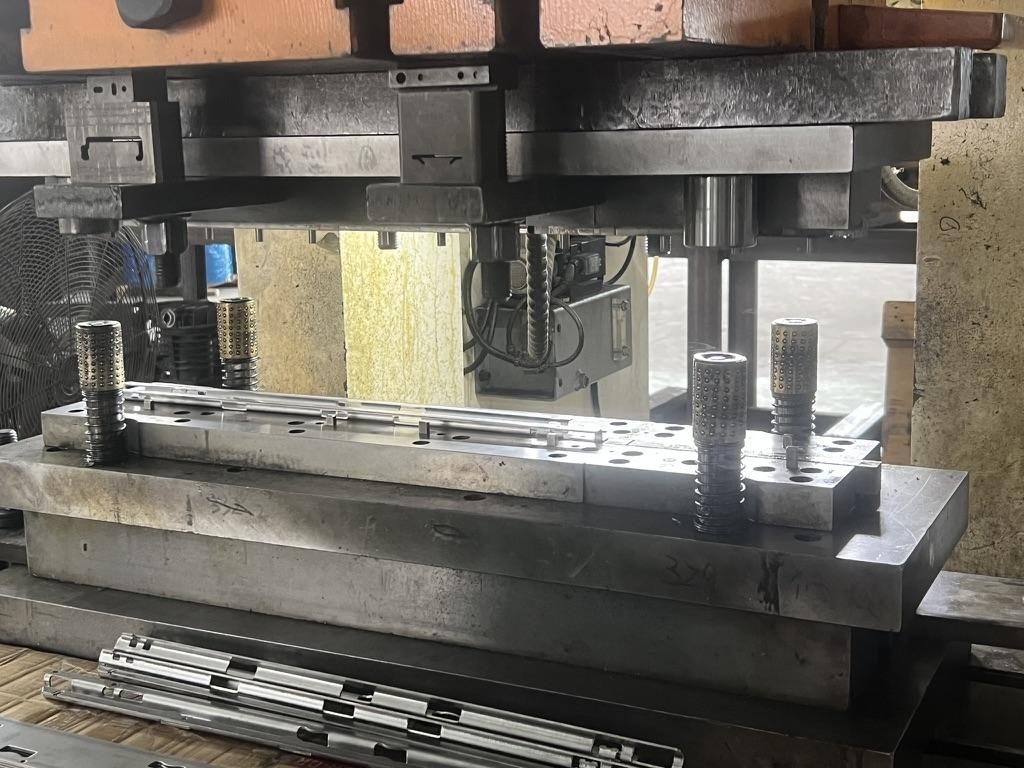
- Some conversions (stab-in → drop-in) can be achieved by inner-rail J-slot geometry changes only; this keeps tooling changes small and avoids full die rebuilds in many cases.
When to revert to OEM manuals and videos
- If the OEM provides an installation video or sequence (especially for stab-in rails), follow that first. If you must deviate, ask the OEM for timecodes for the specific step to isolate risk.
Where to Buy, Price Comparison, and Vendor Reliability
Choosing between OEM and third-party replacement rails mixes policy (TAA, procurement rules) and practical risk assessment.
Channels to consider
- OEM spare parts stores and authorized resellers: best for compliance and strict OEM traceability.
- Large resellers: convenient for small buys and faster procurement.
- Specialist server-rail manufacturers: good for cross-references, custom brackets and bulk buys; they should accept CAD for a fit review and provide samples.
- Refurbished/used markets: cheaper but higher risk; require photos and measurements.
Evaluating third-party seller reliability Look for these signals:
- Clear return and compatibility guarantees (seller accepts returns if the rail does not fit within a stated window).
- Real product photos and verified measurements matching the listing.
- Measurement-verified customer fit reports (keywords: “fit confirmed”, “measured 812 mm post distance”).
- Warranty and lead-time transparency, and a documented RMA/claim process.
Practical buying guidance
- For regulated buys or government contracts, choose OEMs or suppliers that meet procurement rules.
- For scale buys or when you control chassis features, a reliable third-party manufacturer that will accept CAD for a fit review and provide samples can reduce cost and time. MetrixSlide’s case work shows sample validation commonly uses the CAD → 10-pair sample → physical installation path.
- Keep photographic and measurement evidence if a rail does not fit: photos with a scale, a signed record of measurements, and the original part-number string form the basis for claims.
Dispute / compatibility-claim checklist
- Comparative photos showing the failed fit, ruler/caliper measurements, the original part number, and a short video of attempted installation.
- Seller’s compatibility statement and SKU details. Ask for an explicit compatibility guarantee window (for example, a candidate bracket range that covers your measured post distance).
Conversion / CTA
Cross-reference preparation
- Gather the OEM part number (full string), hole-position pattern, and measurements in a simple comparison table. Use that to accelerate supplier reviews and supply engineering-ready data.
If you want immediate help
- Use our create-a-quote tool to upload your chassis drawing and photos (https://www.metrixslide.com/page/create-a-quote/), or contact our team for paid measurement or installation consultation (https://www.metrixslide.com/contact-us/).
FAQ
Q: How do I locate and interpret the OEM part number to find a compatible replacement rail? A: Check the chassis rear lip, inner-rail under-surface and any labels inside the front ears. Capture the full string and any revision suffixes; include a photo and the chassis model to help the supplier cross-reference short and long SKU variants.
Q: What exact measurements should I take to ensure replacement rails will fit my rack and server? A: Measure rack post-to-post distance (the mounting depth), closed and extended rail lengths, pull-out travel, front-captive screw centre-to-datum, and pin/head geometry. Mark hole centres directly on masking tape or paper; upload photos with a ruler to reduce ambiguity.
Q: Are universal or adjustable-depth rail kits as reliable as OEM-specific rails for heavy 1U–4U servers? A: "Universal" rails increase conditional compatibility across defined rack conditions, but they may omit OEM-specific features (rotating ears, certain lock-outs). For heavy or service-intensive 1U–4U deployments choose ball-bearing rails rated for dynamic loads and validate with physical samples.
Q: How do static and dynamic load ratings impact which type of rail I should choose for my equipment? A: Static ratings apply to supported weight at rest (often quoted per pair at full extension). Dynamic ratings describe safe service loads during movement. Match the rating type to your use: frequent service cycles demand dynamic/ball-bearing ratings; primarily stationary loads can accept static-rated friction rails.
Q: Can I install replacement rails without tools, and when is screw-in mounting recommended instead? A: Tool-less (stab-in or tool-less brackets) installations are fast and common for frequent service, but screw-in mounting is recommended where precise alignment or higher seismic resistance is required. If your rack uses threaded posts, screw-in rails offer a more secure attachment than spring-pin tool-less systems.
Talk to a MetrixSlide engineer
Want an engineer to run this check on your own chassis and rack? Send us a chassis drawing or model (STEP or DWG), the rack post-to-post distance and hole type, the expected load and your planned quantities. Within 24 hours you get a rail matching proposal from an engineer, followed by 2D/3D drawings for review and sample pairs (typically 15–20 days after drawing approval) for physical validation before the full order.
Bracket position, hole pattern, rail length and thickness adjustments on our existing platforms usually carry no tooling fee; structural redesigns are quoted separately with dies made in-house.